Choose hosting that supports your website’s software and the maintenance you can manage, and keep control of the domain, DNS, and recovery access. Change hosting category when your application requirements, operating skills, or tolerance for risk change. Before buying or moving a site, verify account ownership, renewal terms, recoverable backups, and email routing.
A hosting plan seems simple until you need to change something. Your domain might be registered with one company, its DNS managed by another, and the site running at a third. Business email may sit with yet another provider.
That setup works when you know who owns each account and the host supports your site’s software. Trouble starts when nobody is sure who is responsible for what.
How do a domain, DNS, hosting, and email fit together?
Your domain is the name visitors type to reach your website. Registration gives you the right to use that name for a set term. The Domain Name System (DNS) holds the records that send requests to the right services. Web hosting stores or runs the website itself. Email on the same domain can use a different provider.
A browser asks DNS where the site lives and connects to that server or platform. Mail servers use different DNS records to find their route. Each of these services can sit with a different company.
| Service | Function | Administrative control |
|---|---|---|
| Domain registration | Maintains use of a registered name for a term | Registrant and registrar account |
| Authoritative DNS | Publishes records that point to websites and mail services | DNS provider or zone administrator |
| Web hosting | Serves site files or runs its application | Host account and site administrator |
| Email hosting | Handles mailboxes and mail delivery | Mail provider and mail administrator |
For example, a business may register its domain with one provider, use Cloudflare for authoritative DNS, host WordPress elsewhere, and run a separate business mail service. Moving the site to a new host leaves domain registration and mail hosting where they are.
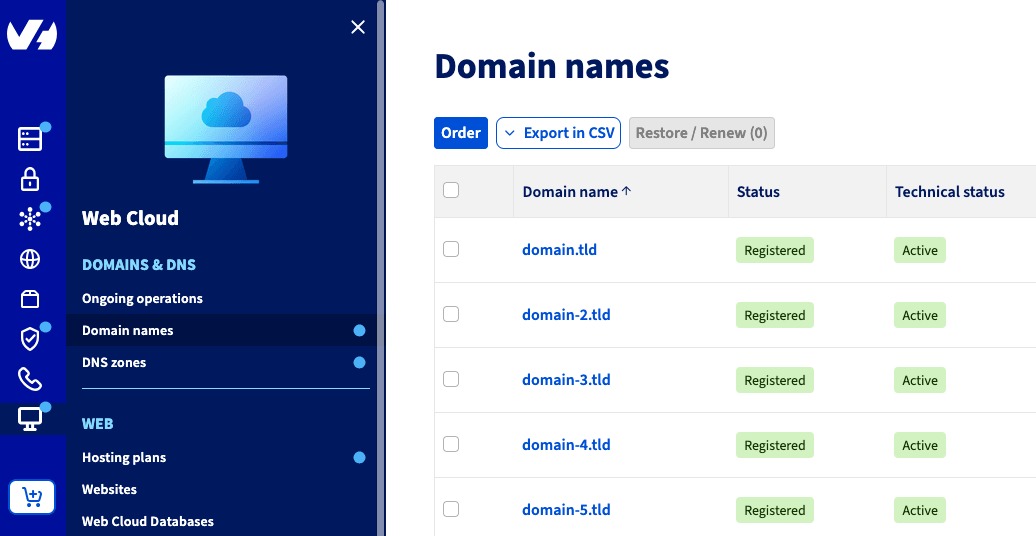
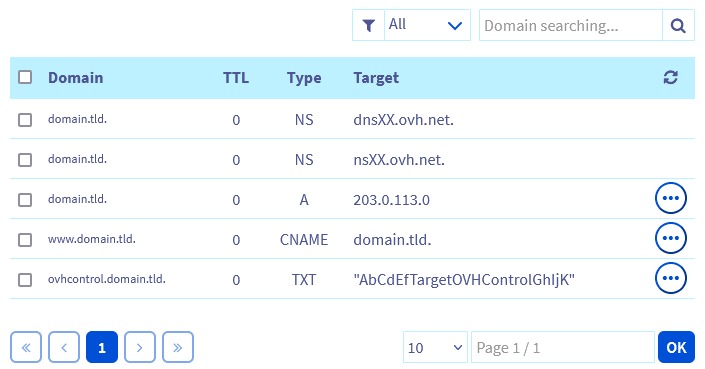
Common DNS records are A and AAAA for IP addresses, CNAME for aliases, and MX for mail exchangers. Email authentication also relies on SPF, DKIM, and DMARC records, set up as the mail provider requires.
HTTPS adds encrypted connections through TLS certificates. It covers transport security only. Account access, registration rights, and backups are separate concerns. Cloudflare’s DNS explanation describes how domain lookups find service destinations.
What does your website need from a host?

A host must run the application you plan to publish.
A static brochure site needs only a service that delivers HTML, CSS, images, and scripts. A typical WordPress installation needs compatible PHP and a database. A store adds transaction and recovery concerns. Custom applications may need specific runtimes, persistent processes, or configuration access.
Some visual website builders already host the sites built on them. If you use one, check the builder’s included hosting and domain connection options before you buy a separate plan.
Record the requirements that could disqualify a plan
- Application: A static site, WordPress, another CMS, a store platform, a custom app, or a hosted builder.
- Software: The language or runtime, database, versions, extensions, and background processes it needs.
- Control: How you deploy, and whether you need server configuration access, staging, or a specific management interface.
- Usage: Traffic pattern, storage needs, and whether visits arrive in bursts. Use measured figures if you have them.
- Operator: Who can maintain the application and respond to failures.
- Dependencies: TLS support, backup access, email services, and any platform-specific requirements.
Say you are a developer who needs a long-running application process. A shared plan limited to a conventional PHP stack won’t suit you, however generous its advertised storage looks. For a simple static site, a full virtual server adds administration you don’t need.
Read “fast” and “unlimited” next to the plan’s runtime support, resource limits, and service terms. If the runtime doesn’t fit, the plan is out, whatever the headline offer says.
Which type of hosting fits your requirements?
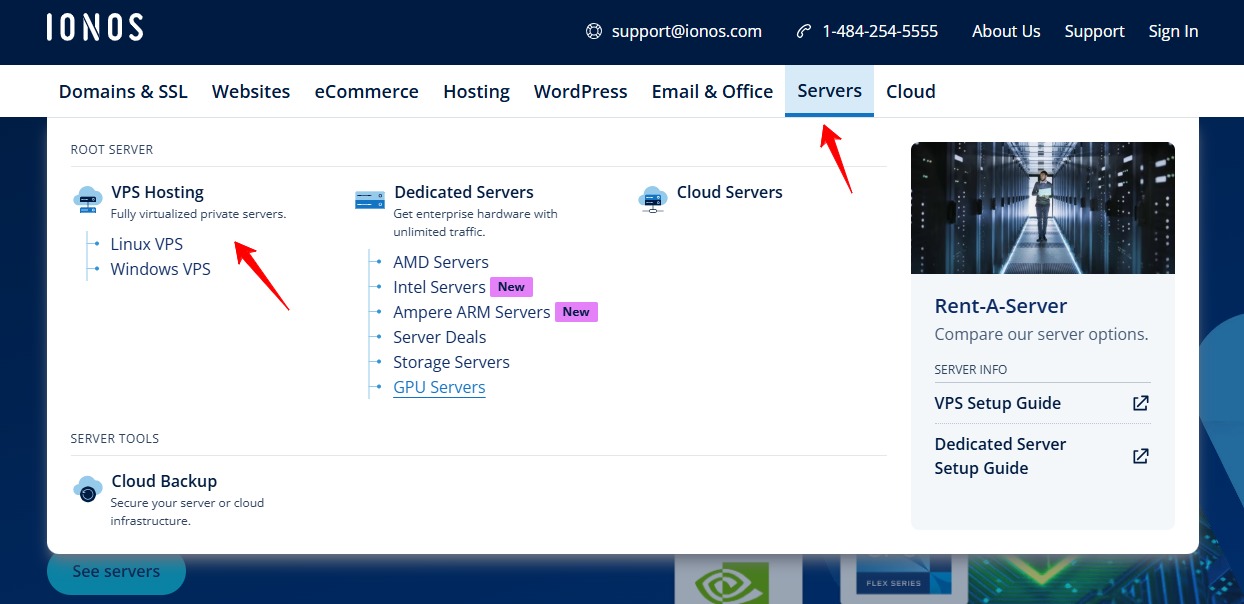
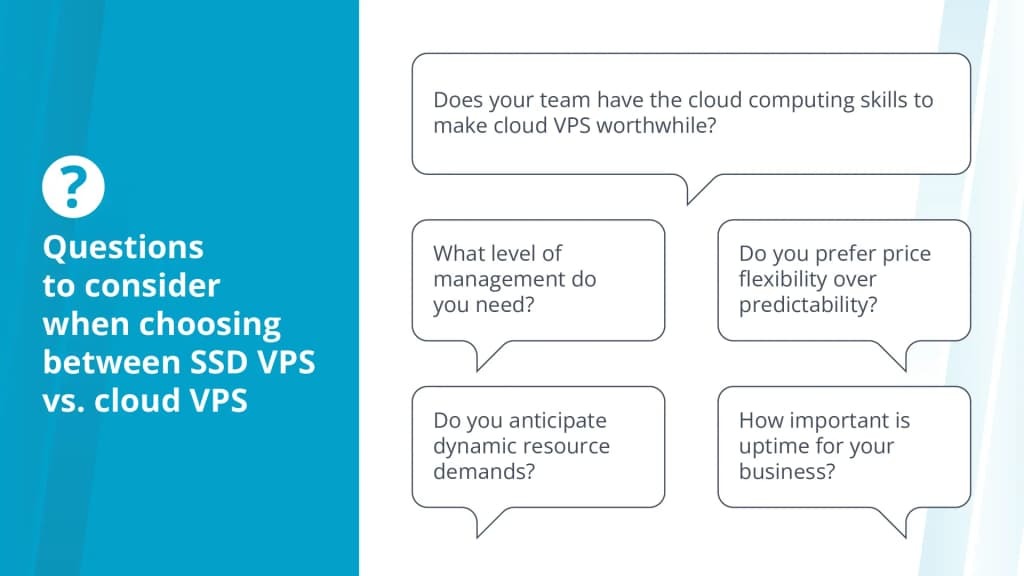
Use your application’s requirements to rule out unsuitable platforms first. Then compare administration and recovery responsibilities among the options that remain.
| Hosting arrangement | Suitable for | What to check |
|---|---|---|
| Shared hosting | Conventional sites using a supported software stack | Limits on server configuration and resources |
| Managed WordPress | WordPress sites whose operators want the provider to handle platform work | Exact management scope and application compatibility |
| VPS | Sites needing a virtual environment with more configuration control | Server administration and security duties |
| Dedicated server | Workloads with specific capacity, control, or governance needs | Provisioning and ongoing operation |
| Cloud hosting | Workloads that need a defined cloud architecture or scaling approach | Actual resilience design, operations, and billing |
| Static or edge hosting | Sites delivered as static assets | Handling dynamic or server-side features |
| Hosted website builder | Sites created and published inside an integrated builder | Included hosting, application limits, and custom-domain terms |
If you run WordPress with standard requirements, compare compatible shared and managed WordPress plans. If your software needs operating-system configuration that neither offers, look at a VPS or another suitable platform. If you use a hosted builder, your plan may already include the hosting you need.

A VPS can be managed or unmanaged, and “managed WordPress” is a scope of service that can run on different infrastructure. Your provider agreement states which patches, security tasks, backups, and incidents stay with you. The checks for security patching, backups, and incident response are explained in who handles managed versus unmanaged VPS operations.
Cloud hosting also covers differing implementations. Scaling, redundancy, administrative control, and billing depend on the specific design and product.
Who controls your domain, DNS, and hosting accounts?
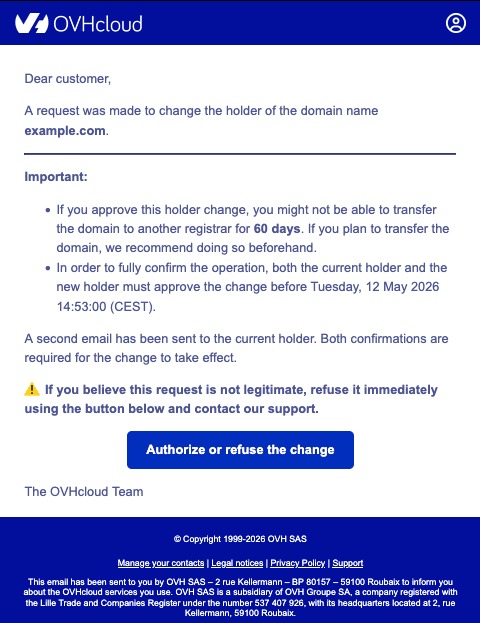
WordPress permissions let an administrator edit site content. Registrar administration, DNS changes, and hosting billing sit in separate accounts with their own access rights.
This matters when an agency built the site, an employee has left, or you inherited an account held by a contractor. One travel-agency operator described relying on an unresponsive intermediary:
I have a small travel agency and we have a WordPress site. I took over the agency a year ago and the website and host came with it. The current host has her own account on LiquidWeb and we are under her. I have tried for months to get in contact with her to make edits and manage issues that have come up and she has not responded. I emailed from every email account I have, reached out on social media, texted and called, and even had LiquidWeb reach out. Nothing.
The operator also reported a weekend outage and trouble arranging a move.
Identify the people who can change each service
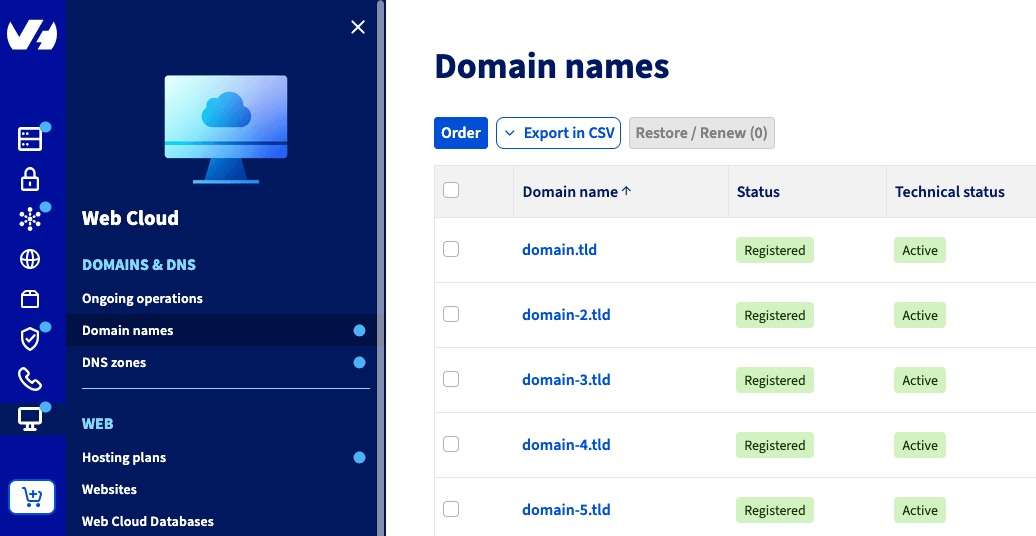
- Domain: Find out who the registrant is, who holds the registrar login, and how recovery works. ICANN Lookup helps you identify a domain’s registrar, but you need authorized account access to administer the registration.
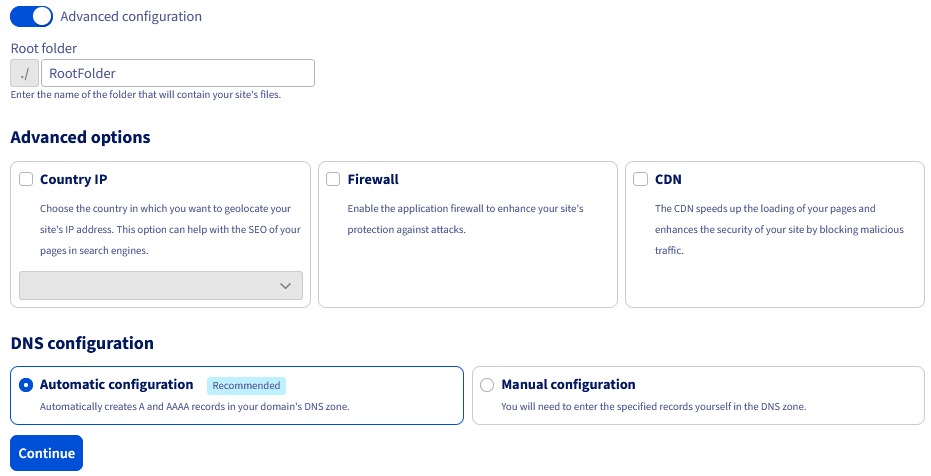
- DNS: Find who can change nameservers and who can edit the active DNS zone.
- Hosting: Find who manages billing, deployment access, files, databases, and site permissions.
- Agency or reseller: Learn which actions they perform and how you can take over administrative access if the relationship ends.
Confirm that your designated administrator can sign in to each essential account or use its documented recovery process. An agency can keep handling everyday site management while you keep reliable administrative control.
Who handles updates, support, monitoring, and outages?
A managed hosting agreement should name the exact work the provider does and what stays with you or your contractor. That work can include server patches, application updates, security response, TLS configuration, incident escalation, and external monitoring.
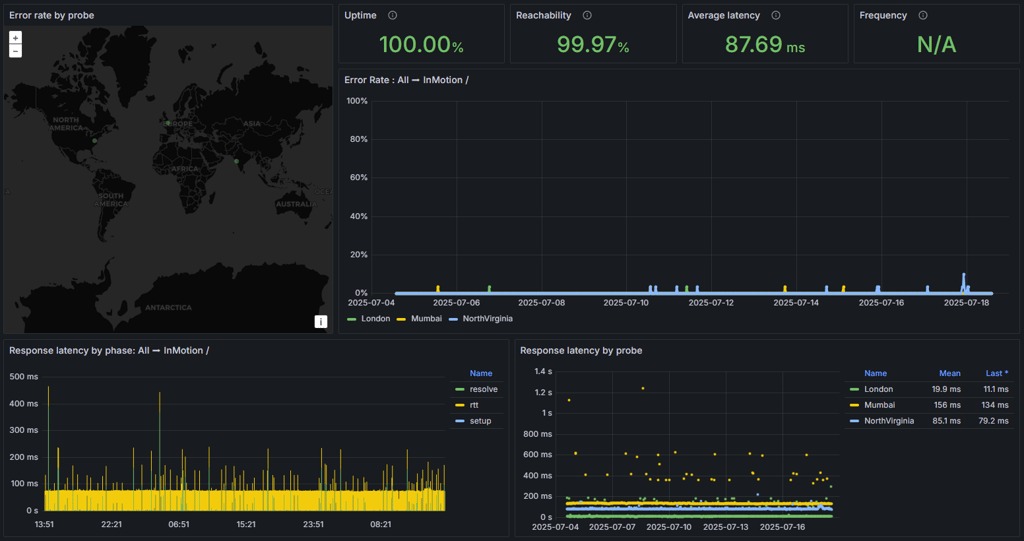
Keep three terms apart. Server uptime describes availability. Website monitoring detects failures. An SLA defines any contractual remedies. Read the written management and support scope, and find out who detects application failures and who responds to them.
What will hosting and the domain cost after the first term?
The first advertised hosting term and the renewal term can carry different prices. Check each separately billed service and the date the promotional rate ends.
| Cost component | Initial contract | Renewal or later expense |
|---|---|---|
| Web hosting | Promotional or regular plan price and included resources | Renewal price, length of term, plan changes |
| Domain | Registration charge or bundled promotion | Renewal charge and registration term |
| Business email | Included mailbox or separate service | Ongoing mail subscription |
| Backups | Included copies, retention, and restoration terms | Any storage or restore charges |
| Migration | Included help or contracted work | Possible transfer or exit costs |
Compare offers over the same period. Total the initial hosting and domain charges, then add the continuing cost at the stated renewal terms, plus any email or backup service you need separately. A cheap first checkout can mean a pricier renewal. For renewal charges, backup fees, and support limits, use how to calculate the full cost of budget hosting to compare the relevant requirements.

Domain expiration can stop the registered name from directing visitors to your site. The website files stay in the hosting environment. ICANN’s Expired Registration Recovery Policy covers specified expiration notices and recovery processes for relevant gTLD registrations. Your options after expiration depend on the registration and the policy that applies.
Record the domain’s expiration date, the contact who receives registrar renewal notices, and the renewal settings. Run this check against the registration contract even if the host and registrar share one bill.
Could you restore the site if the hosting account disappeared?
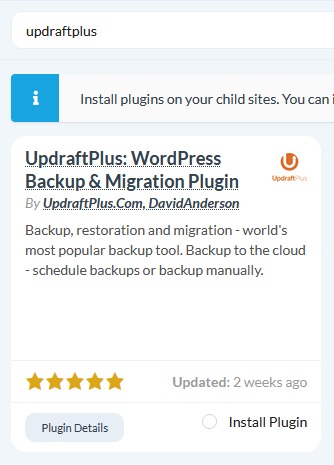
A backup helps in an account lockout only if you can retrieve and restore it without that hosting account. For WordPress, that means the site files and the database. Configuration and connections to external services can matter too. A file-only copy cannot restore content that lives only in the missing database.
One site owner described finding two websites down and the control-panel copies gone:
I checked two of my websites today to find that they are down. I contact support for my web host and find that they switched server IP addresses so I need to update my DNS records to point to the new server. I do this and discover that all content on both of my web pages is gone. I then login to my control panel to discover that everything is gone. All files, backups…everything. One of my domains is also no longer linked to the control panel.
The poster later updated the original post to say the account had been hacked.
Rehearse a restoration away from the live site
- Retrieve: Get an off-host copy of the site’s files and database, or the equivalent assets for another application stack.
- Restore: Use a separate test environment so the live site stays untouched.
- Inspect: Open pages, images, and database-driven content in the restored copy.
- Retain access: Write down who can retrieve the independent copy if the original host account is out of reach.

The WordPress backup documentation describes the separate database and file components.
What changes when you switch hosts, and how do you protect email?
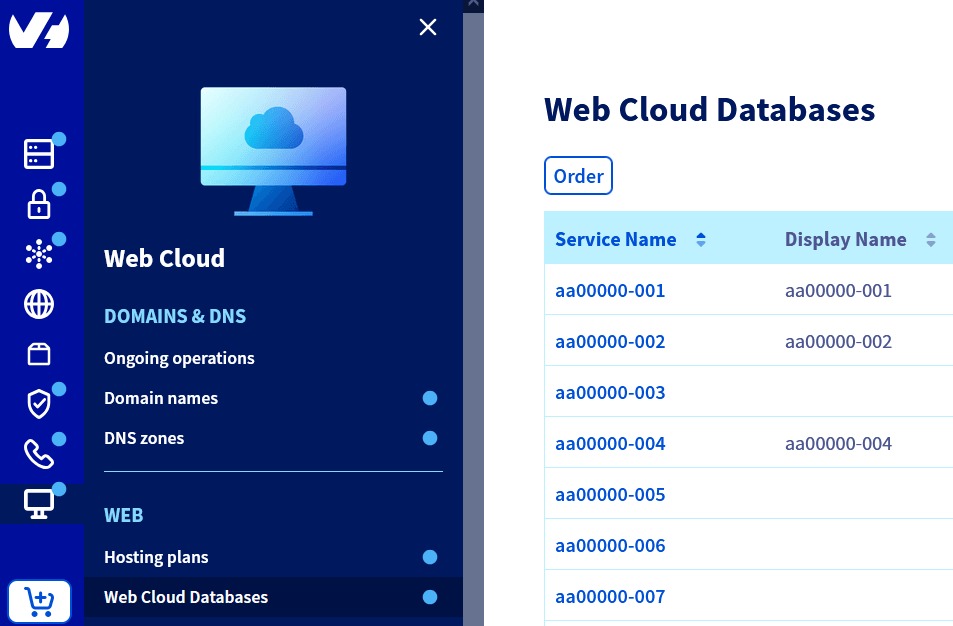
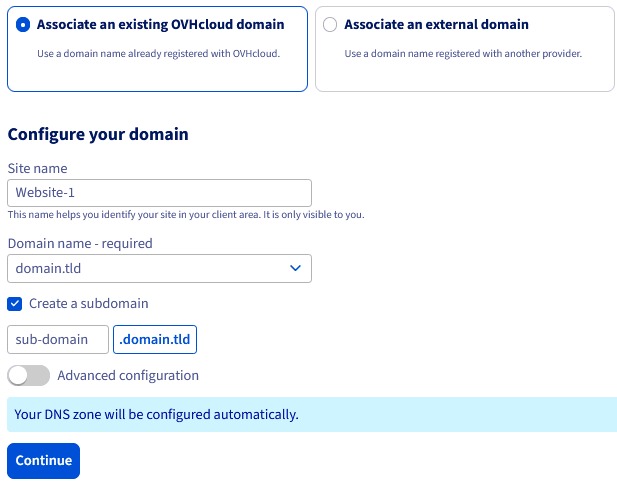
You can move the website to a new host and leave domain registration at its current registrar. You need a nameserver change only if you also change who provides authoritative DNS.
- Website migration: Moving the application’s files, database, or deployment to another hosting environment.
- Registrar transfer: Changing the company responsible for domain registration.
- Nameserver or record change: Changing the authoritative DNS provider, or updating the records that direct web and mail traffic.
A business might move WordPress and keep its existing mail provider. If you change nameservers, the new authoritative zone needs the records for both the website and the mail service, including the provider’s authentication records.

A WordPress owner described the uncertainty when website and webmail trouble coincided with an approaching renewal:
I have two Word Press sites and I’ve been with Bluehost for years. Recently, my webmail on my second site went down and Bluehost customer service was awful – it too three calls and escalation (which they did NOT want to do) to get it fixed. Then the site went down. My hosting is about to renew in June and, from reading comments on Reddit, I think I need to switch.
The poster also said they could edit WordPress pages but had never migrated a website.
Record the live DNS dependencies before a cutover
Document the current authoritative DNS zone and identify the mail provider. Preserve the website’s destination records and the mail records that provider requires. If you are changing nameservers, stage them in the new DNS service first.
After a DNS change, query the domain’s MX records, for example with dig example.com MX +short, and compare the result with the mail provider’s expected servers. Compare the published SPF, DKIM, and DMARC records with the provider’s required settings. Test website resolution and actual mail delivery separately, because a matching MX answer alone cannot confirm the whole email service works.
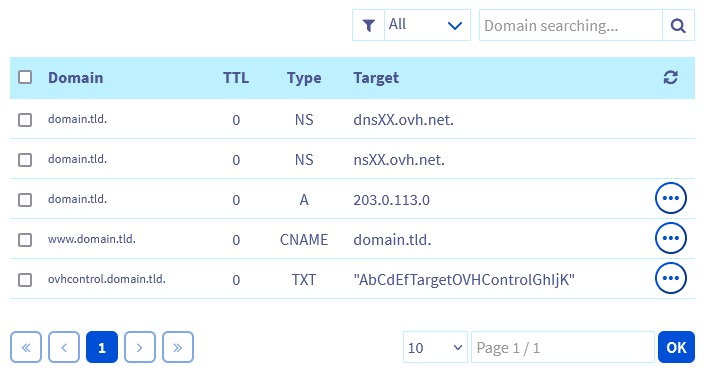
Decide who runs these checks and how you would restore the previous configuration if the cutover fails. DNS caching and provider-specific records affect when visitors and mail systems see a change. Cloudflare’s DNS zone setup guidance covers record inventory when moving authoritative DNS.
For execution details, use the guides to moving WordPress to another host (covering WordPress databases, site files, and DNS cutover) and protecting business email during a hosting change (for MX records, authoritative nameservers, and SPF policies).
What should you do next: stay, upgrade, or move?
| Unresolved question | Next guide |
|---|---|
| Shared resources, VPS control, or dedicated capacity? | Shared hosting vs VPS vs dedicated hosting |
| Domain bundle and renewal exposure? | Domain and hosting renewal costs |
| Separate business email requirements? | Business email hosting |
When essential accounts are inaccessible, fix administrative control before you pick a different provider.