
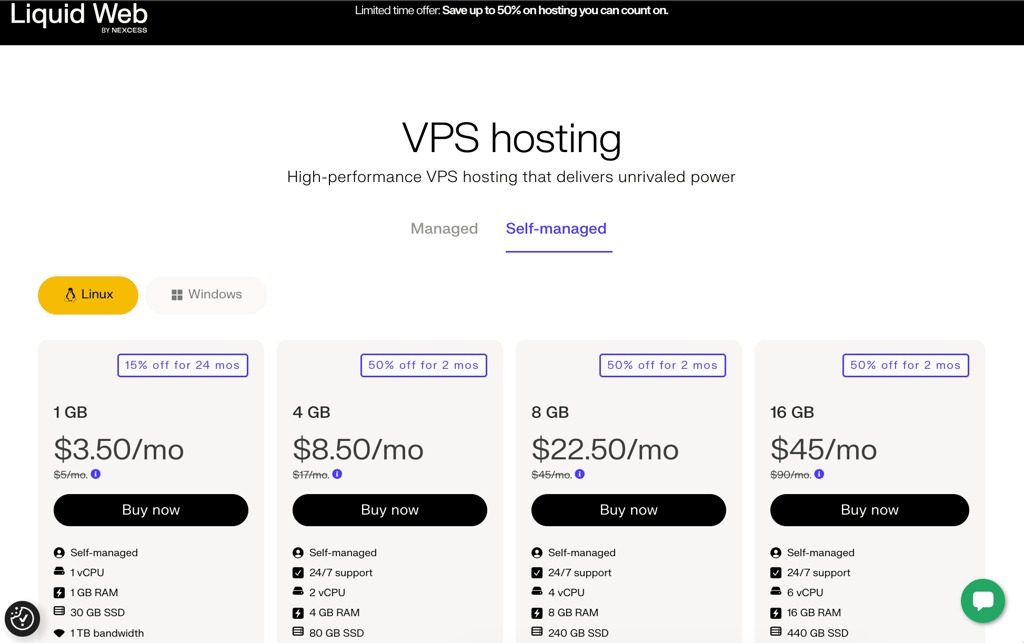
Choose a virtual private server (VPS) when you need operating-system control or workload separation that simpler hosting can’t provide, and you can maintain and recover the server yourself or hire support for that work. If you don’t need that control, or can’t run the server yourself, simpler managed or shared hosting is usually the better fit. A VPS gives you a virtual server environment, but CPU allocation, management services and backup coverage depend on the plan.
What is VPS hosting and how does it work?
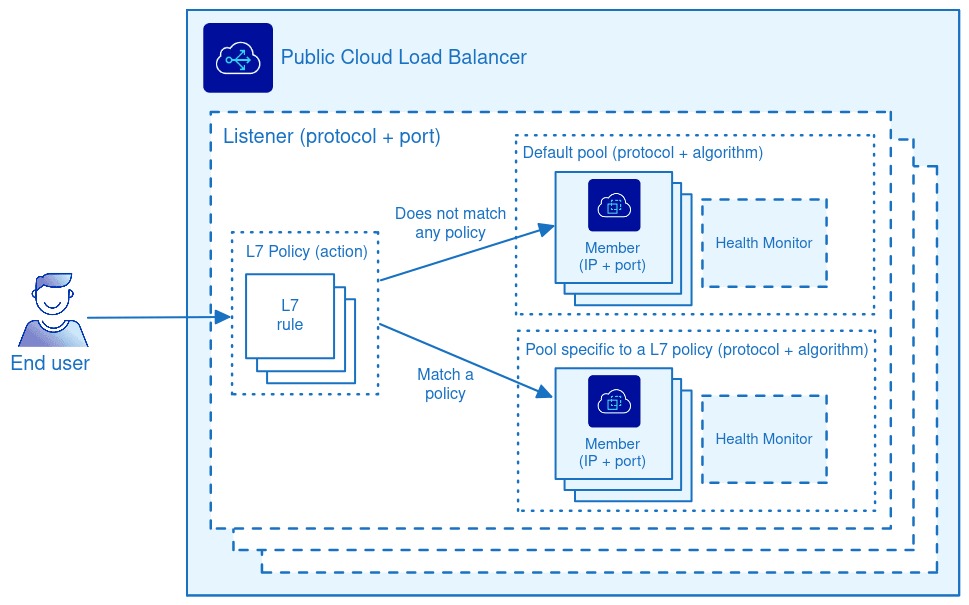
A virtual private server (VPS) is a virtual machine with its own guest operating system, running on a physical server that can host other virtual machines. A hypervisor separates these guest environments, so you can configure the operating system and applications within the permissions of your plan. The hosting provider runs the physical hardware and the virtualization platform. Private refers to the separation between guests, as explained in Google Cloud’s VPS overview.
What do VPS CPU, RAM, storage and bandwidth mean?
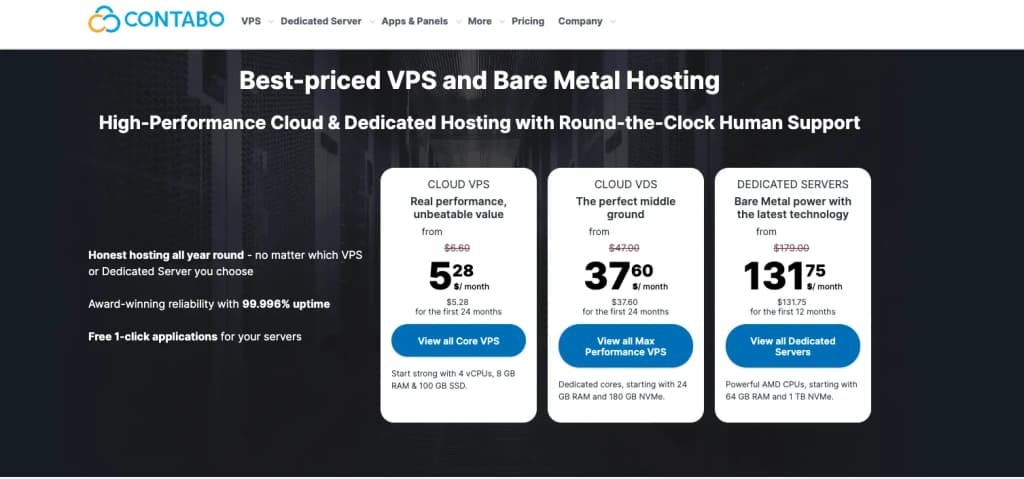
Four vCPUs on a VPS plan are a unit of virtual processing capacity. They don’t always give you four physical CPU cores to yourself. The provider’s scheduling policy decides how processor time is split between virtual machines, and that matters when your application runs CPU-heavy work for long stretches.
DigitalOcean, for example, documents both shared-CPU and dedicated-CPU Droplet configurations. So two plans with the same vCPU count can give you different amounts of real processing power.
| Resource | What the specification describes | What matters to the workload |
|---|---|---|
| vCPU | Virtual processing allocation | Shared or dedicated CPU policy, sustained-use limits |
| RAM | Memory available to the guest | Application working set, database needs, concurrent processes |
| Storage | Disk capacity and storage layout | Application files, databases, media, I/O requirements, attached volumes |
| Bandwidth / transfer | Network capacity or included traffic allowance | Data transfer limits, egress charges, service restrictions |
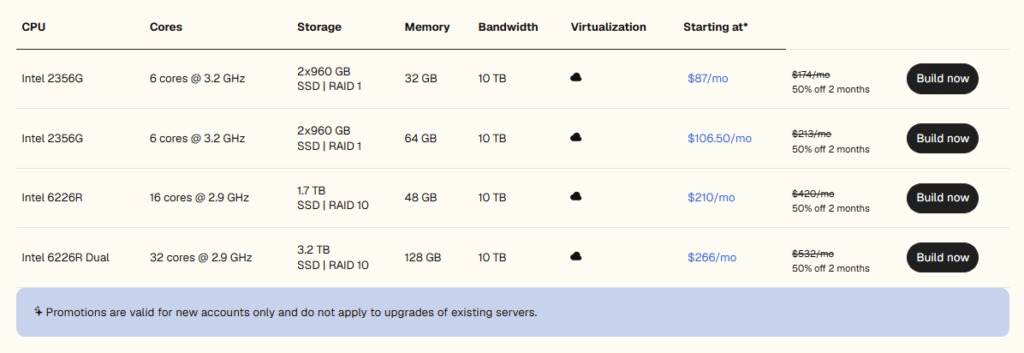
When you move several websites from reseller hosting, count application files, databases, media and backup storage separately. A fast SSD or NVMe system disk can hold the operating system and application files, but growing media libraries and backups may need other storage. Attached block storage and object storage serve different purposes, and neither is part of the boot disk. For WordPress databases, site files and DNS cutover, see the WordPress migration and rollback checklist.
Network allowances depend on how you use the service. A website serving large files has different transfer needs from an administrative application used by a handful of people.
Can I send email directly from any VPS?Some VPS providers block outbound SMTP traffic. If your server sends mail, pick a plan whose network and service terms allow it.
AWS EC2 burstable-performance instance types show another CPU allocation model. They run around a baseline CPU level and accrue or spend CPU credits.
Where a trial is available, test the plan with a representative workload, especially if CPU demand is sustained.
When is a VPS useful, and when is it unnecessary?
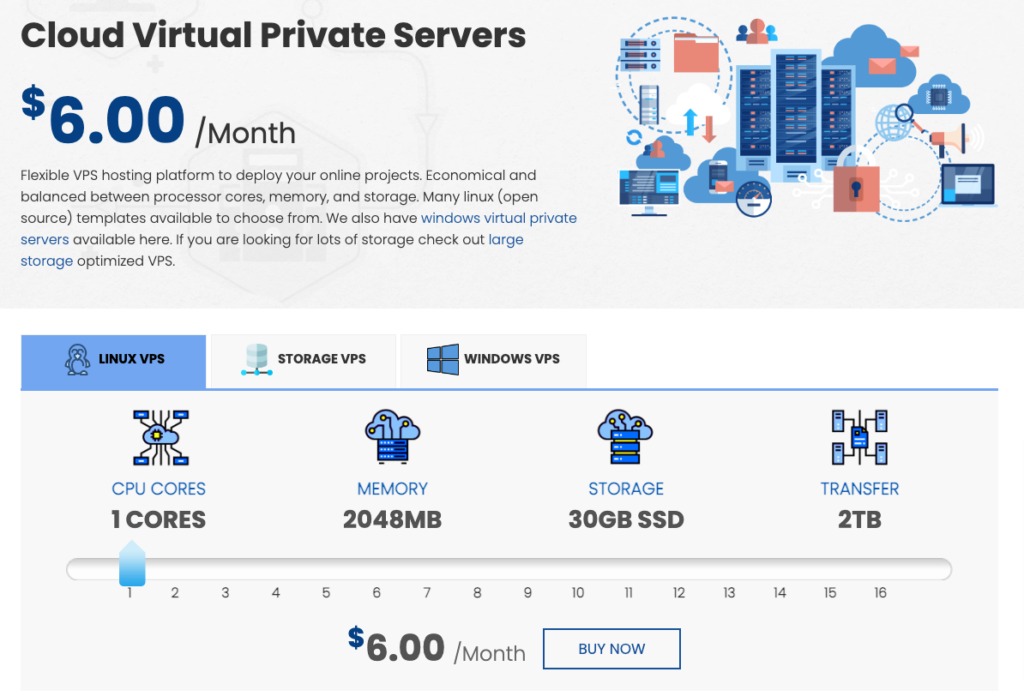
A VPS becomes useful when your application needs control over its server environment. That might mean installing a particular runtime, running a persistent background service, changing system configuration, or running several applications with separately managed dependencies. Our guide on who handles managed versus unmanaged VPS operations shows who owns patching, backups and incident response.
- A custom application: A developer needs a long-running process and system packages that a conventional shared hosting account doesn’t offer. A VPS or suitable cloud VM lets you configure them.
- Several independently configured websites: Different applications need separate software environments or services. A VPS gives you that control, as long as you can manage the combined resource and security load.
- A straightforward business website: A conventional CMS runs within an existing managed hosting plan. The site needs reliable maintenance but no operating-system access, so shared or managed hosting stays the simpler choice.

Start with what your application needs. Can you name a process, runtime, setting or access level your current host can’t provide? If not, a growing site alone is no reason to buy a VPS. You would just take on server administration.
If you can deploy applications but have little server maintenance experience, managed infrastructure can give you the control while taking some system tasks off your hands.
VPS vs. shared hosting, dedicated servers and cloud VMs
| Hosting model | Infrastructure | Typical OS control | Administration |
|---|---|---|---|
| Shared hosting | Multiple customer accounts in a provider-managed environment | Limited OS-level administration; no separately administered guest OS in conventional shared hosting | Much system administration is bundled |
| VPS | Separate virtual machine on shared physical hardware | Often root or administrative access | Depends on managed or unmanaged service |
| Dedicated server | Physical server allocated to the customer | Often extensive system access | Depends on service contract |
| Cloud VM (overlapping term) | Virtual machine deployed through cloud infrastructure | Often root or administrative access | Depends on provider and service configuration |
A dedicated server suits a workload that needs allocated physical hardware. A cloud VM is also a virtual machine, and providers sometimes use VPS and VM interchangeably. The real differences are typical infrastructure, network configuration and billing model, which vary by service.
Cloud also covers a broad family of deployment architectures. Availability depends on your application’s infrastructure and failover design, including how it handles the failure of a server or other component.
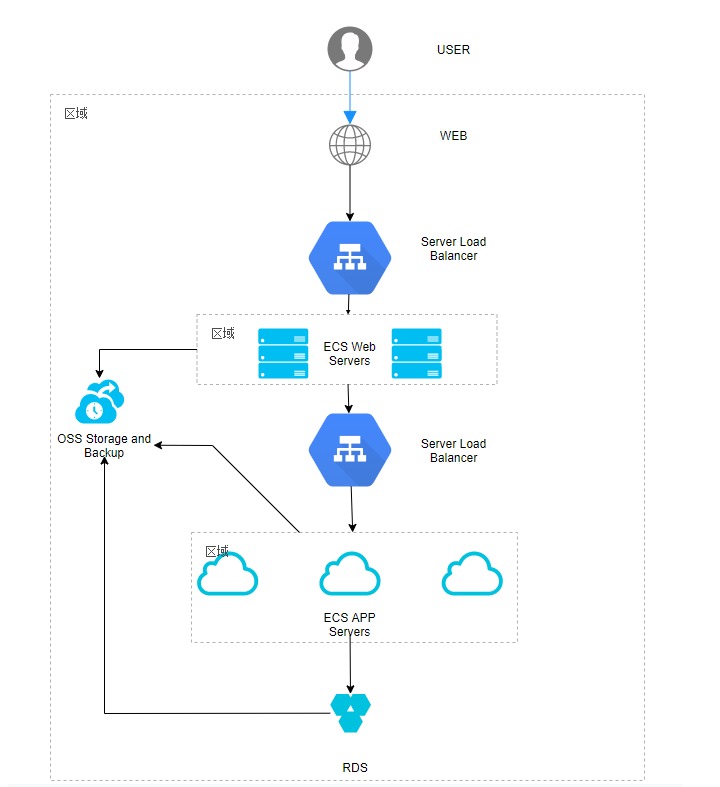
For the checks on shared hosting, cloud scaling and uptime guarantees, read the cloud hosting versus shared hosting choice guide.
Managed vs. unmanaged VPS: who maintains the server?
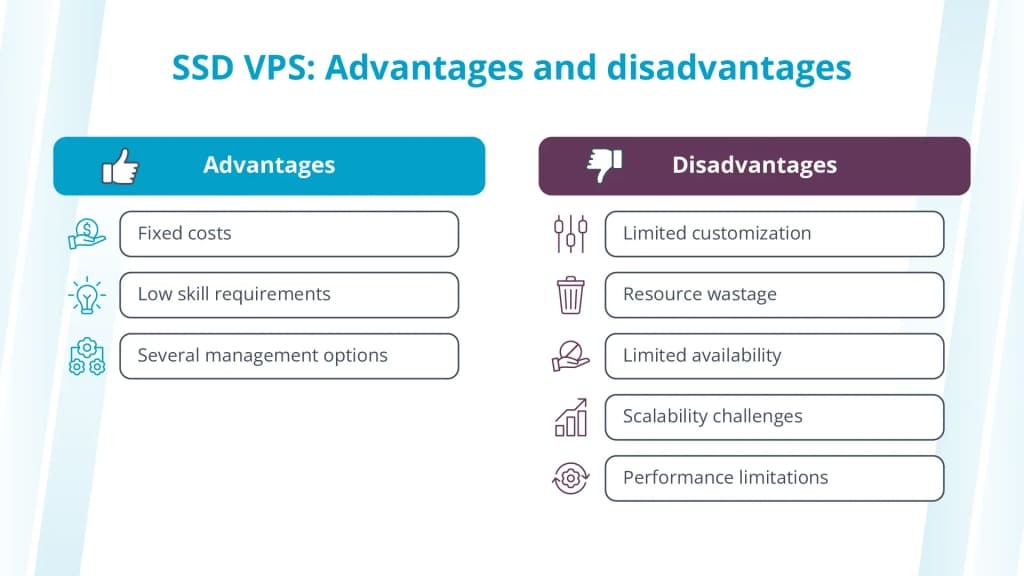
A VPS can come with substantial management support, or with most guest-level administration left to you. Managed has no single scope that applies to every hosting provider.
Website management covers content, databases and web applications. Administering the operating system adds system updates, access controls and infrastructure troubleshooting.
One experienced website operator described the problem while considering a move from reseller hosting:
I’m looking to move some of my heavier web applications from shared reseller hosting to a VPS. I’ve been using shared reseller hosting for around 20 years, but this would be my first time managing or owning a VPS. For context: I host and manage websites/web apps for my own clients. I do not really offer public hosting to random customers. Most of the sites are client projects that I personally maintain. I currently host close to 100 sites. I have strong general technical skills, but mostly in a Windows environment. I have very limited Linux/*nix server administration experience.
| Responsibility | Typical unmanaged VPS | Managed plans |
|---|---|---|
| Physical hardware and virtualization | Hosting provider | Hosting provider |
| Operating system updates | You | Sometimes included |
| Firewall and access configuration | You | Shared or included |
| Web application upgrades | You | Often separately defined |
| Monitoring and alerts | You | Sometimes covers the OS or application; confirm coverage |
| Incident response | You | Escalation and remediation scope needs to be stated |
| Backup generation | You, unless bundled | Sometimes includes automated snapshots or backup jobs |
| Application restoration | You, unless contracted | Confirm restoration support separately |
| Control panel and licensing | Separate, unless included | Depends on plan |
A managed plan reduces routine operating-system maintenance and troubleshooting when those tasks are included. An unmanaged plan leaves the operating system and applications to you, while the provider runs the physical host.
Get the task-level coverage in the service agreement in writing, including response terms and any control-panel licensing or separately billed support.
What can go wrong when you operate a VPS?
Control over a VPS includes the power to break things. Root or administrator access lets you change packages, firewall rules, network settings, databases and service configurations, and any of those changes can break software that used to work.
A self-hoster described what happened after reorganizing a working application stack:
Every app had its own docker-compose, its own Postgres/Redis, random env files, volumes all over the place. Messy, but stable. Then I got ambitious. I thought: let’s be grown up, consolidate Postgres, unify Redis, clean up the networks, make proper env files, and run it all neatly behind a Cloudflare tunnel. Big mistake. After “refactoring” with some dev tools/assistants, including Roocode, Cursor and Chatgpt, here’s where I landed: Containers stuck in endless restart loops Cloudflare tunnel config broken. Ghost and Docmost don’t know if they even have their data anymore. Flowise/OpenWebUI in perpetual “starting” Postgres/Redis configs completely mismatched. Basically, nothing works the way it used to.
The author lost a working configuration. Services broke and the state of the application data was unclear. No permanent data loss was reported.
Security brings its own duties. Each server exposes the software and services its operator configures, including any vulnerabilities and insecure access settings. Recurring security work comes down to these tasks:
- Administrative access: Limit who can reach the server and which privileges they get.
- Security updates: Apply operating-system and software patches.
- Monitoring: Watch for unusual activity, service failure and resource exhaustion.
- Incident handling: Investigate alerts, restrict affected services and coordinate recovery.
VPS backups and recovery: will the application come back?
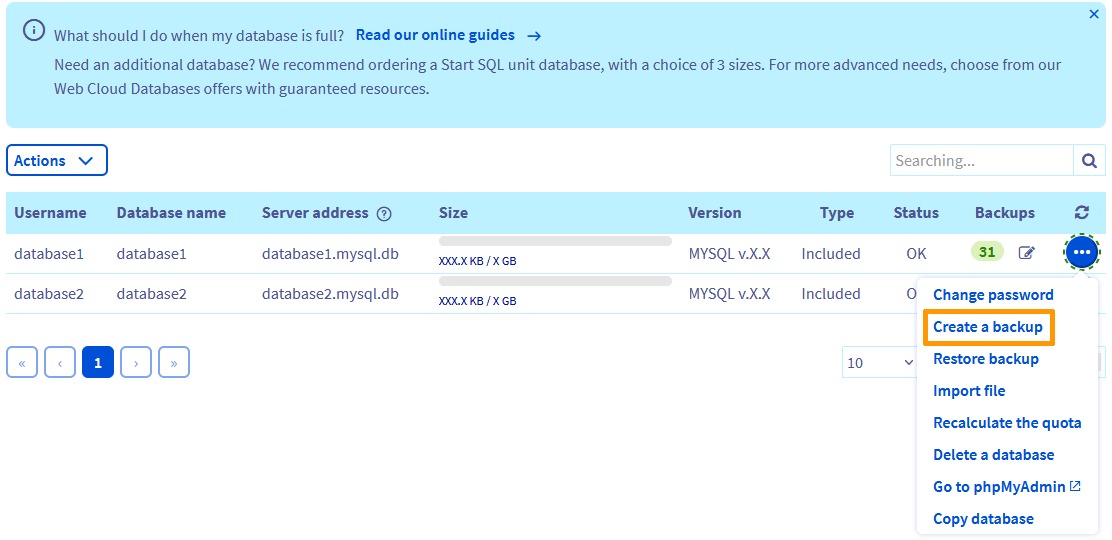
Recovery needs your application data, your configuration and a way to deploy the service again. A disk image or database backup may cover some of these without giving you a working replacement service.
A disk snapshot captures the server disk at a point in time. A crash-consistent image matches the state after an abrupt interruption. An application-consistent backup accounts for a running application or database while it writes data.
Hetzner’s cloud backup and snapshot documentation shows another limit: its server backups and snapshots exclude attached Volumes. If your important data sits on such a volume, you need to protect it separately.
Recovery can also fail at the deployment stage. One operator reported an inaccessible VPS and several production services offline:
As in the title. All my production services/sites are down currently. Logged into Contabo dashboard, and to my surprise under “VPS Control” I don’t see my VPS listed, only my the vmi number and “install VPS” button so it looks like my entire VPS is gone. I always pay on time (I have automated payment collection turned ON – next bill will be in a week). No heads up/warning from their end.
The author later said they had database backups and no data loss, but no quick way to bring the applications back online.
What a VPS restore test needs to show
Run the full recovery in a separate environment:
- Data coverage: Confirm the backups include the necessary databases, application files, media and separately attached storage.
- Independent availability: Confirm you can reach the essential copies when the original VPS is unavailable.
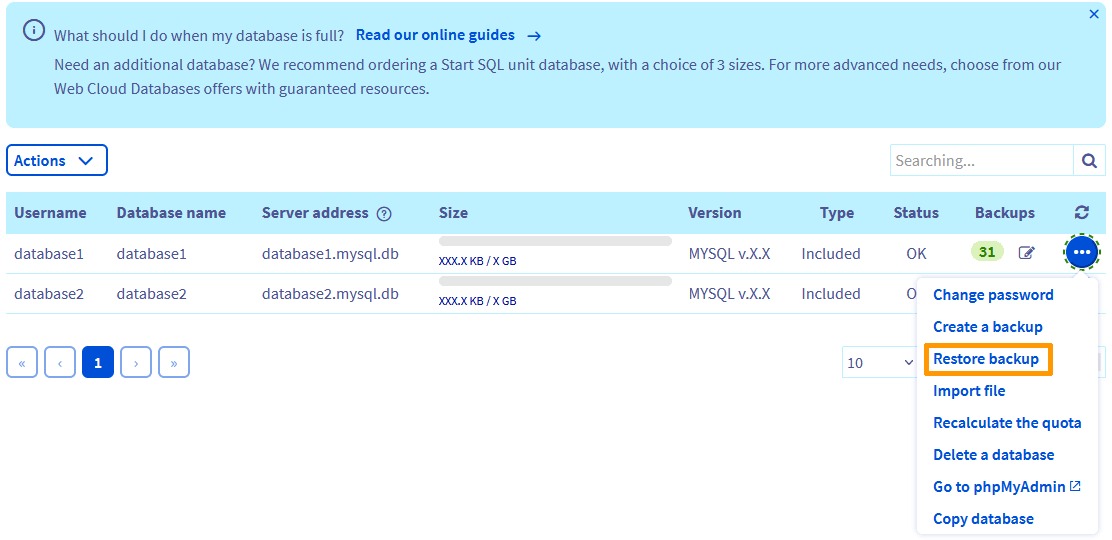
- Application restoration: Restore the data and configuration into a replacement environment, then check that the application and database work together.
- Operational access: Confirm you still have the credentials, configuration details and DNS information needed for redeployment.
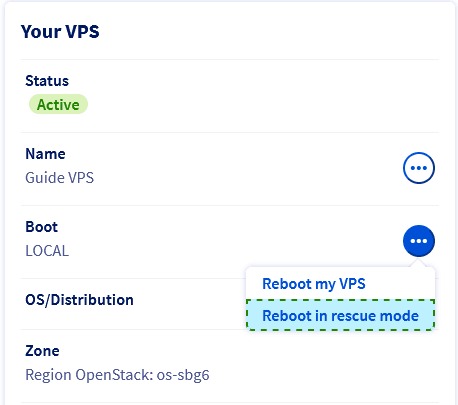
If you lose access to a supported DigitalOcean Droplet, the Recovery Console gives you an out-of-band route when SSH or guest networking fails. You need to authenticate with suitable guest credentials, and accounts that rely on SSH keys may need a root-password reset through the control panel.
Console access restores entry to the existing machine. Redeploying on another server follows the restore procedure.
What should you check before choosing a VPS?
A suitable plan fits the workload, names an owner for each task and has a recovery method that works.
| Decision | Good sign | Problem if |
|---|---|---|
| Workload | A named runtime, persistent process or OS-level requirement | Conventional hosting already supports the application |
| CPU policy | Documented allocation model that fits the expected load | Shared/dedicated or burstable behavior is unclear |
| Memory and storage | Application needs and attached storage are covered | Capacity or storage setup falls short |
| Network | Transfer terms allow the traffic and services you need | Network restrictions conflict with the workload |
| Management | Contract assigns system and application tasks to capable people | A necessary task has no owner |
| Security | Access, patching, monitoring and response each have an owner | Critical responsibility is unassigned |
| Backups | Essential data and separate volumes have independent protection | Necessary files or data would be missing |
| Recovery | A restore method exists, with accessible backups and a replacement environment | No restore method works |
| Total cost | Hosting, backup, licensing and administration are counted | Necessary services exceed your budget |
You can decide to buy based on a documented recovery approach. A completed restore test is a separate condition for going to production.
- Suitable: The workload needs VPS capabilities, and its resources, management and recovery setup meet the requirements.
- Needs review: An important resource policy, operating responsibility or recovery requirement is still unresolved.
- Simpler hosting preferred: The application runs within managed or shared hosting and needs no extra operating-system control.
No single CPU or RAM figure decides the result.
Run the worksheet before you pay. For how CPU limits, RAM allocation and server administration differ across hosting types, see the shared, VPS, and dedicated hosting decision matrix.