
Choose managed VPS when your site needs dependable OS maintenance, monitoring, and recovery and you have no reliable operator to handle them. The provider’s written support scope must cover that work. Choose unmanaged VPS when you can maintain and restore the server yourself. If you need root-level control but have no in-house operations coverage, pick an unmanaged VPS and contract an administrator separately. Compare the actual responsibilities and exclusions before you commit.
Managed vs. unmanaged VPS: the deciding rule
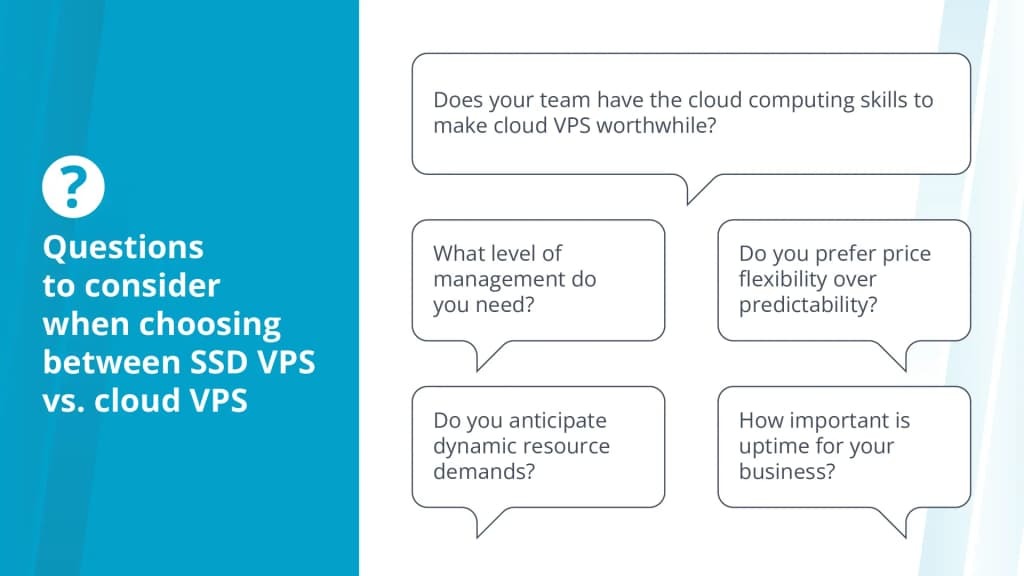
On a managed VPS, the provider administers the operating systems or services its hosting agreement lists. On an unmanaged VPS, you administer the server yourself and the host supplies the infrastructure underneath. A disposable development server, a recoverable business website, and a client-facing store fail in different ways, so classify your workload and decide who answers for an outage. That leaves three options: provider-managed hosting, customer-managed hosting, and unmanaged infrastructure run by a separate administrator.
What an unmanaged VPS puts on your plate
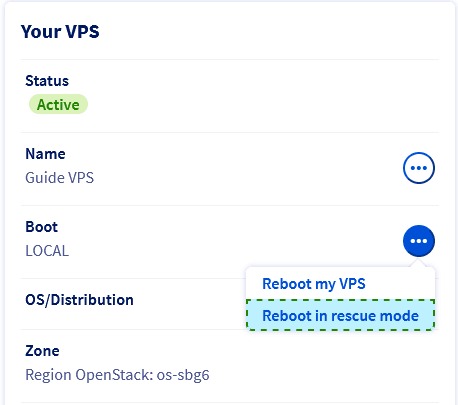
A hosting company that provisions an unmanaged virtual private server gives you a working virtual machine and control over its guest environment. You maintain the operating system, configure services, manage access, and keep the application running. If CPU shares, RAM allocation, or storage isolation affects your decision, read how VPS resource isolation and allocations work to check the constraints.
The real work starts after setup. A server that runs on launch day still needs security updates, application compatibility work, storage monitoring, log inspection, backups, and incident handling.
The host keeps responsibility for the underlying infrastructure. Liquid Web, for example, documents hardware and network assistance for self-managed customers. DigitalOcean describes Droplets as unmanaged virtual machines whose guest environments its support staff cannot directly access.
Who owns each operational task?
The managed column applies only when your agreement includes the task. On an unmanaged plan, the host can still own hardware and network faults while you handle guest configuration.
| Operational task | Managed VPS | Unmanaged VPS | What needs an owner |
|---|---|---|---|
| Physical hardware and host virtualization | Hosting provider | Hosting provider | Hardware faults and platform maintenance |
| Network infrastructure | Provider; customer configures its side | Provider; customer configures guest settings | Network outage versus guest firewall failure |
| Guest OS installation and updates | Provider if included in supported scope | Customer or contractor | Supported OS and patch responsibility |
| SSH access and user permissions | Shared or restricted by plan | Customer or contractor | Keys, privileged access, account removal |
| Web server and database services | Supported components only | Customer or contractor | Installed versions and troubleshooting scope |
| Custom applications and plugins | Customer, or a contracted developer where excluded | Customer or developer | Application changes and dependency failures |
| Monitoring | Defined checks and response services | Customer tools or contracted monitoring | Alert destination and intervention owner |
| Backup configuration | Included tasks or optional services | Customer or contractor | Backup type, retention and storage destination |
| Recovery | Defined contractual scope | Customer or contractor | Restoration procedure and responsible operator |
One task can involve several parties. The host may sell backup storage, you may configure the schedule, and an external administrator may perform a restore.
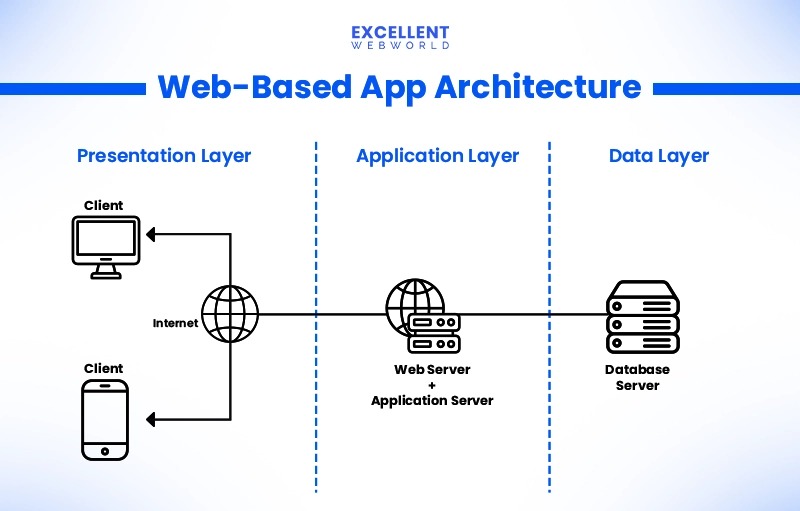
Leaving shared hosting makes the workload obvious. One Reddit contributor described the transition this way:
Recently switched from shared hosting to VPS. Performance improved, no doubt – but: – Server setup took time – Had to learn basic sysadmin stuff – Security configs were confusing For non technical users, is managed VPS better option? Curious how others handeled this transition
The speed gain came from moving off shared hosting. It says nothing about managed versus unmanaged.
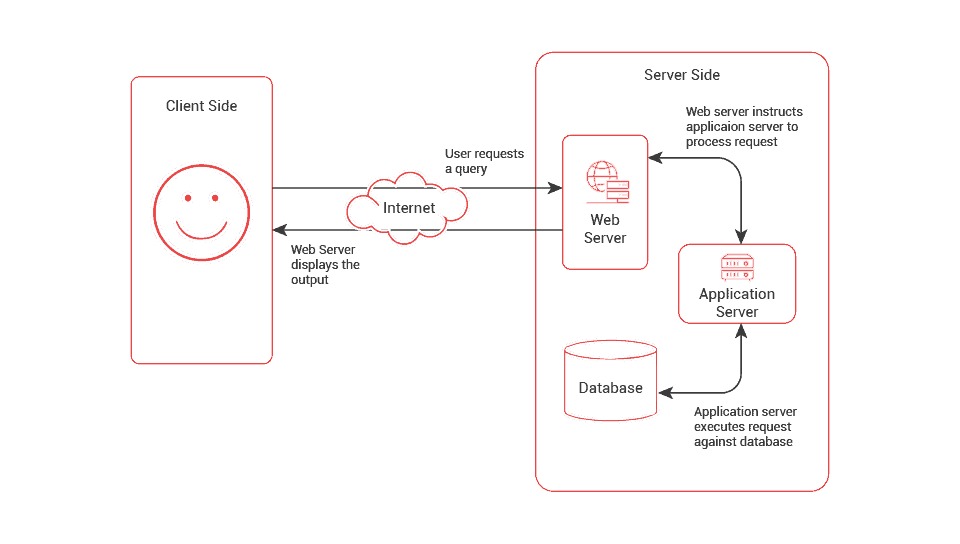
A control panel simplifies account creation, database management, and backup scheduling. You still need an assigned operator for any task the provider agreement excludes.
Use the matrix as a worksheet. For each task you need, name the provider, you, a contractor, or an excluded service, and record who can actually do the work.
Which problems does managed VPS support cover?
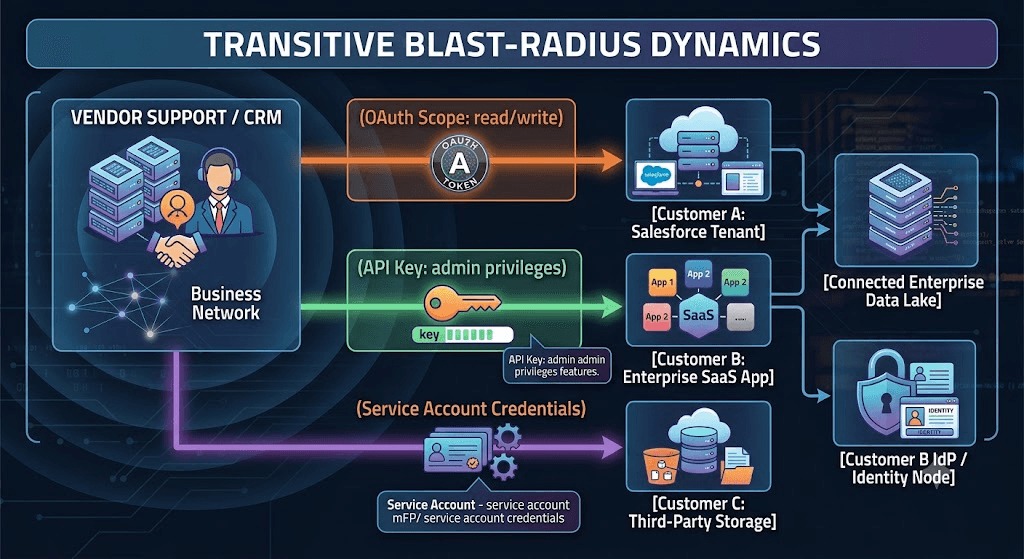
A managed provider can troubleshoot a supported database service and still exclude problems caused by custom application code. The service agreement decides which layer its staff operate.
Liquid Web’s documented management and support scope shows where the line falls. Its fully managed services include specified server, control-panel, backup, and supported security tasks. The same documentation excludes categories of third-party software work, website code, plugins, themes, database or site-speed optimization, and extensive custom tuning.
Contact, response, diagnosis and remediation
A provider may accept support tickets around the clock yet investigate technical problems only during set hours. An initial response can be a simple acknowledgment. Diagnosis finds the cause. Remediation is the authorized work that fixes a supported component. Your agreement should separate all four and state exclusions and escalation routes.
Liquid Web’s published management scope includes help restoring from supported backup products and excludes custom application-code work. On a WordPress store, a supported backup restore and a broken checkout plugin therefore have different owners.
Root access and custom software can rule out a managed plan
Some managed VPS products restrict administrator-level access to protect the environment their support teams maintain. For a custom workload, that restriction can make the plan unusable.
On Linux, root is the superuser account, and sudo lets authorized users run commands with elevated privileges. These permissions govern system-wide package installation, firewall configuration, background services, and changes to core server components.
DreamHost’s root and sudo access documentation states that its Managed VPS plans do not provide root/sudo access, while its unmanaged VPS offering does. That is DreamHost’s rule, and other managed providers may differ.

A specialist application can also fall outside the software a managed hosting team will maintain, even when the machine has enough resources to run it.
In a November 2025 Reddit post, a construction contractor described running specialized business software on infrastructure in Chicago:
Hello, I am construction contractor, and over the past few years I’ve been offering cloud based solutions in lieu of an on premise system. Managing this infrastructure is not my core buisness, and I’m looking for the best route to scale and continue this service as demand is increasing. The servers I have deployed are configured with best practices from several guides I have, and the servers are almost entirely closed off via firewall. The core software I run is very specialized, it’s not a traditional website service or something that can get updated with a package manager. I’m looking for a service to do the following: 1. Manage OS updates, including security. 2. Monitor services 3. Secure server and keep secure servers. I’m currently with VULTR (Chicago) and am very happy with their service, but I don’t think moving servers to the east coast will affect us if needed. I’ve seen Netcup, and Hetzner (not in USA, so not an option) have managed servers – are these what I should be looking for? Or is there a software that will assist me with managing these servers?
Run your requirements through this compatibility gate:
- Operating system: The hosting product must permit the distribution and version you need.
- Administrative privileges: Identify the packages, services, and settings that require root or sudo.
- Background processes: Check that long-running services and custom service monitoring are allowed.
- Network configuration: Check that the firewall and routing changes you need are allowed.
- Support coverage: Confirm the provider maintains the application dependencies involved.
Some software runs from a user’s home directory without elevated privileges, but the plan’s scope still decides whether the provider supports it. Ask the provider whether each mandatory system operation is both permitted and supported.
Patching, monitoring and backups: who completes the last step?
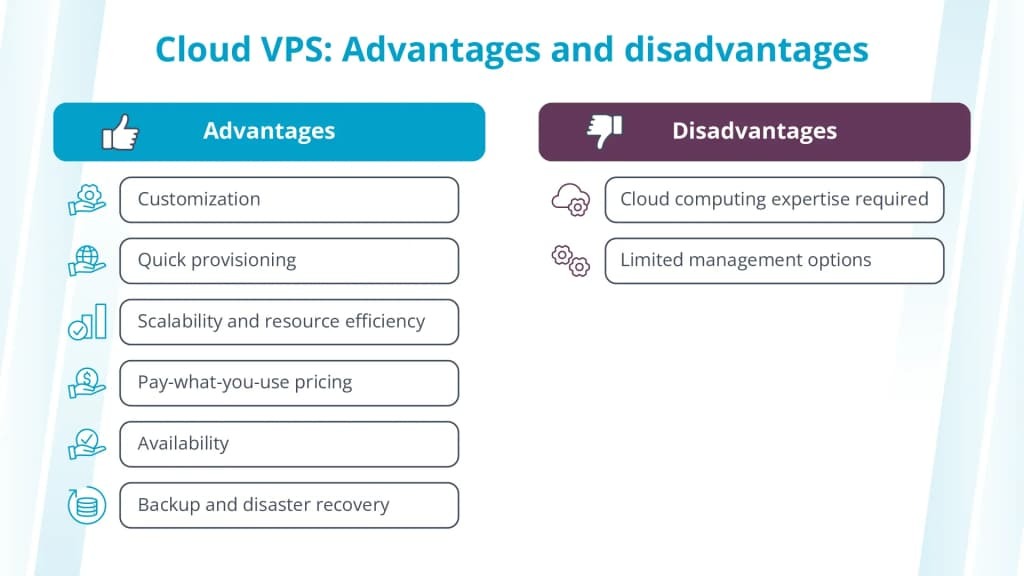
Reliable server administration means finishing maintenance and confirming it worked. Patching, monitoring, and restoration each need an owner.
Security patches need verification
NIST’s Guide to Enterprise Patch Management Planning, SP 800-40 Rev. 4, published in April 2022, describes a process that includes identifying, prioritizing, acquiring, installing, and verifying patches.
Assigning someone to enable automatic updates leaves questions open. An update can break a supported runtime or application dependency, so someone has to decide which patches apply, fix compatibility problems, and check that the service still behaves correctly afterward.
Monitoring needs someone who can intervene
Liquid Web separates its managed monitoring of specified services from more limited self-managed checks such as Ping and SSH. Its monitoring documentation also treats service availability and customer application behavior as separate things.
A useful monitoring agreement names the checks, the alert destination, the notification hours, and the person who receives the alert. A web-server health check can pass while checkout, login, or an integration is broken, and the application owner handles application-specific tests.
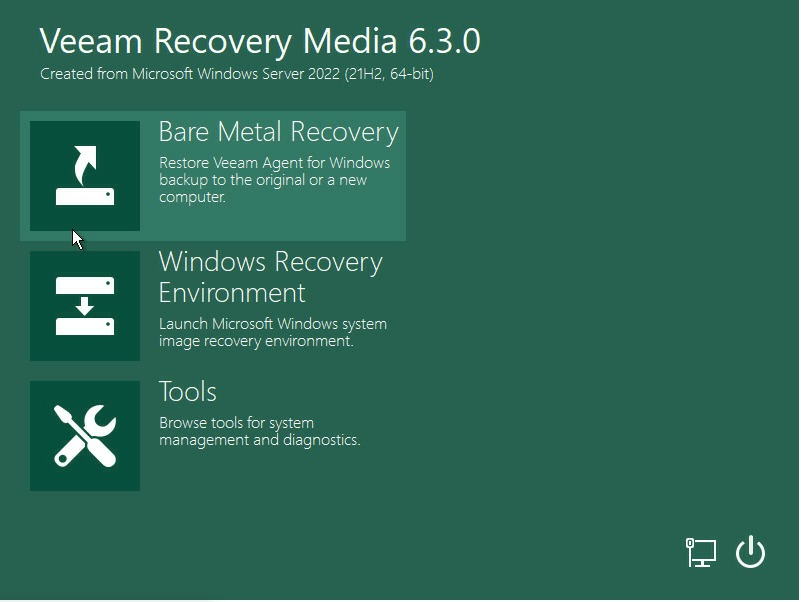
A backup needs a workable restore
DigitalOcean documents image-based Droplet restoration in which restoring an existing virtual machine replaces changes made after the backup. Its backup creation and restoration documentation describes the procedure.
A successful image restore therefore has a data-loss boundary. How much you lose depends on when the backup was made and what changed afterward. Application recovery can also depend on database consistency, available credentials, remote storage, and the order in which you restore components.
cPanel/WHM provides backup scheduling, retention, and extra destination configuration. Its remote restoration documentation describes procedures that may require transferring backup files from the remote destination before restoring them.
Recovery acceptance worksheet
| Requirement | What to record | Responsible party |
|---|---|---|
| Backup type | VM image, file, database, or application backup | Backup operator |
| Interval and retention | Configured schedule and retained copies | Backup operator |
| Storage location | Local, external, or independent destination | Storage owner |
| Restoration prerequisites | Credentials, files, transfer steps, and tools | Restore operator |
| Data-loss boundary | Changes absent from the restored copy | Business or application owner |
| Recovery duration | Elapsed time observed during the test | Restore operator |
| Application validation | Database, login, checkout, or service behavior | Application owner |
| Runbook | Procedure, responsible person, and test record | Recovery owner |
Two planning terms apply. RPO is the acceptable amount of data loss, expressed as a time window. RTO is the acceptable time to restore service. Your business defines both, and you evaluate your recovery setup against them.
Run a recovery drill with an available backup and a test destination. Restore the data, validate the application and database, time the recovery, and note which post-backup changes are missing. Document who would do the same work in a real incident. Before you change uptime alerts, incident response, or restore tests, review the website reliability diagnosis and recovery playbook.
Who handles an outage or a provider-driven VPS migration?
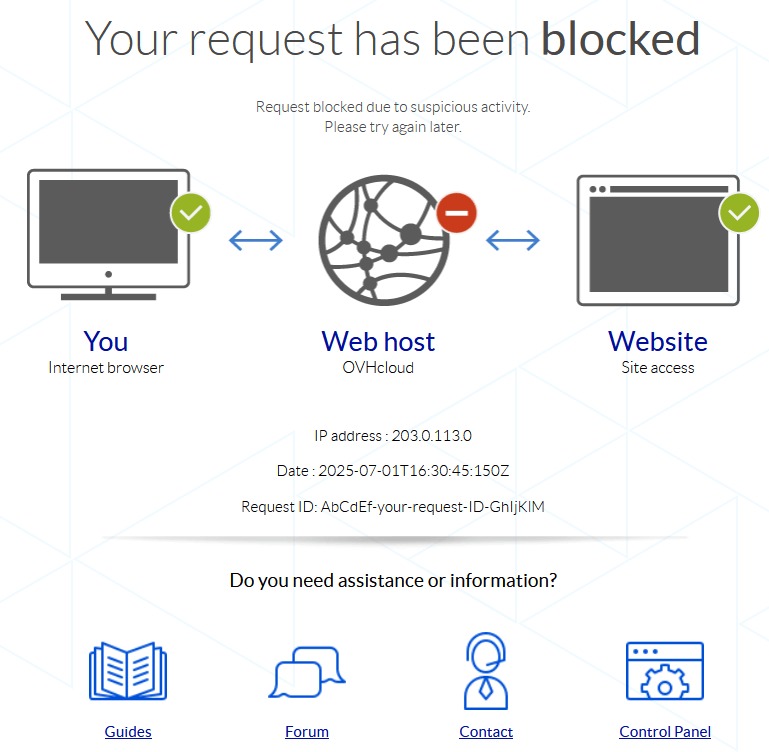
An unavailable website can have several independent causes. A host network incident, a guest firewall mistake, an application deployment, and a virtualization-platform migration can look alike while involving different parties.
The provider can control the physical platform and virtualization environment while you own application data, guest configuration, DNS records, or some migration steps. The service and migration terms set the actual split.
Who does what during an outage
A useful incident workflow assigns an owner at each step:
- Detection: Determine which monitor or user report found the problem.
- Triage: Separate infrastructure, guest operating system, and application symptoms.
- Ownership: Assign the issue to the host, you, a contractor, or the application developer.
- Intervention: Perform the action the support agreement authorizes.
- Recovery: Restore or roll back affected components when needed.
- Validation: Confirm the required application function and document the incident.
In an April 8, 2026 Reddit discussion, a Hostinger customer alleged about a day of downtime during an OpenVZ-to-KVM transition. The customer also described spending roughly two hours seeking support and said they were expected to migrate files, databases, and email. A different participant reported advance notices beginning November 4, 2025, ahead of an April 5, 2026 platform retirement. The reports conflict about notice, so the applicable agreement and individual support correspondence would settle the provider’s obligations.
In a planned platform retirement, notification, infrastructure transition, guest-data movement, DNS changes, and application validation can each have a different owner. The published migration terms divide them.
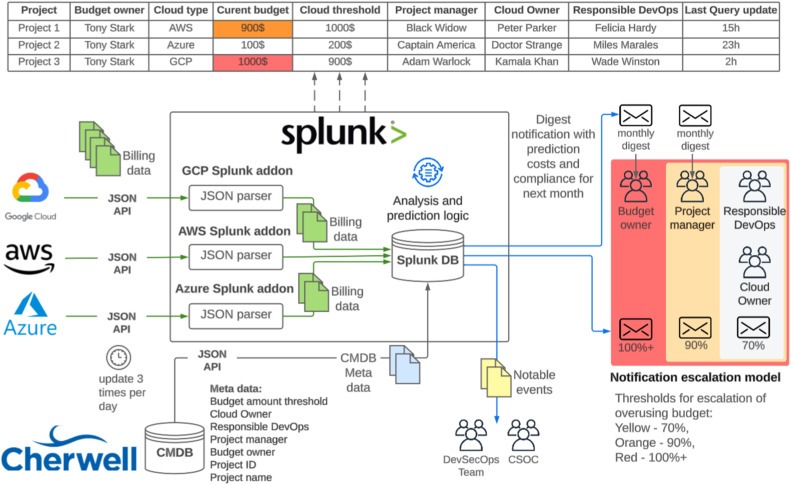
Test a prospective provider with one scenario: its virtualization platform is being retired and your VM cannot move in place. Ask who gives notice, who moves guest data, which team can access the VM, who handles email and DNS changes, and where a failed migration escalates. Keep the written answers with the service terms.
What VPS management costs beyond the server fee
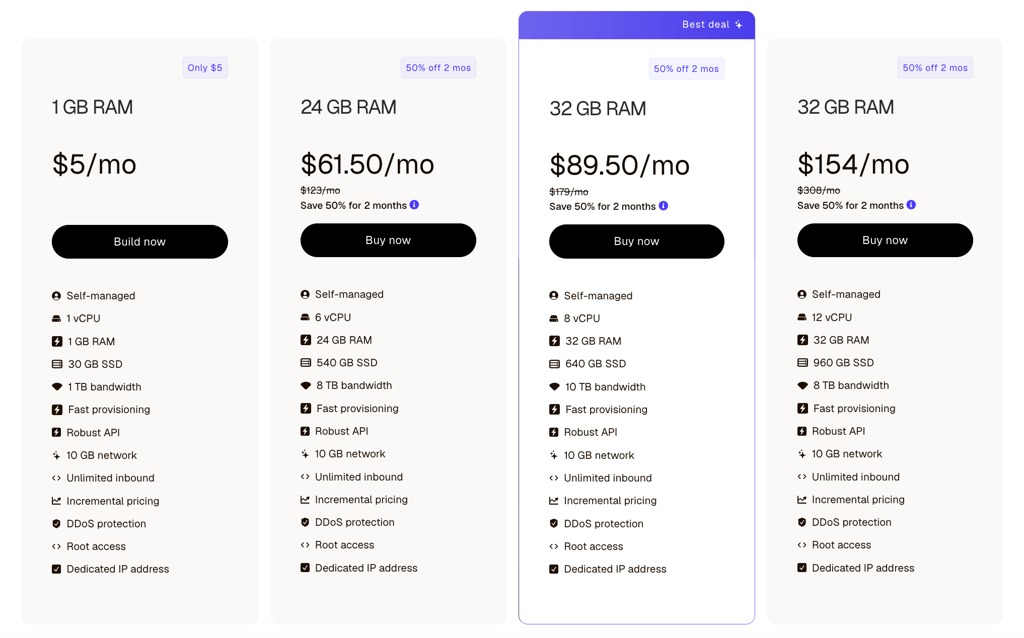
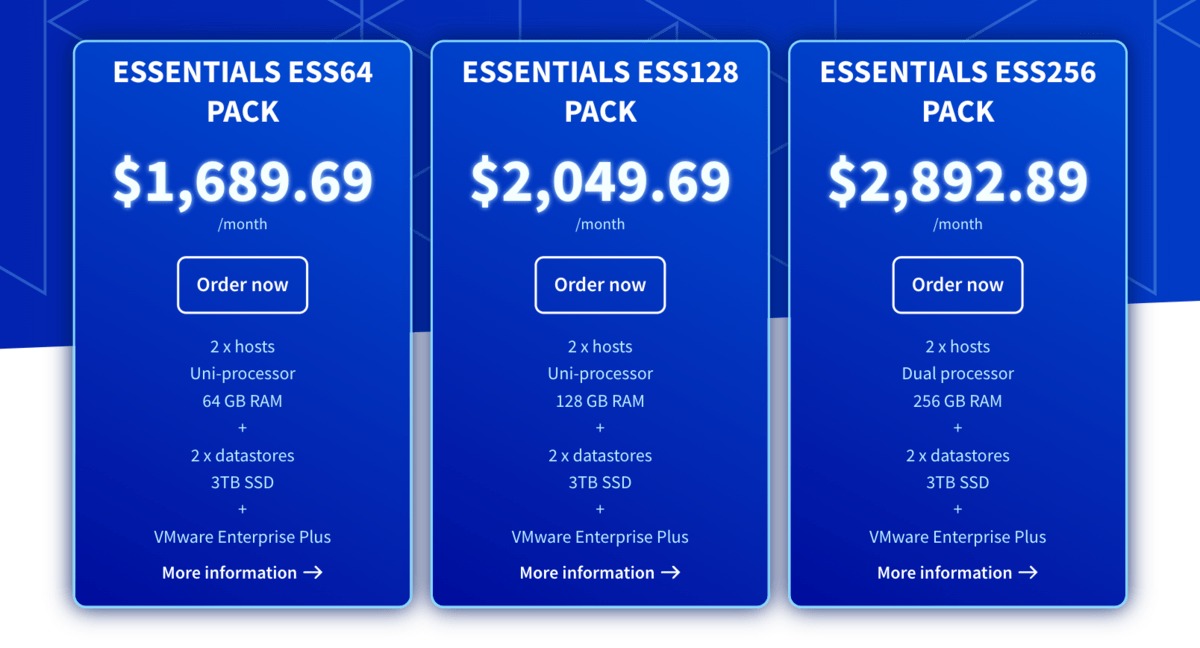
The monthly VPS invoice is only one part of the operating cost. Compare the same workload and the same administration, monitoring, backup, and recovery scope across all three options. Unmanaged infrastructure can have a lower subscription fee while requiring paid administration or staff time. A managed service can include routine tasks and still charge for excluded application work.
Build an equal-scope cost comparison
| Cost component | Provider-managed VPS | Self-administered unmanaged VPS | Contractor-administered unmanaged VPS |
|---|---|---|---|
| VPS subscription | Quoted plan fee | Quoted plan fee | Quoted plan fee |
| Paid management fee | Included in plan or separately billed | No paid fee; value internal hours in the formula | Contractor’s billed management fee |
| Control panel | Included or licensed add-on | License if needed | License if needed |
| Backup and restoration | Contracted scope and charges | Tools and storage; labor in the formula | Tools, storage and contract coverage |
| Monitoring and response | Included checks or add-ons | Tools; on-call labor in the formula | Tools and purchased response coverage |
| Extra troubleshooting | Out-of-scope charges | Additional assistance; internal time in the formula | Excluded-work fees |
Use equivalent CPU, RAM, storage, bandwidth, region, software requirements, and billing periods. Different backup retention or recovery setups can also make offers materially different.
Use this recurring-cost formula:
Monthly run rate = VPS + paid management fees + panel/licenses + backups + monitoring + (internal admin hours × actual internal rate) + other documented recurring fees
Count each cost once: put paid provider or contractor management in the fee term and in-house administration in the labor term. If staff do extra work beyond a contract, include only those hours, and leave out tool and backup charges the management fee already covers.
Keep one-time migration and setup charges separate. For an annual comparison, use the actual billing terms and renewal conditions.
Staff time belongs in the calculation
A developer can manage Linux well and still lack the hours for it. Routine patching, support requests, maintenance windows, and after-hours coverage all take capacity.
For a freelancer maintaining a production machine, server administration cuts into application or client work. An agency with an established operations team may absorb some of these activities.
Should salaried administrator time appear in the comparison?Yes. Include the hours spent operating the VPS as an internal resource cost even when the salary produces no separate hosting invoice. Apply the same internal costing basis to every offer.
Fill each column with its quoted charges and, where relevant, the labor cost from internal hours and rate. Mark unknown restoration or escalation charges explicitly so a low subscription fee does not hide an uncovered task.
A third option: unmanaged VPS with someone else managing it

Sometimes the server needs software or system access that a managed hosting product cannot give you, and you have no capacity to operate it yourself. An unmanaged VPS with a separately contracted administrator fits that case.
A freelance administrator can maintain one server, an agency can operate a fleet for clients, and a specialist can maintain one application stack while the infrastructure provider supplies the VM.
cPanel, Plesk and InterWorx provide management interfaces for compatible stacks. The response duties come from the contract you sign with the operator.
An agency’s experience with its own management stack
One web agency described building a management system over unmanaged infrastructure for demanding WordPress and WooCommerce websites:
Eventually we decided to build our own from an unmanaged VPS and create out own setup. With a lot of AI help and lots of trial and error along the way, we’ve ended up with a solid setup specifically tuned for WordPress and WooCommerce workloads. It’s been around a year now and we’ve now moved all of our larger sites across. They’re running much faster than before and most times costing our clients less. We definitely had a few bumps along the way with some of the more complex setups taking time to get right and we also had to spend quite a bit of effort improving things like backups and security. But now looking back I can safely say we’ve now got a solid system in place and feel prepared for ‘most’ scenarios.
The additional support boundary
Two providers create a handoff that a single managed hosting agreement would handle internally. The infrastructure provider maintains its contractual layer, and the external administrator maintains the services assigned under a separate contract. When an incident touches both, you need an established process for them to cooperate.
The administrator’s agreement should settle:
- Authorized access: Which accounts and privileges the administrator may use.
- Supported software: The exact operating system, applications, and dependencies covered.
- Maintenance ownership: Who schedules updates, performs them, and handles resulting failures.
- Incident coverage: Which hours, alerts, and response duties are included.
- Backup custody: Who holds the credentials and can execute a recovery.
- Provider cooperation: Who opens infrastructure tickets and supplies diagnostics.
- Exit arrangements: How credentials, documentation, and operational control return to you.
Before you buy: the final VPS management fit check
Check the hard requirements before you look at price. A managed plan that blocks essential software is unsuitable for that workload. An unmanaged plan with nobody to handle critical maintenance or recovery leaves an obligation unassigned.
Go/no-go scorecard
Complete a separate copy for each offer, using the status values Meets, Does not meet and Unverified.
| Required condition | Standard for acceptance | Your status |
|---|---|---|
| Workload compatibility | Required OS, services, and applications can operate | _____ |
| Administrative access | Necessary root/sudo and configuration permissions are available | _____ |
| Patch ownership | An identified party handles applicable updates and verification | _____ |
| Incident response | A reachable operator has defined duties and coverage hours | _____ |
| Application support | Excluded software has a separately accountable owner | _____ |
| Recovery | Backup and restoration arrangements meet documented requirements | _____ |
| Migration and exit | Data-transfer, notification, and offboarding responsibilities are assigned | _____ |
| Cost | Comparable ongoing and one-time obligations fit the available budget | _____ |
A hard requirement marked Does not meet eliminates the offer. Unverified means the offer lacks the evidence needed for acceptance.

For a simple website with few technical requirements, also weigh shared hosting and application-focused managed hosting against VPS.
Pick managed VPS if its written agreement covers the OS maintenance, monitoring, and recovery you cannot reliably staff. Pick unmanaged VPS if you can run and restore the server yourself, and add a contracted administrator when root-level needs rule out managed plans.