For a small production website, start with checks that reflect what visitors can do, named responsibility for each failure layer, and a tested recovery path. When outages carry substantial business or contractual consequences, add explicit service objectives and structured incident response. Start by identifying the site’s most important customer task and who responds if it fails.
If your site is already failing, jump to the six-symptom diagnostic matrix for a first check and the person who can fix it.
What Website Reliability Means for Visitors
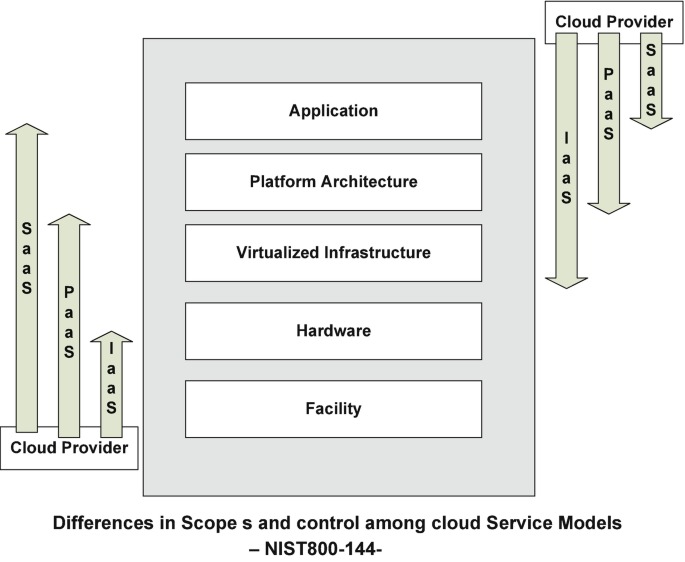
A website can return HTTP 200 and show normal hosting resource usage while its contact form, login, or checkout fails.
Reliability starts with what the visitor needs to get done. For a publisher, that’s reading a critical article. For a store, it’s completing a purchase. For a membership service, it’s logging in and reaching protected content.
A site can succeed or fail at three levels:
- Infrastructure reachability: The network and server components respond.
- Application response: The website returns the expected page or interface.
- Successful user journey: The visitor completes the intended action and gets the expected result.
Reliability also includes detecting failures and restoring service. Two teams can have the same broken checkout. One hears about it from customers. The other gets an alert.
Three terms come up often:
- Service-level indicator (SLI): A measurement of service behavior, such as the share of successful requests or transactions.
- Service-level objective (SLO): The target for that indicator over a set period.
- Service-level agreement (SLA): An agreement that defines service commitments and their consequences.
When a site owner, an application maintainer, and a hosting provider share responsibility, these terms mark who answers for what. A host’s availability commitment covers the host’s own infrastructure. Your checkout also depends on application code and outside services beyond it.
Monitor the Actions Visitors Depend On
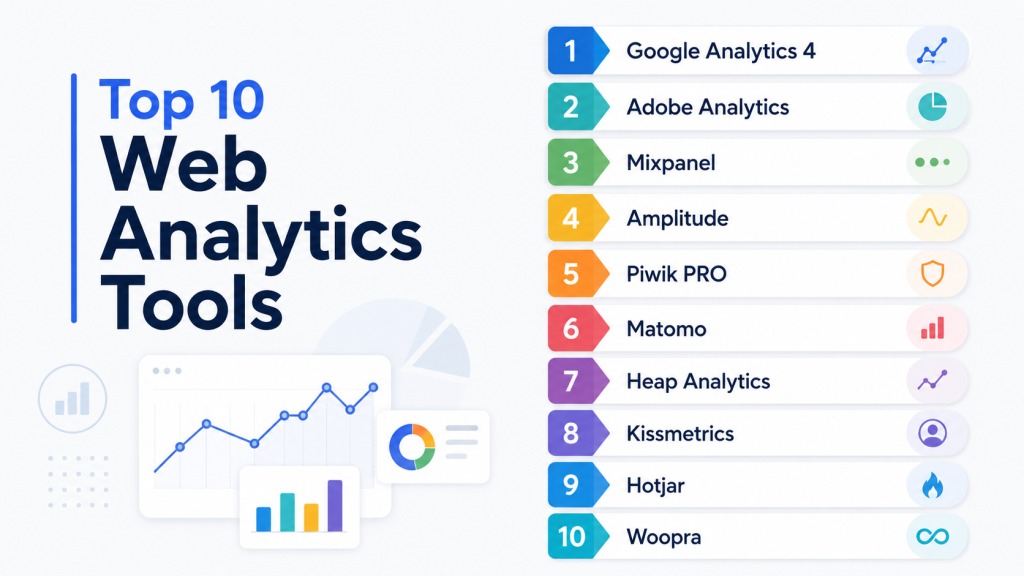
Useful monitoring tells you whether the service works and gives someone enough information to respond. External availability checks, application tests, and internal metrics each answer a different question.
| Check | What it validates | What it can miss | What to do when it fails |
|---|---|---|---|
| Network ping | Whether a network endpoint is reachable, when ping is supported | Web responses, content, and application transactions | Investigate the network path and endpoint |
| HTTP status check | A URL returns an expected HTTP status | Wrong content or broken downstream workflows | Inspect the response and application behavior |
| Expected-content check | A page contains the content you expect | Login, checkout, or another independent task | Investigate the page or content delivery |
| Synthetic transaction | A defined login, form, or checkout sequence succeeds | Tasks and conditions outside that test | Investigate the failed step and its dependencies |
| Server or application metrics | Internal latency, load, errors, or resource conditions | The visitor’s complete experience | Correlate the metric with what visitors see |
Four signals to watch
Google’s SRE monitoring guidance identifies four golden signals:
- Latency: How long requests take.
- Traffic: How much demand reaches the service.
- Errors: How often requests or operations fail.
- Saturation: How close resources are to their limits.
Rising application errors at ordinary traffic point to a different investigation than rising latency under heavy load.
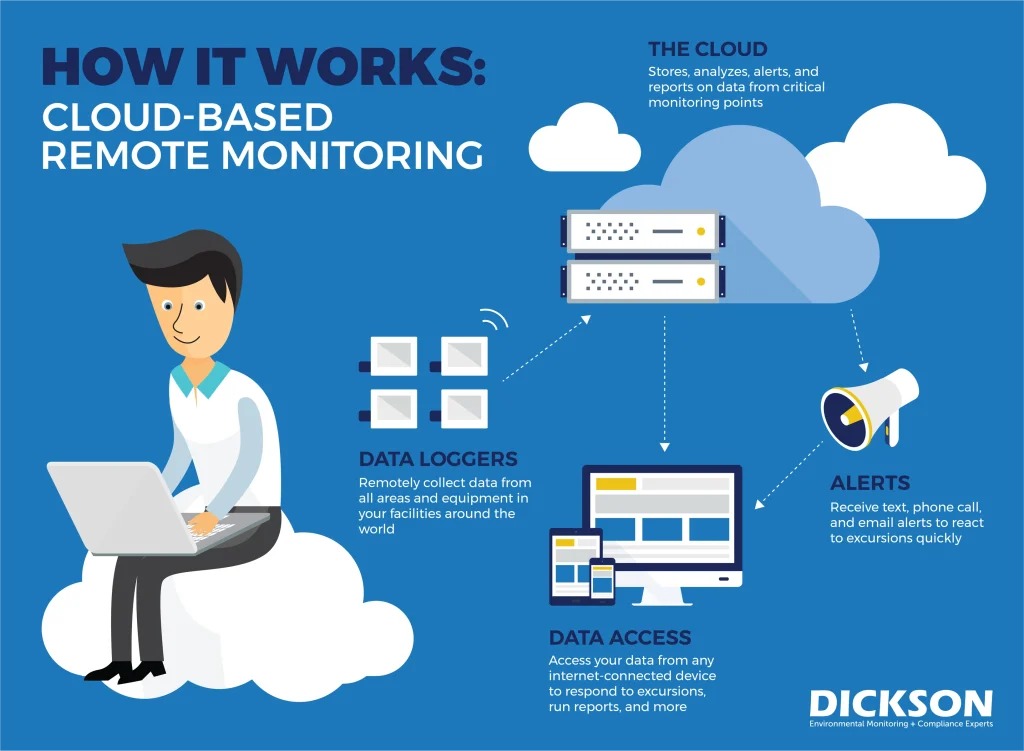
A Reddit contributor described what happens when collecting observability data turns into a job of its own:
Our team has been expanding our monitoring stack and it’s starting to feel like we’re drowning in data. Between Prometheus, Loki, Tempo, OpenTelemetry, and a bunch of dashboards, we get tons of metrics but not always the clarity we need during incidents. Half the time it still comes down to someone with context knowing what to check first. The rest is noise or overlapping alerts from three different systems. We’re thinking about trimming tools or simplifying our setup, but it’s hard to decide what to cut without losing visibility.
The team had plenty of telemetry. It still needed someone with context to decide what to check first.
For a small site, pick one external availability or content probe and one workflow check. For each, define what success looks like, what counts as failure, and who gets the alert.
For higher-impact systems, SLO-based alerting ties notifications to error-budget consumption. On low-traffic services, a few failures can swing the failure rate sharply, so design alerts around your actual traffic.
When a Website Fails, Identify the Affected Layer First
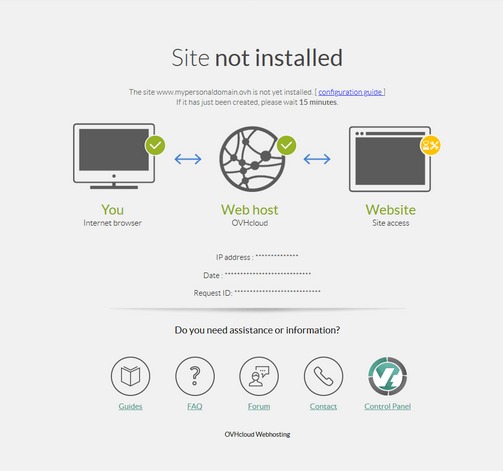
Begin with a read-only check of the symptom you observed.
A website depends on several components: DNS resolution, certificate handling, network access, web serving, application execution, external services, and user-facing workflows.
Website failure triage matrix
| Visitor-visible symptom | First safe verification | Likely layer and who can fix it | Where to go next |
|---|---|---|---|
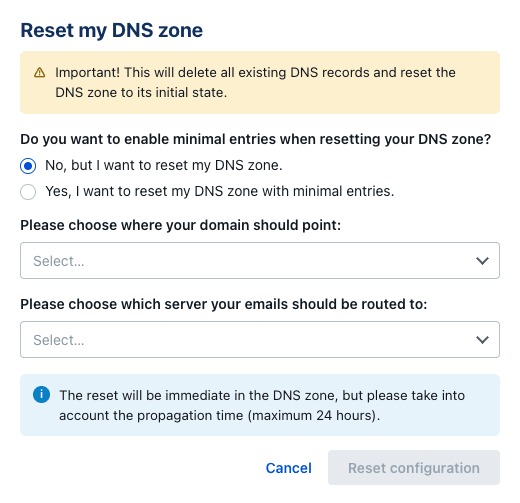
| Domain cannot be resolved | Compare authoritative nameservers, delegation, and expected DNS answers; inspect DNSSEC where relevant | Registrar or authoritative DNS administrator | DNS resolution troubleshooting |
| Browser reports a certificate warning | Inspect the served certificate, affected hostname, and expiration | Certificate owner, deployment maintainer, or contracted host | Certificate and renewal checks |
| HTTP 5xx or application error | Check the failing URL, recent deployment history, and logs | Application maintainer or host | Incident response and possible recovery |
| Home page works, but login, form, or checkout fails | Check the failing workflow and its application or dependency errors | Application team or integration owner | Workflow investigation |
| Website works, but email stops | Compare MX records with the mail provider’s required configuration | DNS administrator and mail provider | Email and migration troubleshooting |
| External monitor reports failure while host reports healthy | Compare the request path, tested behavior, time, region, and DNS route | Whoever the evidence points to: monitoring, hosting, or network owner | Monitoring-scope investigation |
Several layers can fail at once, so treat your first finding as a lead.
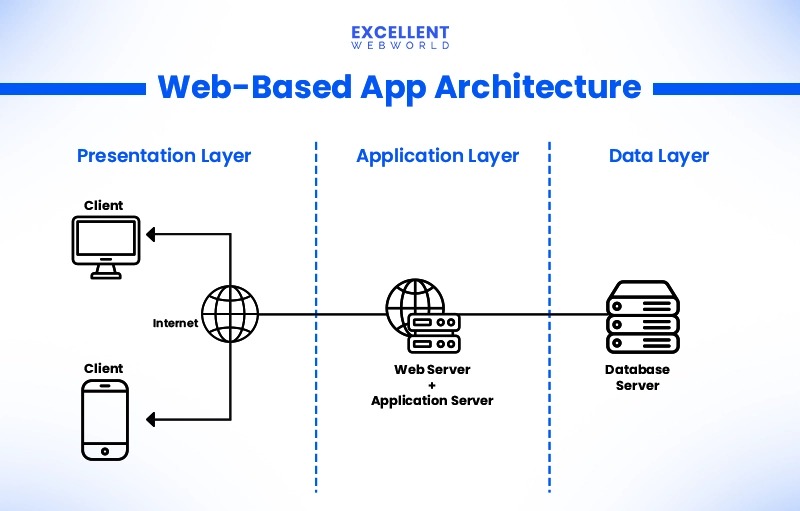
Say your hosting panel reports a healthy origin while visitors get a DNS resolution error. Restarting the application won’t fix missing authoritative DNS records. Look at the registrar’s delegation, the authoritative nameservers, and the actual DNS answers first. Before you change MX records, authoritative nameservers, or SPF policies, read the web-hosting migration plan that protects email.
Your host’s check and a visitor’s request can take different network paths or test different service components, so the two can disagree.
Before you change production configuration, save the current settings and the recent-change history. Every fix needs a clear reason, someone with the permissions to apply it, and a previous state you can return to.
DNS, Email, and TLS Failures Have Different Causes
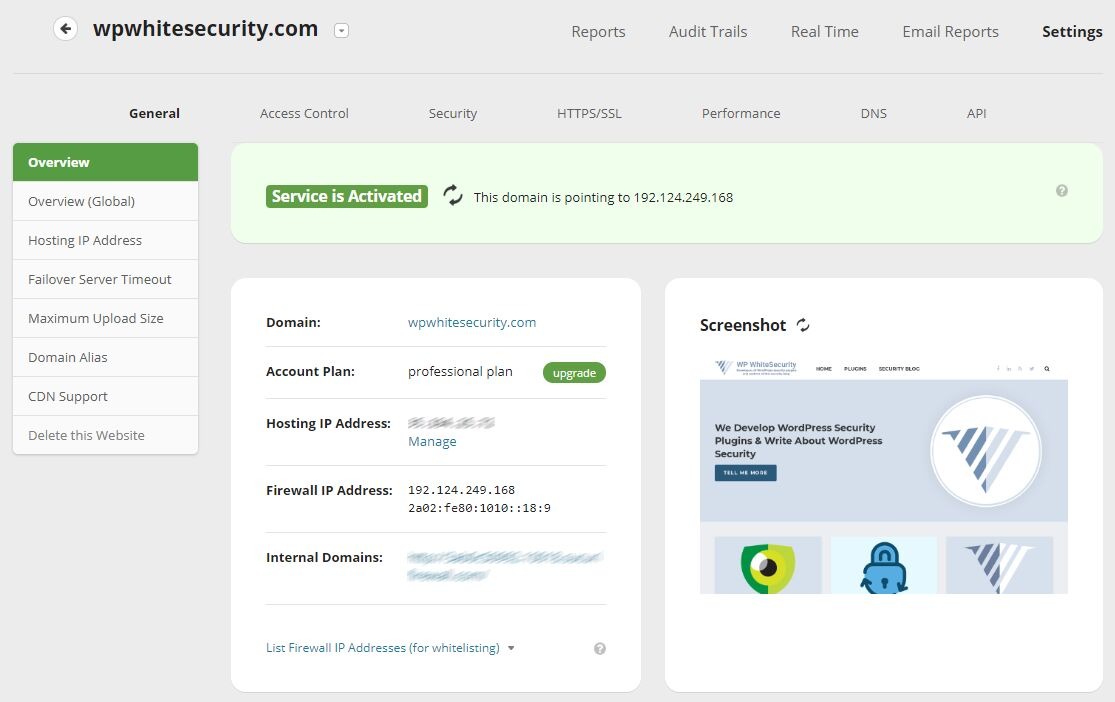
Moving a website or changing its nameservers can affect services hosted elsewhere. Website delivery, email routing, and certificate management can involve different providers, admin accounts, and renewal responsibilities.
Nameserver changes and missing records
Changing authoritative nameservers decides which DNS service answers for a domain. Recursive resolvers keep serving cached answers until the record’s TTL expires. Records missing from the new authoritative zone have to be added there before they become available. For TTL and resolver caching details, see the DNS TTL and resolver caching explanation.
A contributor to r/webhosting described changing nameservers during a working day:
Hi all. I’m pretty new to this and bit off more than I could chew. Made the absolute whopping mistake of swapping over the nameserver from GoDaddy to Bluehost in the middle of a working day on a Wednesday. Now everyone’s emails are down during DNS propagation. I already know how stupid this was so please brush past that.
The post blamed propagation. In a follow-up, the author said the old DNS records were never copied and the nameserver change was reversed. Waiting for caches to expire would not have fixed that. For delegated nameservers, DNSSEC validation, and SERVFAIL responses, see the DNS resolution troubleshooting runbook.
Mail routing and mail authentication
A website’s address records and a domain’s email configuration can share an authoritative DNS service while pointing to different providers.
- MX: Identifies the mail exchangers that receive email for a domain.
- SPF: Publishes information used to evaluate authorized sending systems.
- DKIM: Supports cryptographic authentication of signed email.
- DMARC: Publishes domain-level authentication policy and reporting information.
The right record values depend on your actual email provider. Cloudflare’s email troubleshooting documentation uses dig example.com mx +short to check the published MX answers.

Certificate renewal has its own owner
A TLS certificate has to cover the hostname the visitor uses and be available to the service that terminates the connection. An expired certificate or a wrong hostname triggers a browser warning even when the application itself is running.
Someone has to own certificate renewal and its failure alerts. Depending on your setup, that can be a hosting provider, CDN operator, deployment maintainer, or another contracted party.
On October 7, 2026, Let’s Encrypt announced that its default-lifetime certificates issued or renewed beginning February 10, 2027 would have 64-day lifetimes. Subscribers can select shorter profiles where offered, so renewal automation has to be reliable.
Before a planned domain or hosting cutover, build one inventory: the authoritative DNS service, the required web and mail records, and who is responsible for certificate renewal. It helps you tell an omitted DNS record from a delayed cached answer.
During an Outage, Assign One Response Coordinator
An outage response needs someone accountable for coordination and someone with the technical access to restore the service.
One r/devops contributor described confusion during a production incident:
someone randomly creates a slack channel with a name like “URGENT-THING-BROKEN”, half the team joins the wrong channel, other half is still getting pinged in 3 different threads. spent 20 minutes just figuring out who owns the service while the error rate is climbing. then another 15 minutes deciding if we should rollback or hotfix. meanwhile someone forgot to update the status page and support is getting slammed.
A minimal response sequence
- Recognize the impact. Find out which customer-facing function is failing and whether the problem is still going.
- Assign coordination. Name the person who organizes the response and keeps decisions visible.
- Locate technical control. Find who has access to the affected service, deployment, or provider account.
- Choose a restoration path. Compare an available rollback with a corrective change, using the incident evidence and the risk of each.
- Communicate and record. Keep one shared channel for updates and log every consequential service change.
Atlassian’s incident-response framework separates coordination, technical leadership, communication, and escalation.
In a small operation, one webmaster can coordinate the incident, investigate the site, and contact hosting support. In a larger team, the coordinator keeps everyone informed while a specialist works on the recovery.
Keep a short runbook that names the incident contact, the person with technical access, the escalation route, and where service updates are recorded. A practice exercise can expose missing permissions or contacts before an outage.
Recoverability Means Proving a Restore Works
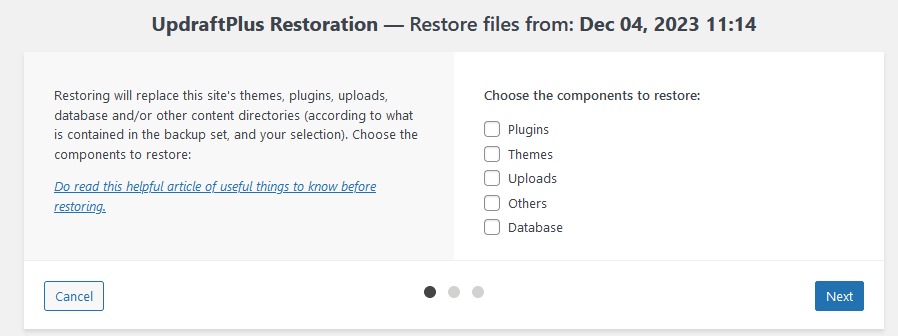
You have recovery capability once the necessary data, application, and configuration can be restored into a working service and tested against recovery objectives.
A post in r/webhosting described losing two websites’ content and the backups the owner expected to recover:
I checked two of my websites today to find that they are down. I contact support for my web host and find that they switched server IP addresses so I need to update my DNS records to point to the new server. I do this and discover that all content on both of my web pages is gone. I then login to my control panel to discover that everything is gone. All files, backups…everything. One of my domains is also no longer linked to the control panel.
The author later attributed the disappearance to a compromised account. The backups sat in the same account as the site, so one compromise took both.
What a usable recovery plan covers
What you need depends on the technology behind the site. Cover these:
- Content and data: Uploaded files, application records, and databases needed to rebuild the service.
- Application and configuration: Code, settings, deployment instructions, and integration configuration.
- Recovery access: Secure ways to regain administrative access without storing secrets in the recovery record.
- Independent copies: Protected recovery material stored outside the production system’s single failure domain.
- Restoration procedure: A known-good recovery source, a controlled environment where possible, and an acceptance test you can observe.
Recovery point objective (RPO) is the amount of data loss an organization is prepared to tolerate, expressed as a time window. Recovery time objective (RTO) is the target time to restore the affected service. Both depend on your business requirements and technical controls.
The AWS Well-Architected reliability guidance recommends protecting data, applications, and configuration according to recovery objectives and periodically restoring information to verify the recovery process.
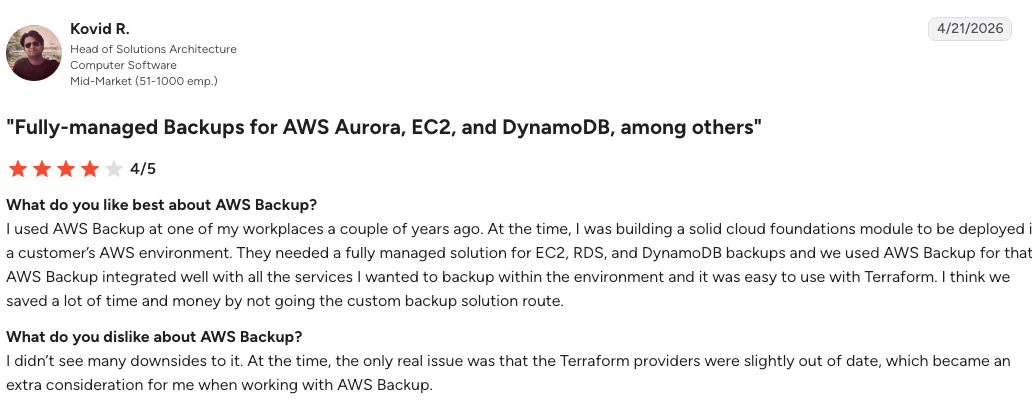
Record evidence of an actual restoration
A short recovery proof card can record:
- Restored object: The website, database, or service component you tested.
- Source and environment: The recovery copy you used and the controlled destination.
- Timing: How long the restore took and the gap between the recovered data and the reference state.
- Acceptance result: Whether the required content and the critical customer task worked afterward.
- Responsibility: Who ran the test, who can repeat it, and where the procedure is maintained.
A home page can load from a restored deployment while the database holds an older transaction state.
Restoring an older copy directly into production can overwrite newer data. Save and assess the current state before any destructive restore.
Maintain Reliability With Owned Checks and Clear Triggers

Keep a short set of checks, each with an owner, a review trigger, and evidence that it was done.
| Operational risk | Check or trigger | Responsible owner | Evidence of success |
|---|---|---|---|
| Monitoring or notification failure | Monitor configuration changes, alert-delivery tests, or unexplained alert silence | Monitoring owner | Test alert reaches the intended recipient |
| Certificate or domain expiration | Renewal event, approaching expiration, or automation changes | Domain or certificate owner | Confirmed renewal and correct served configuration |
| Unusable recovery copies | Recovery-system changes or scheduled recovery exercises | Backup and recovery owner | Completed restoration record |
| Provider or account access loss | Billing, renewal, or administrative-access changes | Account administrator | Valid account status and recoverable access |
| Unsafe deployment | Significant release or infrastructure change | Application or deployment owner | Documented rollback state and observed release outcome |
| Outdated incident contacts | Team, vendor, or responsibility changes | Service owner | Confirmed contact and escalation details |
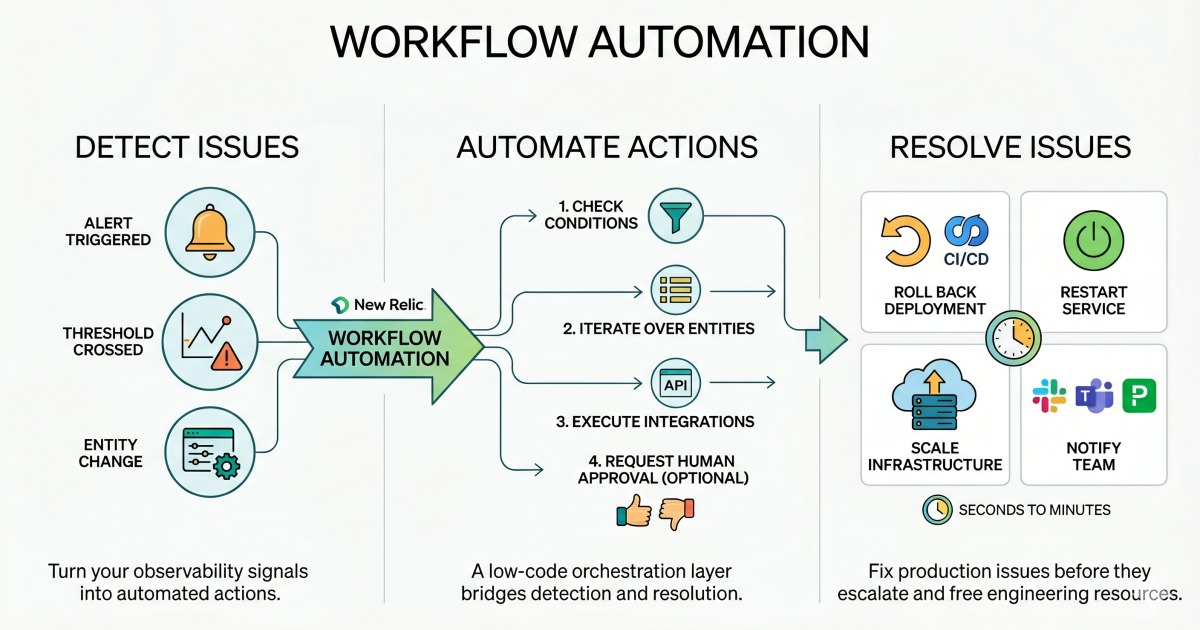
Monitoring has dependencies too. A hosted service depends on its provider and notification delivery; a self-hosted system depends on the infrastructure and maintenance that run it. Redundant notifications with unclear ownership add work during an incident. Before you change SLO targets, on-call work, or delivery ownership, read the DevOps versus SRE responsibility framework.
After an outage, fix whatever the response exposed: a missing contact, a noisy alert, a gap in the runbook. Test the fix at your next exercise.
Choose the Next Procedure for the Problem

For a DNS resolution failure, continue with a DNS troubleshooting procedure. For interrupted email after a hosting move, follow a migration and mail-continuity guide. Certificate renewals, traffic filtering, container deployment, Kubernetes scheduling, and team reliability roles each have their own specialist guide, so pick the one that matches your symptom and your access.