
For a small WordPress site with no server administrator, start with good shared hosting. Move to a VPS when documented limits or software needs call for more control. Choose dedicated hosting only when you have a sustained need for exclusive hardware. Whatever you pick, check the plan’s real resource limits, who handles security and recovery, and what it costs to run.
Shared Hosting vs VPS vs Dedicated: Resource and Control Differences
Shared hosting gives you an account inside an environment the provider runs. A virtual private server (VPS) gives you a virtual machine with its own guest operating system. Dedicated hosting gives you a whole physical server. The resource model sets how much control you get. The service contract sets how much of the operating work the provider does.
Compare what each plan actually allocates: CPU access, RAM, disk throughput, input/output operations per second (IOPS), network transfer, concurrency limits and privileges. For every plan on your shortlist, find the written CPU entitlement, the sustained and burst conditions, the process ceilings and the root or guest-OS access. If a plan doesn’t publish one of these, treat it as unknown.

| Criterion | Shared hosting | VPS hosting | Dedicated hosting |
|---|---|---|---|
| What you receive | Account on shared infrastructure | Guest virtual machine on a physical host | Physical machine for one customer |
| CPU resources | Account allocation or a set limit | Shared-CPU or dedicated-CPU, depending on the plan | The rented machine’s physical CPUs |
| Memory and storage | Account limits on RAM, throughput and IOPS | VM allocation; storage performance set by the plan | Physical configuration fixed in the rental |
| Access and software | Supported applications, restricted configuration | Guest OS control and custom services | Broad server and hardware configuration |
| Operations | Provider runs the shared environment; you still maintain your application | Managed or self-managed contract | Managed or self-managed contract |
| Capacity changes | Move to a higher account tier | Resize or replace the VM | Change the machine configuration or replace the server |
| Recovery exposure | Provider service and your backup setup | VM architecture and your recovery setup | One physical server is a single failure point |
| Cost structure | Subscription, renewals, optional services | VM charges, management, licensing, services | Machine rental, management, services |
| Typical reason to reject | Required runtime or privilege is missing | Operational coverage or tenancy requirements go unmet | Cost or the one-server design fails your requirements |
A VPS listing four vCPUs describes virtual processing resources. It does not mean you own four exclusive physical cores. Providers set different CPU-sharing arrangements within their VM ranges. If CPU shares, RAM allocation or storage isolation could change your decision, read how VPS resource isolation and allocations work.
DigitalOcean lists both shared-CPU and dedicated-CPU Droplets in its Droplet feature documentation. Both are virtual machines, yet the difference matters for a sustained compute workload.
Shared accounts have enforced limits too. Where CloudLinux runs, the provider can cap CPU speed, physical memory, disk I/O, IOPS and entry or running processes. The CloudLinux limits documentation describes one such implementation; other hosting stacks enforce account limits differently.
Which Hosting Type Fits Your Site? Five Real-World Scenarios
Start with what the application needs and who is available to run it. A hosting model fits only if it meets both.
| Site or workload | Starting point | What would change the choice? |
|---|---|---|
| Small WordPress portfolio or business site | Well-supported managed shared hosting | Required software is unavailable, or measured account limits keep getting hit |
| Growing WooCommerce store without a server administrator | Higher-tier shared plan or managed VPS | Checkout behavior, resource limits or recovery needs outgrow the service |
| Custom Node service, server-side rendering or persistent workers | Compatible VPS or managed application platform | The platform can’t run the required runtime, process or deployment workflow |
| Sustained demanding workload with documented physical tenancy or specific hardware/storage needs | Dedicated server with suitable management | A VM meets your actual resource, configuration and tenancy requirements |
| Seasonal spikes with strict availability requirements | Evaluate a redundant or elastic deployment | One-node recovery misses the defined service objective |
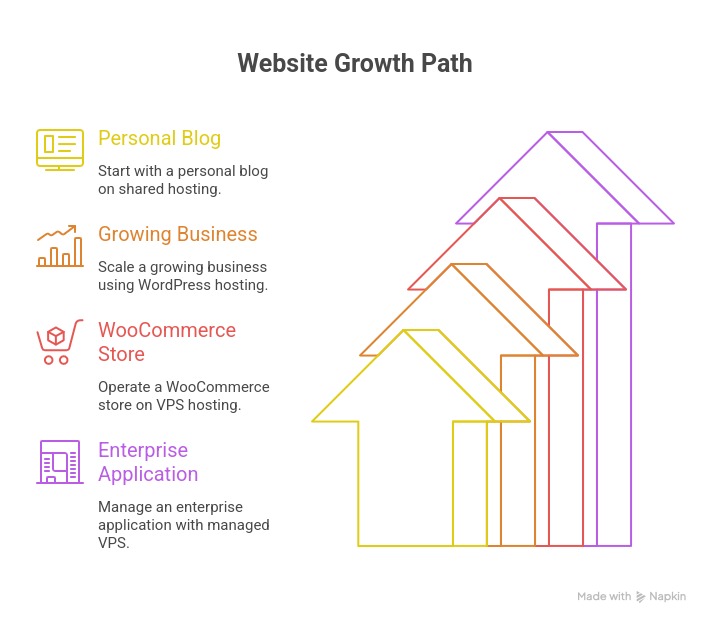
A site with many cached page views can use fewer server resources than a smaller site running expensive dynamic queries. Concurrency, plugins, caching and the application stack decide how visits turn into load.
One WordPress owner described paying around $30 to $35 a month for a basic site and email, while worrying that running a VPS would turn a hosting bill into a Linux maintenance job:
I’ve been on shared hosting for a few years and the constant price increases are starting to annoy me. Right now I’m paying around $30-35/month for one simple WordPress site + a few email accounts. I’m thinking about moving everything to a cheap VPS and self-hosting it, but I’m not really technical. I can follow clear guides, but I don’t want to spend weeks learning Linux from scratch or break the site in the process. Has anyone here done something similar with a basic WordPress site (nothing fancy, low-medium traffic)? What did you use to make the setup easier? Any panels or tools that helped a lot (Coolify, CloudPanel, aaPanel, something else)? How painful was the migration and the ongoing maintenance? Was it actually worth it in the end?
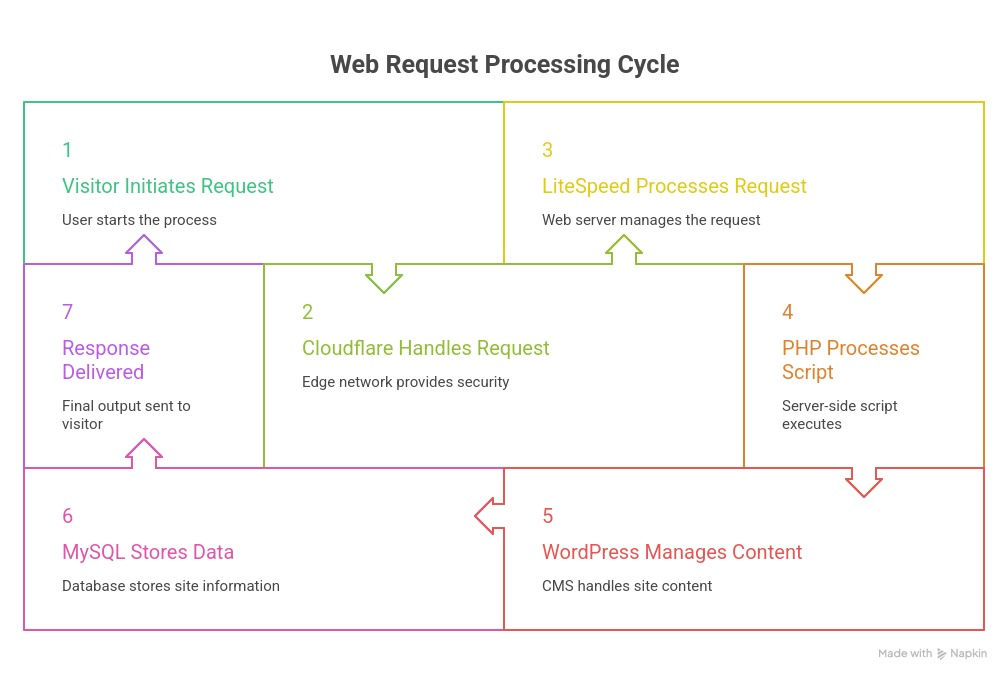
That is a familiar tradeoff when you have no server administrator. The quoted subscription covers both website and mail, while an unmanaged VM leaves maintenance and recovery to you. A different shared plan at another price, or a managed VPS, could both fit. If patching, backups or incident response could change your decision, read who handles managed versus unmanaged VPS operations.
A developer faces the opposite constraint: a long-running application process or privileged configuration. There, compatibility can rule out a shared package before performance even comes up.
When to Upgrade: Diagnose the Bottleneck Before You Move
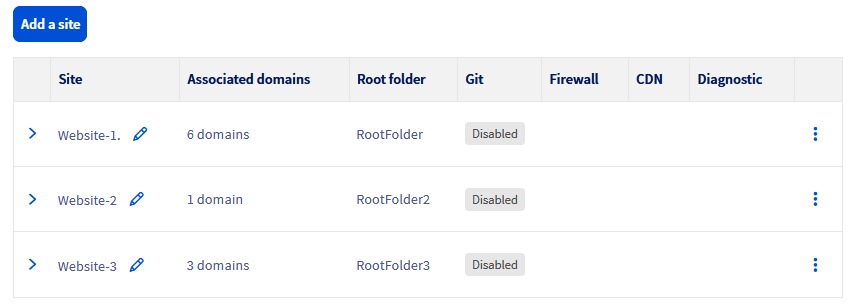
Slow response times call for finding the bottleneck first. CPU throttling, exhausted memory, disk I/O limits, slow database queries and external services can look the same to a visitor, yet each needs a different fix.
Distinguish the resource limit from the application
CloudLinux documents separate limits for CPU, physical memory, disk throughput, IOPS, entry processes and total processes. Under the relevant configuration, hitting the entry-process limit returns HTTP 508, and CPU or I/O limits throttle work. Memory and process exhaustion produce HTTP 500 or 503. Other hosting stacks can produce those codes for other reasons.
Say an account’s entry-process counter hits its limit during a burst of dynamic requests, and 508 errors show up at the same moment. A concurrency limit is your lead suspect. If the application instead spends most of each request on a slow database query, changing server category leaves that query untouched.
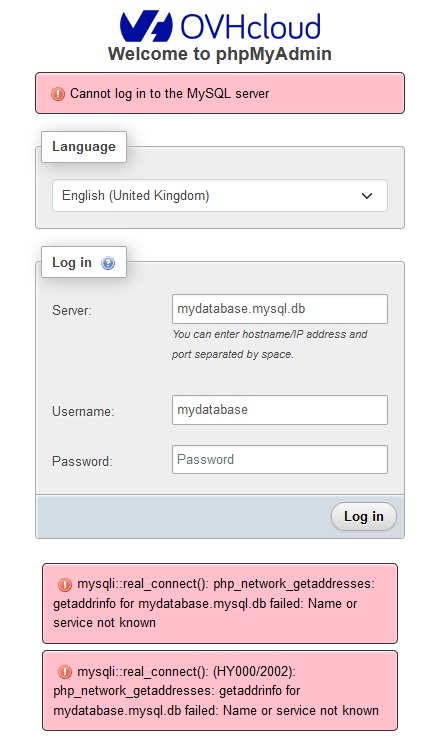
Collect a baseline that can distinguish the causes
- Response time: Record origin response time, including p95 when available, for representative page and application requests.
- Load: Note concurrency and timing, including the busiest periods.
- Resource pressure: Check CPU, memory, disk I/O, IOPS and account process limits where the dashboard shows them.
- Application behavior: Find slow database operations, plugin work, ineffective caching and background tasks.
- Errors: Match HTTP and application errors to the same periods as the resource measurements.
Your dashboard may show only some of these figures. Without logs, the cause stays unknown.
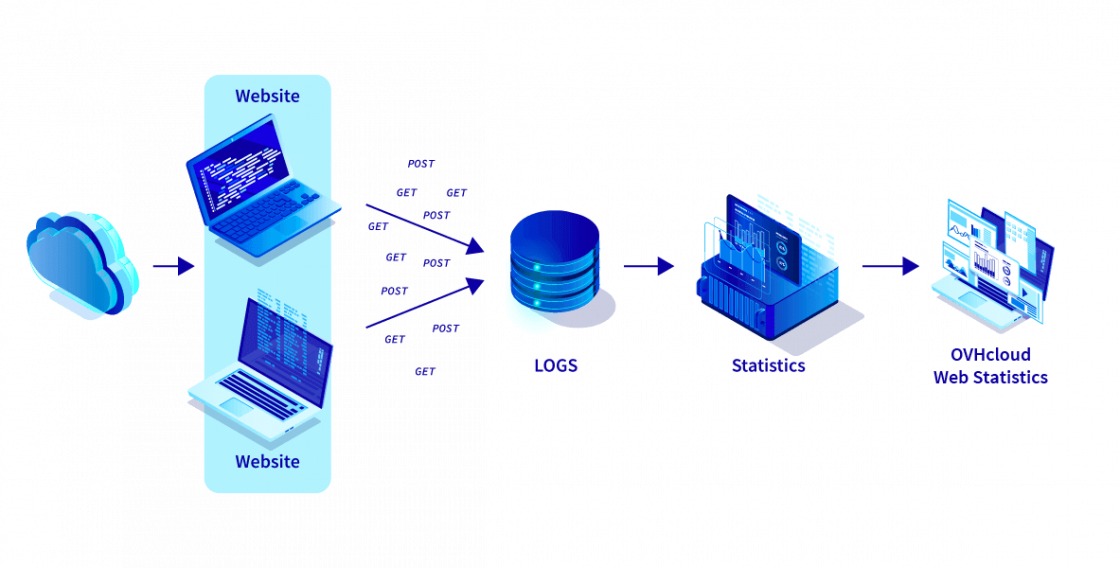
Match the constraint to a fix. Tuning the application or changing cache settings solves different problems than adding CPU, memory or process capacity. Keep your baseline so you can judge any later change on equivalent requests.
Managed vs Unmanaged Hosting: Who Handles the Work?
Managed and unmanaged describe the operational service around the infrastructure. A shared plan, VPS or dedicated server can leave different duties with you, and the word “managed” means only what the provider’s agreement says.
A control panel such as CloudPanel makes server configuration easier. Installing one does not hand operating-system maintenance, monitoring or restoration to a provider.
| Task | Self-managed owner usually handles | Managed package may include | What must the contract specify? |
|---|---|---|---|
| OS and security patches | Schedule, install and check updates | Defined host or guest-OS patching | Which systems, what schedule, which emergency fixes? |
| Runtime and database | Maintain web server, PHP and database | Maintenance of a specified software stack | Which components and version changes? |
| WordPress and plugins | Handle updates and application failures | Some application work, if included | Are application and third-party plugins covered? |
| Access and firewall | Maintain accounts and controls | Defined security controls | Who owns access reviews and incident containment? |
| Monitoring and incidents | Set up alerts, diagnose and respond | Specified monitored services and escalation | What is watched, and what are the response windows? |
| Backup execution | Configure jobs and retention | Scheduled copies under a stated policy | What is copied, where and for how long? |
| Data restoration | Coordinate or perform recovery | Assistance, if explicitly included | Who restores, and what fees or exclusions apply? |
| Email and DNS | Maintain related services and accounts | Defined hosting or assistance | Is email provided, supported or separate? |
If you can administer WordPress content but have no Linux administrator, an unmanaged VM hands you a large workload or forces you to find someone to take it. An experienced operator may accept that load in exchange for runtime control. Get the support scope, exclusions and response windows in writing.
The 12- and 24-Month Cost of Each Hosting Model
Compare the cost of delivering the same site and service scope over a set period. Separately billed services and your own time belong in the total.
Pick concrete candidates, such as a higher-tier shared plan, a managed VPS and a self-managed VPS. Swap in a dedicated plan when the workload justifies it. Plans in one hosting category can carry different support and recovery costs. For renewal charges, backup fees and support limits, read how to calculate the full cost of budget hosting.
Fill in the same worksheet for every candidate
In each blank cell, enter two cumulative amounts in US dollars: the total for the first 12 months, then the total for the first 24. Use quoted billing and renewal terms, and include any renewal price change in the 24-month figure. Enter each charge on one row only. A feature already included in the base subscription adds zero on its own row.
| Mutually exclusive cost line (USD) | Plan A (offer/type: _____): 12 / 24 months | Plan B (offer/type: _____): 12 / 24 months | Plan C (offer/type: _____): 12 / 24 months |
|---|---|---|---|
| Base hosting subscription and renewals | ___ / ___ | ___ / ___ | ___ / ___ |
| Extra management and support | ___ / ___ | ___ / ___ | ___ / ___ |
| Control panel and other licenses | ___ / ___ | ___ / ___ | ___ / ___ |
| Additional backups and storage | ___ / ___ | ___ / ___ | ___ / ___ |
| Separate email service | ___ / ___ | ___ / ___ | ___ / ___ |
| Extra security and monitoring | ___ / ___ | ___ / ___ | ___ / ___ |
| Migration charges | ___ / ___ | ___ / ___ | ___ / ___ |
| Operator labor at chosen hourly value | ___ / ___ | ___ / ___ | ___ / ___ |
| Usage and transfer overages | ___ / ___ | ___ / ___ | ___ / ___ |
| Other required charges, including applicable taxes if excluded above | ___ / ___ | ___ / ___ | ___ / ___ |
| Total: sum each column’s unique charges | ___ / ___ | ___ / ___ | ___ / ___ |
Total each column by adding its rows. A low-price unmanaged VM, for instance, may need separate administration, email and recovery services. A managed shared package may include some of those, so its larger subscription line shrinks the real gap. Count operator time as hours multiplied by an hourly value you choose, even when you do the work yourself.
Isolation, Security and Failure Recovery
Shared accounts have enforced resource boundaries, VPS guests rely on virtualization, and dedicated servers give you physical tenancy. NIST SP 800-125 covers security concerns for virtualized hosts and guests. Patching, access controls and monitoring remain necessary under every model.
A recovery point objective (RPO) is the maximum acceptable time between your last recoverable data point and a service interruption. A recovery time objective (RTO) is the maximum acceptable time to restore service.
A single dedicated server can still fail. Define both objectives, check backup retention and off-provider copies, run a restoration test outside production, and plan redundancy if one machine can’t meet your availability needs.
A Practical Pre-Purchase and Pre-Migration Verification Checklist

Turn your findings into a decision record with evidence for each check. A candidate moves forward when its critical checks pass. An unknown result stays open, and failing an essential application or recovery requirement sends you back to the shortlist.
Record the decision in one place
- Application fit: Pass / fail / open; evidence that the plan supports your runtime, persistent jobs, access privileges, deployment controls, and database and storage needs.
- Resource entitlement: Pass / fail / open; the written CPU, memory, storage and access specification.
- Bottleneck match: Pass / fail / open; baseline observations and the resource or application issue the plan addresses.
- Operational owner: Pass / fail / open; signed-off provider scope and a named owner for exclusions.
- Ownership cost: Pass / fail / open; accepted 12- and 24-month totals for comparable services.
- Recovery: Pass / fail / open; RPO/RTO requirements and restore-test result.
- Trial and cutover: Pass / fail / open; representative application trial, mail/DNS inventory and rollback owner.

Try the platform with representative work
Deploy a staging copy or take a temporary trial of the shortlisted service. Run the workflows that matter: page requests and administration for WordPress, cart and checkout for WooCommerce, persistent jobs and authenticated actions for custom software. Compare the results with your baseline under equivalent conditions.
A short trial shows how the platform behaves under the load you tested. It says nothing about production peaks or long-term support quality, so keep those checks open if they matter to you.
Protect the domain and mail during cutover
Find out who runs authoritative DNS and the existing mail service before you change hosting. Record the MX, SPF, DKIM and DMARC records where configured, plus certificate and HTTPS arrangements. Moving a website can change DNS administration while email keeps running through another provider.
Assign an owner for the production cutover, a stop condition and a rollback path. If the staged environment can’t run an essential application workflow, or the recovery check fails, keep production where it is and choose another compatible option.
If you’re still weighing shared hosting against cloud scaling and uptime guarantees, the cloud hosting versus shared hosting choice guide covers that comparison.