
Free web hosting works for a small, low-stakes site if the plan runs your software, allows your intended use, and gives you limits and recovery options you can accept. If one of those is missing, pick another free model or pay. Before you rely on it, read the plan’s restrictions, deploy a real copy of the site, and keep a backup somewhere else.
A website with three pages and a contact link has little in common with a WordPress installation, even if both attract the same number of visitors. The first might need only somewhere to serve files. The second needs an environment that runs server-side code and maintains a database. If you’re moving a WordPress database, site files, or DNS, the WordPress migration and rollback checklist covers those constraints.
What types of websites can free hosting run?
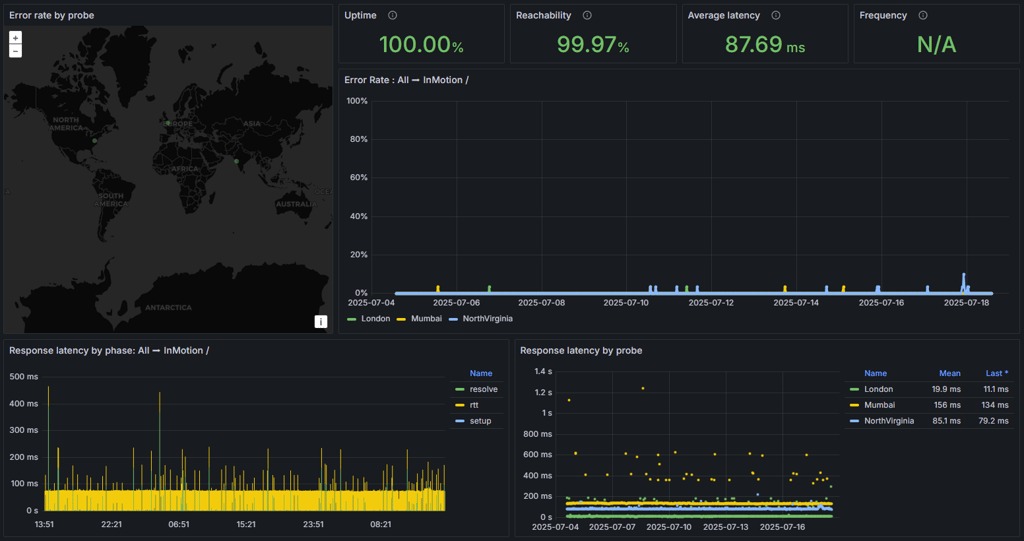
Start with what you’re publishing. Static files, a managed website builder, a PHP application, and a custom backend place different demands on a host.
A static site is HTML, CSS, JavaScript, images, and other assets. The visitor’s browser receives the files and runs the JavaScript locally. A portfolio, documentation page, or simple link hub works without an application server or database.
GitHub Pages and Cloudflare Pages publish static assets within their build, file, and account limits. A self-hosted PHP/MySQL installation or a continuously running process needs a server environment, not just static file delivery.
Self-hosted WordPress needs a compatible PHP environment and a database. WordPress.com Free is a different service. It gives you a managed website with its own feature restrictions, not WordPress software installed on a general-purpose hosting account.
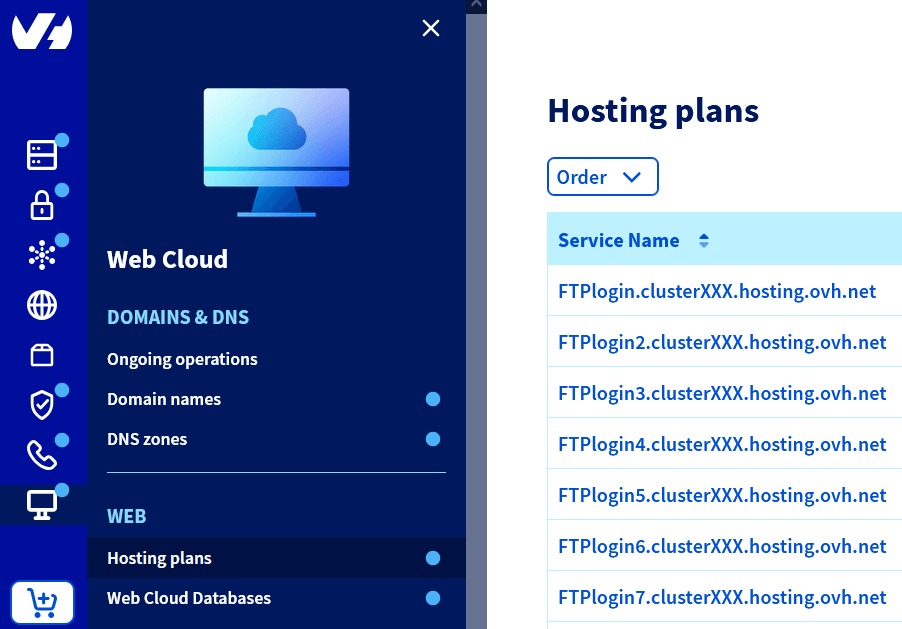
A custom API or backend adds requirements for server-side execution, mutable data, background work, or timely responses after inactivity.
One artist described a project that suits static publishing:
Hi there. I’m new to web dev. I‘m an artist who posts my artwork and I‘m going to create a one page mini “website” to link all of my socials, etsy, recent videos, etc.. entirely out of html/css & JavaScript. (Think linktree or carrd). How can I host this so I can share the link to my socials and have people view it? Thanks!
That page works as static files. The Etsy link means you should check the host’s rules on commercial activity.
Classify the site before you pick a service:
- Runtime: Static assets, PHP, a managed CMS, or a custom server application?
- Persistence: Do database records or other changes need to survive a restart or redeployment?
- Domain and email: Do you need your own domain, existing email service, or both?
- Continuity: What happens to your users if the site goes down or responds slowly?
Which free plans permit your intended use?
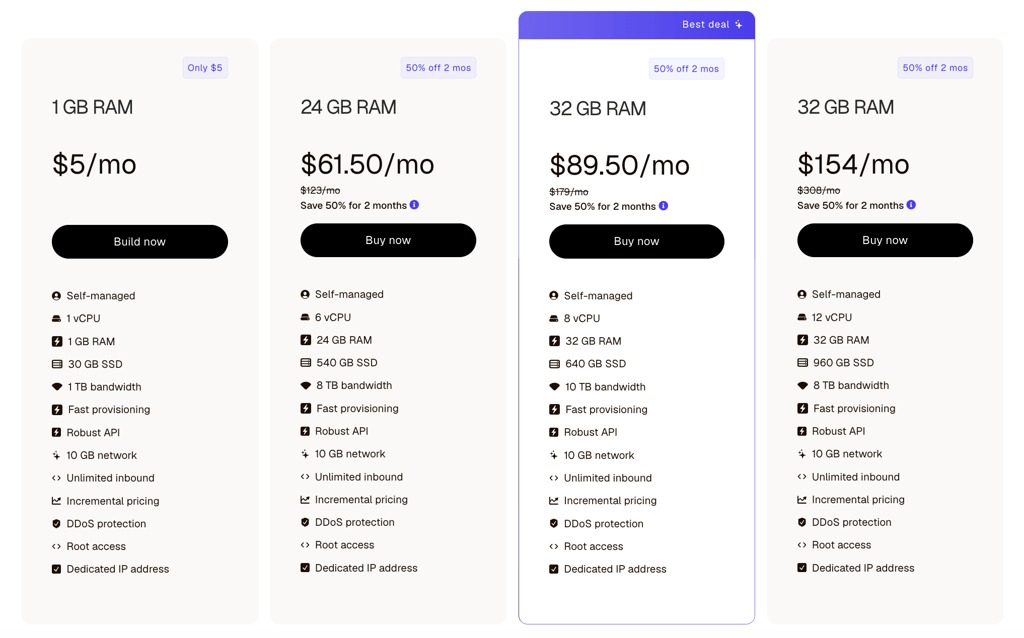
Check two things on any free offer: how long the allowance lasts and what the plan lets you publish. An ongoing free tier, a limited trial, and cashback after an initial payment have different costs and exit conditions. Some roundup offers are brief trials or payment-first promotions. A trial is useful for evaluating an environment, but a permanent site with no hosting budget needs an ongoing free plan. Renewal charges, backup fees, and support limits are covered in how to calculate the full cost of budget hosting.
Terms can rule out an otherwise compatible plan. The GitHub Pages limits and usage policy restricts specified uses involving online businesses, ecommerce, and SaaS hosting. Vercel’s Hobby terms reserve that tier for personal, noncommercial projects. Vercel’s fair-use guidance also treats code produced by a paid employee or consultant for financial gain as commercial use.
So a freelancer building a paying client’s website has an eligibility problem on Vercel Hobby.
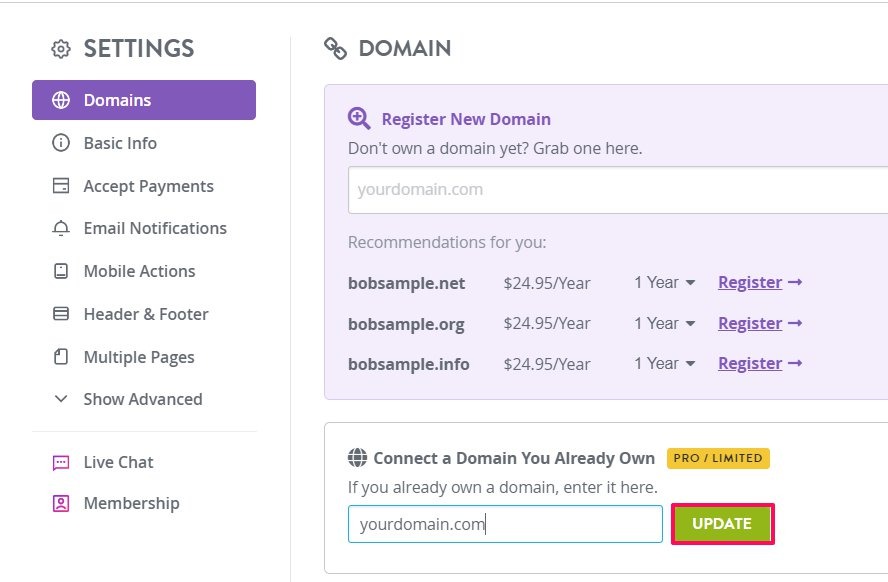
The address and presentation matter too. WordPress.com Free gives you a platform subdomain and 1 GB of storage, and it can display platform ads. It has no custom-domain support and no third-party plugin installation. A registered domain can add a separate renewal charge. The economics of bundled domains are covered in free-domain hosting packages.
Does linking to an online store make a static website ineligible?Not by itself. Linking to an outside store and processing checkout on your own site are different activities, and a host’s terms apply to what the site actually does.
Which hosting limits can interrupt a website?
Free plans meter different resources, and the meter tells you how the site will fail. Storage counts retained files. Bandwidth counts transferred data. Builds or deployments count publishing activity. Hits and requests count interactions with the service. A credit system can charge several of these against one allowance.
One visitor triggers separate requests for the HTML page, images, scripts, and stylesheets. Under the provider’s definition, hits count requests, not unique visitors.
| Platform or plan | Documented allowance | Meter and consequence |
|---|---|---|
| Netlify credit-based Free | 300 credits/month; 15 credits/production deploy; 20 credits/GB transferred; 2 credits/10,000 requests | One team allowance covers several activities. When it runs out, the team’s web projects pause and visitors see an unavailable-site page. |
| Cloudflare Pages Free | 500 builds/month; 20,000 files/site; 25 MiB/file; 100 projects/account; 100 custom domains/project | Build, file, project, and domain ceilings are separate. Pages Functions follow separate Workers-related limits. |
| GitHub Pages | 1 GB published site; 100 GB/month bandwidth soft limit; 10 builds/hour soft limit | Bandwidth and build limits are soft. The build-rate limit has a publishing-method exception. |
| InfinityFree | 5 GB disk; 50,000 hits/day | The daily hit limit applies alongside advertised unlimited bandwidth. |
| Firebase Hosting Spark | 10 GB hosted content; 10 GB/month transfer | Using up the transfer allowance can disable serving after a limited grace period. Deployment restrictions are a separate mechanism. |
A site you update often uses up deployments. A site serving large assets uses up transfer. Traffic can be identical in both cases.
The Netlify credit-based pricing documentation specifies production deployment, bandwidth, and request charges. The Free plan has no auto-recharge, so an exhausted allowance pauses service and doesn’t generate an overage bill.
At 15 credits per production deployment, 300 credits would cover 20 deployments if nothing else used the allowance. Transfer and requests draw on the same credits, so 20 is a best case.
A developer who moved from a legacy Netlify free plan described how the credit limit hit several sites:
I just upgraded from legacy free plan to normal free plan, and I know im on the FREE plan, but in less than 2 days ive hit my 300/300? my sites are inactive right now, no more than 30 users a day for ~2 minutes each (havent marketed any yet) now they are all paused, what? anyone know any netlify alternatives? its a shame cause i like netlify and its legacy free plan was extremely generous but this is insane
The author later mentioned pushing many builds. Production deployments cost 15 credits each, so they could account for part of the usage.
For each shortlisted plan, keep one quota record: the amount and unit, the daily or monthly reset, whether it applies to a site or the whole account, the documented enforcement action, and the matching reading in the account dashboard.
Which free hosting model fits your site?
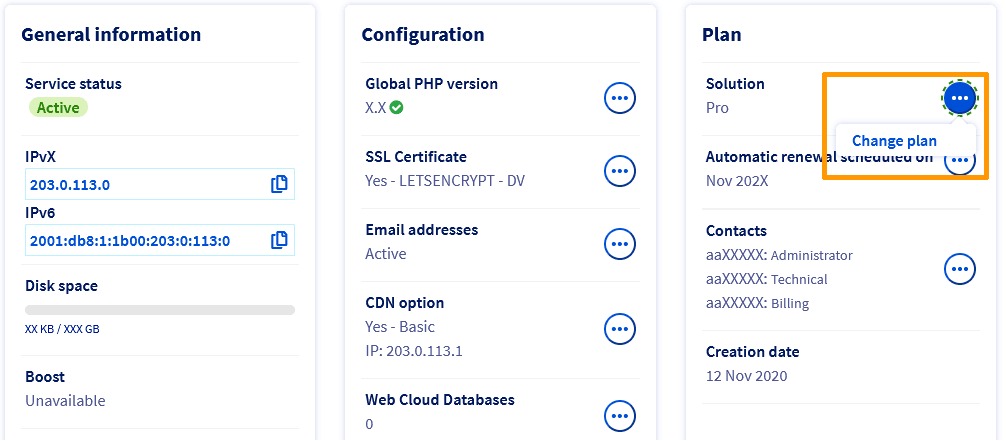
The table matches common project types to a free model and the condition that decides the fit.
| Website or project | Free model | Condition that determines suitability |
|---|---|---|
| One-page portfolio or link hub | GitHub Pages or Cloudflare Pages | Static assets are enough and your use complies with the plan. |
| Personal managed blog | WordPress.com Free | You can accept 1 GB storage, platform ads, and a subdomain, and you don’t need plugins or a custom domain. |
| Small PHP/MySQL learning project | InfinityFree-style shared hosting | Your server requirements fit the plan’s disk, hit, database, and email constraints. |
| Temporary application backend | Render Free web service | The application tolerates idle spin-down and uses a suitable persistent data store. |
| Static content with metered transfer | Firebase Hosting Spark | 10 GB hosted content and 10 GB/month transfer cover the project. |
| Personal deployment workflow | Eligible Vercel Hobby or Netlify Free plan | Your use is permitted and all account or team resource limits fit. |
A ready-made blog platform spares you server administration but limits customization. A dynamic runtime can execute your code, but it brings startup behavior and persistence questions.

Cloudflare Pages also separates static assets from dynamic Functions, which follow Workers-related rules. Adding backend logic to a static project changes its resource model. If your site needs a different class of server, continue to the shared hosting, VPS, and dedicated hosting comparison (covering CPU limits, RAM allocation, and server administration).
What happens when the free tier runs out or the site goes idle?

Free hosting fails in ways that depend on how the service operates. A site can go offline after a quota threshold, an application can respond slowly after sleeping, and files written to an ephemeral environment can disappear after a restart.
Render Free documentation says free web services spin down after 15 minutes of inactivity. A request wakes the service, and the restart takes approximately one minute. An API with sporadic traffic can tolerate that delay. One that handles time-sensitive interactions can’t.
Render also gives each workspace 750 Free instance hours per calendar month. Running Free web services use this allowance; spun-down time doesn’t. When it runs out, all Free web services in the workspace are suspended until the next calendar month.
While a Render Free web service is spun down, requests for /robots.txt get a disallow-all response without waking the application. If your public site depends on crawler access, account for this.
Render describes the Free web-service filesystem as ephemeral. Anything written there can disappear after spin-down, restart, or redeployment. Data in a separate persistent store has its own lifecycle.
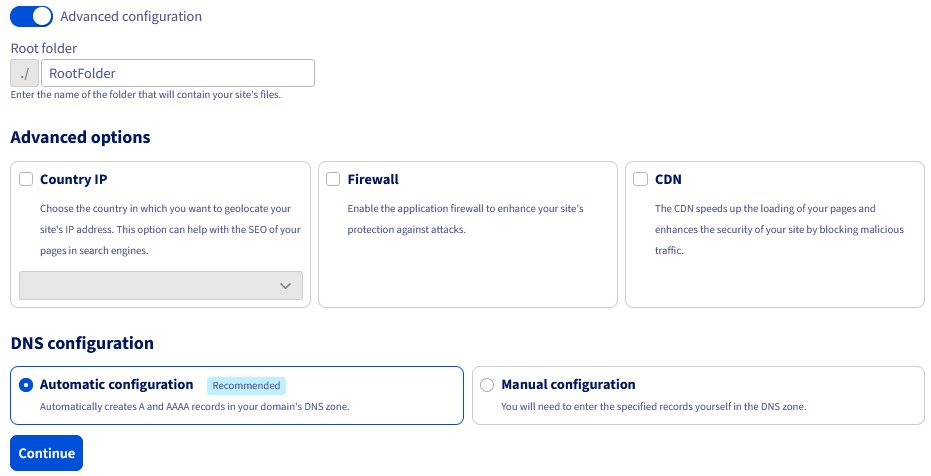
Render Free Postgres databases expire after 30 days, followed by a 14-day upgrade grace period before deletion.
Firebase Hosting Spark fails differently. Using up the monthly transfer allowance can disable serving after a limited grace period. The transfer limit and deployment restrictions govern different operations.
A Netlify incident from 2024 shows why billing models matter. In February 2024, a user reported a $104,500 invoice tied to unusually high bandwidth under an older arrangement. The user later reported that Netlify waived the bill. The user suspected an attack but never verified it. Netlify’s current credit-based Free plan pauses hard instead, with no automatic recharge.
Pick the failure that would hurt most: an unavailable checkout, a slow API, an unrecoverable database, or a domain and email outage. Decide how long you can live with it, then check the free plan against that.
Who controls the domain, deployment, and backup?
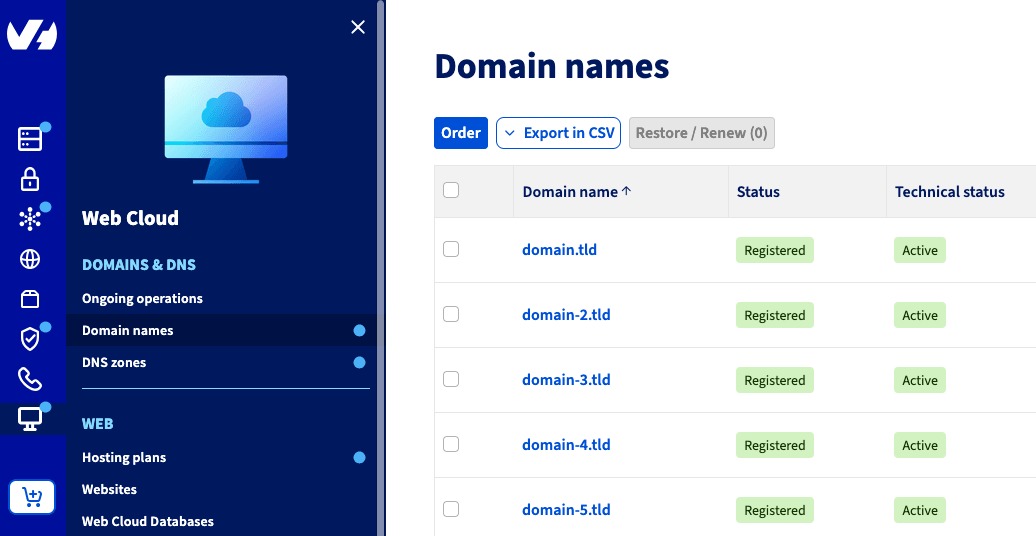
The person who can publish a website may not control the domain or the database. A developer might run the build pipeline while a client owns the domain. Billing, DNS administration, repository permissions, and recoverable content can sit with different accounts.
A freelancer building client websites with Next.js described the handoff problem:
What’s the best way to hand off a website to a client without me holding onto hosting for them? Currently I build Next.js websites for clients and initially hosted on my free vercel account. That got used up fast so i tried having the client create a vercel account and and host the site there. But vercel makes it difficult to cleanly hand off on the free plan (I can’t make continuous updates). Now I’m trying Netlify which allows me to make continuous updates to the site even if I don’t host it. But with Netlify I’m now already using up limits fast for one site on my free tier. I also thought about hosting it on AWS Amplify but creating an AWS account and adding billing would be kinda overkill for simple business sites. Has anyone navigated this? Is it worth it to buy paid plans for hosting?
The post shows three separate concerns: transferring operational control, keeping permission to make changes, and staying within usage allowances.

| Component | Control that matters | Risk if control is unclear |
|---|---|---|
| Registered domain | Registrar account, registration, renewal, and transfer rights | The responsible owner can’t renew or transfer it independently. |
| DNS zone | Authority to update web and email records | Website or mail routing changes depend on someone else’s account. |
| Hosting project | Deployment settings and account administration | The client depends on the developer to keep it running. |
| Source repository | Code access, editing rights, and build integration | Maintenance can halt when a collaborator loses access. |
| Database and backups | Exports, independent copies, and restore credentials | Rebuilding the site code doesn’t recover mutable content. |
| Billing account | Control over the plan and charges | The operator can’t manage the service’s commercial terms. |
A client site’s registrar, deployment, repository, billing, and recovery accounts each need a named controller. The client should keep a permitted way to hold operational control, and the developer should hold only the access needed to work.
Does keeping website code in Git also back up its database?No. Git preserves only what’s committed to the repository. Posts, orders, and other mutable database records need a separate export or backup. Redeploying the frontend doesn’t recreate database changes stored elsewhere.
Also write down what a collaborator can do in each component. Store recovery copies and credentials outside any hosting account that could be suspended or lost.
How to test a free host before relying on it
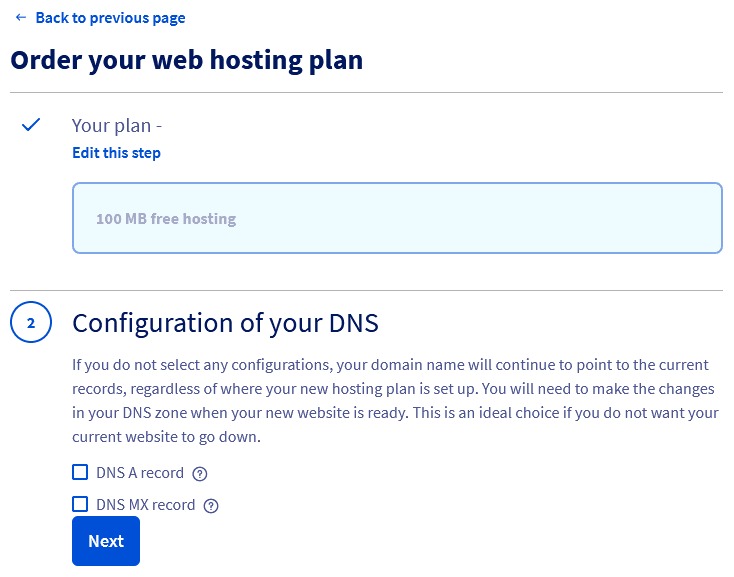
Test the combination of software and hosting you’ll actually use. A placeholder page can load fine while the real application depends on server features the host doesn’t support.
Run this seven-step, non-destructive check:
- Deploy representative content. Publish a small but real version of the site, including the features normal use needs.
- Open the public URL. Load the expected pages, images, scripts, and navigation. Record what works.
- Test the domain and DNS arrangement. Confirm that the custom domain or assigned subdomain resolves under the plan’s configuration.
- Confirm HTTPS. Open the address securely and inspect the certificate and page response.
- Exercise required functions. Where relevant, test server-side requests, database reads and writes, and application responses.
- Restore a safe copy. Export required files and mutable data to a separate location, then rebuild or restore a copy in a separate test environment.
- Identify a response contact. Record how to reach the provider’s support channel and who acts if the site goes down.
An HTML/CSS/JavaScript portfolio needs only a simple publishing and file-restoration test. A dynamic project needs code and mutable content to survive separately. On WordPress.com Free, a need for third-party plugins or a custom domain rules the plan out immediately.
The pass/fail record covers the configuration and recovery steps you tested. It doesn’t measure uptime or load.
When should you stop using free hosting?

A free plan is a sound start while it runs your site, permits your use, and its limits and recovery options fit. Move on when the quota runs out, the terms forbid your use, the idle delay is unacceptable, or you can’t keep an independent backup. Your seven-step results show whether to stay, switch to another free model, or pay for a plan that covers the missing requirement.