
Start with the simplest hosting and service setup that meets your website’s requirements, and keep clear control of the domain, DNS, email and recovery arrangements. Move to a more complex or self-managed stack only when the simpler option cannot meet a specific application, control or reliability need. Before you change providers, identify the accounts and DNS records that other services depend on.
What counts as website infrastructure?
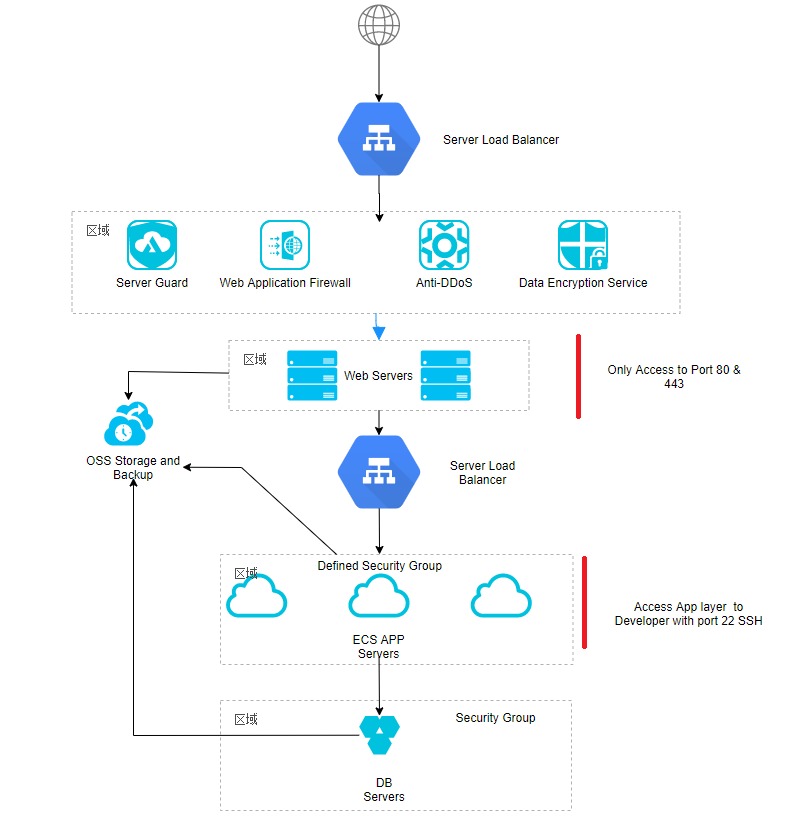
Website infrastructure is everything that gives your site an address, serves its content and keeps it running. Every public site needs a reachable address and hosting that delivers the content. A custom domain adds registration and DNS management, and HTTPS needs a correctly configured TLS endpoint. A content delivery network (CDN), a separate application runtime, a database, storage and specialized monitoring depend on the workload. A managed website builder bundles several of these functions, so sort each component into one of three groups: required for your site, needed only for certain features, or already run by the provider.
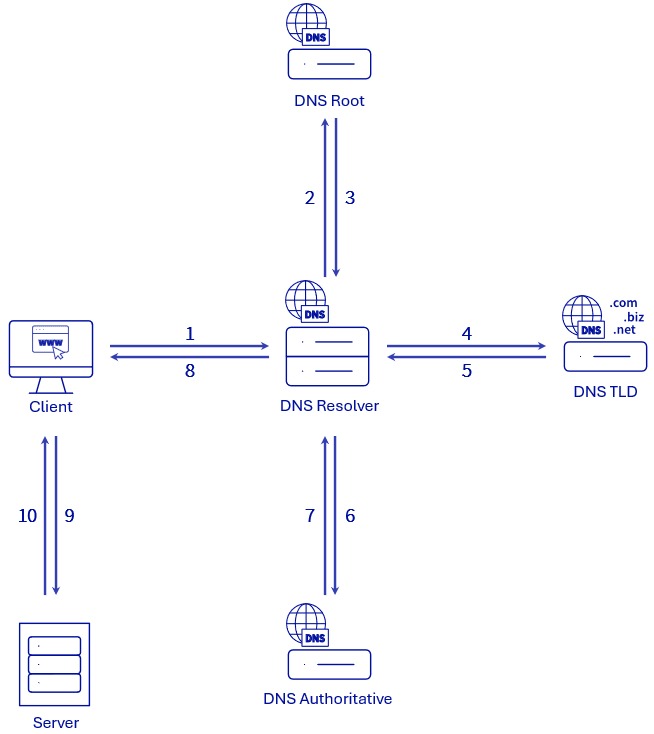
How a browser reaches your website: DNS, edge, origin and application
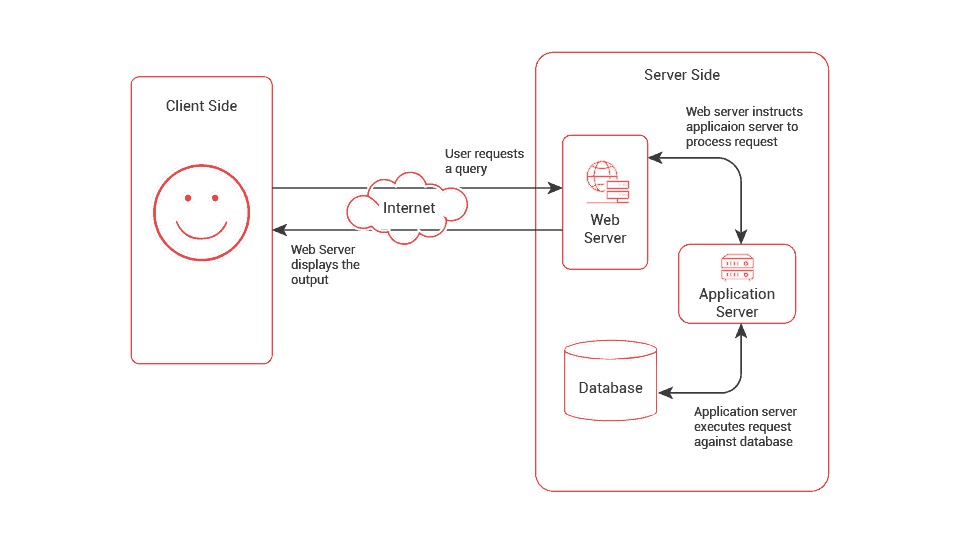
When someone enters your website’s address, several systems cooperate to deliver the page.
The domain registrar holds the registration, and the registrant or an authorized administrator sets the nameserver delegation there. Authoritative DNS servers publish the domain’s records. A recursive DNS resolver uses those records to find the website’s network endpoint, which is either the origin server or an edge service in front of it.
The request path looks like this:
Browser → DNS resolution → optional CDN or reverse proxy → origin hosting → optional application and database → HTTP response
Over HTTPS, the browser also negotiates TLS with the endpoint and checks its certificate. The HTTP request then reaches the service that answers it. A static hosting platform returns files directly. A dynamic application runs code, reads stored data and builds the response.
Each layer caches its own data. Resolvers keep name-resolution answers, a CDN keeps website resources closer to visitors, and the browser reuses resources already stored on the visitor’s device.
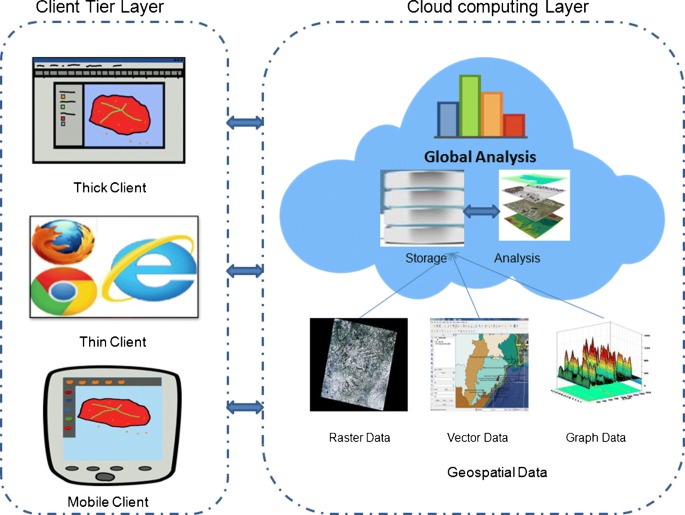
Take a small business website on a managed platform. The domain might be registered with one company, the DNS run by another and the pages served from the platform’s edge network. The visitor sees one website built from three services.
A successful DNS lookup says nothing about whether the certificate is accepted or the application works. A self-hosted operator, for example, can have names resolving through Technitium DNS and HTTP traffic reaching a Caddy reverse proxy while browsers still reject the HTTPS certificate.
For the underlying mechanics, see the MDN guide to how the web works.
Choose the minimum infrastructure for your kind of website
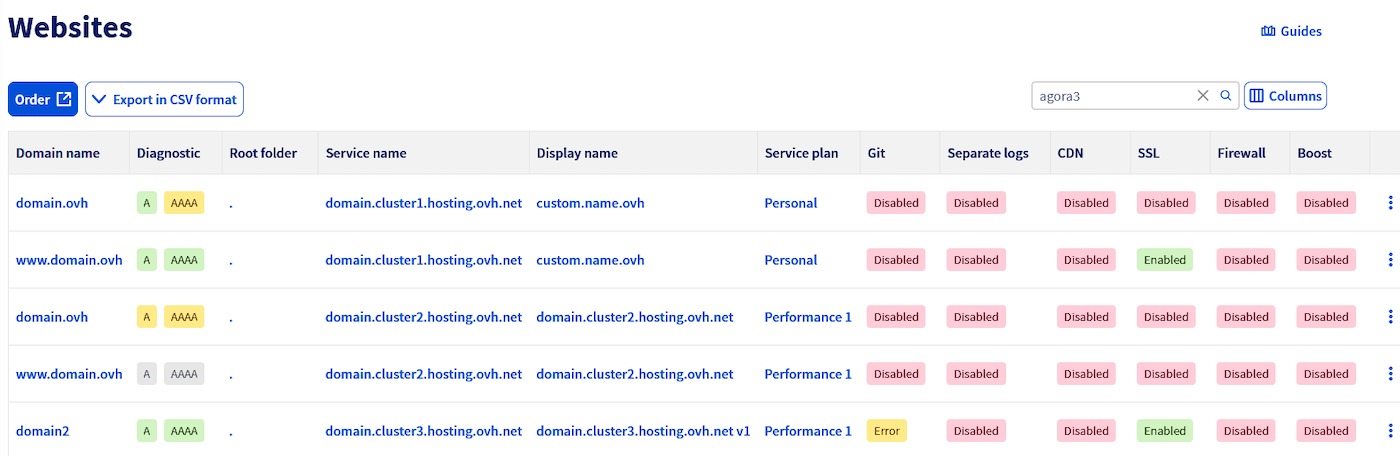
What the site must run, who will maintain it and what happens when it goes down decide the infrastructure. A brochure site with a few pages is a smaller job than a store processing orders or an application running background jobs. Start with the capabilities the site needs, then pick a hosting model that provides them.
| Website workload | Starting model to evaluate | Must have | Consider another model when |
|---|---|---|---|
| Static or brochure website | Managed builder or static hosting | Deliver pages and assets through a domain and HTTPS | You need custom server functionality the platform lacks |
| WordPress or content website | Managed CMS or suitable shared hosting | Supported runtime, database, updates and backups | You need more control or capacity than the service offers |
| Ecommerce store | Managed commerce platform or suitable managed hosting | Working checkout, integrations and recoverable transaction data | The service can’t meet your operational, security or performance requirements |
| Custom dynamic application | Application hosting, VPS or appropriate cloud services | Compatible runtime, persistent data and background jobs if needed | The required features, skills, support or cost controls are missing |
If managed hosting and a self-managed virtual private server (VPS) both fit, decide on who does the upkeep. A managed host handles part of the patching, availability and platform maintenance. A VPS gives you more control, and you configure the server, apply updates, run backups, monitor services and fix failures yourself.
Shared hosting, VPS, dedicated servers and cloud platforms describe aspects like resource allocation, isolation, operating responsibility and deployment architecture, so one product can fit more than one label.
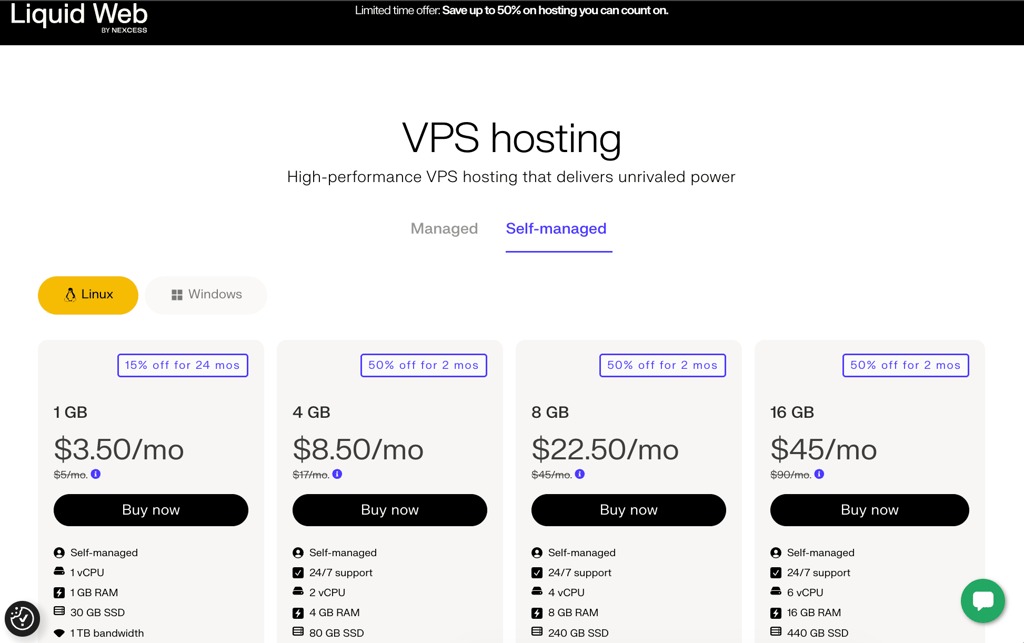
Use these filters to pick a starting model:
- Application requirements: Does the site need a supported CMS, custom server-side code, a database or background processing?
- Administrative capability: Can someone maintain the runtime, security configuration and operating system when the service leaves those to you?
- Workload behavior: How will demand change, and what measured capacity limits would make a basic plan unsuitable?
- Operational consequences: Which failures hit visitors, transactions or stored data, and does the hosting model support recovery from them?
Identify who owns and can change each part of the stack
A website can run for years while nobody has a complete picture of who controls its infrastructure. The gap shows up when a domain needs renewal, an agency relationship ends or a DNS setting changes.
Technical access, account administration, billing and domain registration can each sit with a different party. A developer can administer DNS records without being the domain registrant. An agency can run the website while the client pays for a separate email service.
| Component | Where it’s controlled | Who to identify | What a change affects |
|---|---|---|---|
| Domain registration | Registrar account | Registrant and authorized administrator | Renewal, transfer and nameserver delegation |
| Authoritative DNS | DNS provider’s zone | DNS administrator | Website routing, email records and service verification |
| Website hosting | Host or website platform | Site operator | Files, runtime, permissions and availability |
| Business email | Mail service account | Email administrator | Mailboxes, delivery and authentication |
| TLS and edge services | Hosting or edge platform | Security or platform operator | Certificate coverage and request routing |
| Backup and monitoring | Backup and alert systems | Recovery or incident owner | Detection, restoration and response |
| Billing | Each service’s account | Contract or billing owner | Renewals, usage charges and service continuity |
Treat the matrix as an account inventory. For each service, record the controlling account, the person authorized to make changes, who handles renewals and how access or data can be transferred or recovered.
An agency owner laid out the options for setting up customer websites:
I’m starting my web design business and I have a doubt about how agencies/freelancers usually handle domains and hosting for clients. Right now I already own my own business domain under my email/account. My question is: When I get a new website client, should I: 1. Buy and manage the client’s domain under my own email/account? 2. Ask the client to purchase the domain in their own account and just connect it to my hosting? 3. Host multiple client websites under one hosting account? 4. Create separate accounts for each client?
These are separate decisions. Domain registration settles who holds the rights and renewal duties. Hosting several clients in one account settles access, isolation and recovery.
If the client owns the registrar account and gives you delegated technical access, the client keeps direct control while you manage the records. Other setups work too, but everyone needs to know who can renew, transfer, modify and recover each service.
On a handover or client departure, pass on access to the website’s files, configuration and service accounts, and account separately for domain registration, hosting administration and data export. Put it in writing, so a working site doesn’t end up depending on credentials held by someone who no longer answers for it.
What can break when you change hosting or nameservers?
Moving to a new host, changing the domain’s authoritative nameservers and transferring its registration are three separate operations. What each one affects depends on which accounts and services you touch.
Pointing the website at a new hosting endpoint leaves domain registration and business email in place. Changing authoritative nameservers goes further: the new DNS service becomes responsible for supplying all of the domain’s records.
| Change | What it affects | What requires attention |
|---|---|---|
| Update A, AAAA or CNAME records | Website routing and edge behavior | Correct endpoint and functioning website |
| Change authoritative nameservers | The domain’s published DNS records | Complete destination zone, including mail and verification records |
| Move the hosting account | Website files, runtime and application data | Export, compatibility and recovery arrangements |
| Change MX or email-authentication records | Inbound mail and mail authentication | Mail provider’s specific record requirements |
| Remove an old server or hosting account | Data and configurations stored there | Authorized cancellation and usable backups |
A first-time site owner asked about a new WordPress site:
Hi everyone, I have absolutely no technical skills in this area and just looking for some advice. I registered a domain with Porkbun last month and use that domain for my business email. Now I’m trying to build a website and decided to use WordPress with an alternative hosting website which apprently cannot be typed out. Of course when I type the domain it says it’s already taken. Do I have to transfer my domain from Porkbun to the new host to be able to use it on the website I build? Will that affect my email?
The domain can stay with its current registrar while you connect website hosting through DNS configuration. The existing email provider stays too, as long as its service and DNS records are preserved. If your domain registration, DNS hosting or website accounts change the picture, use the hosting, domain, and DNS ownership guide to check the constraints.
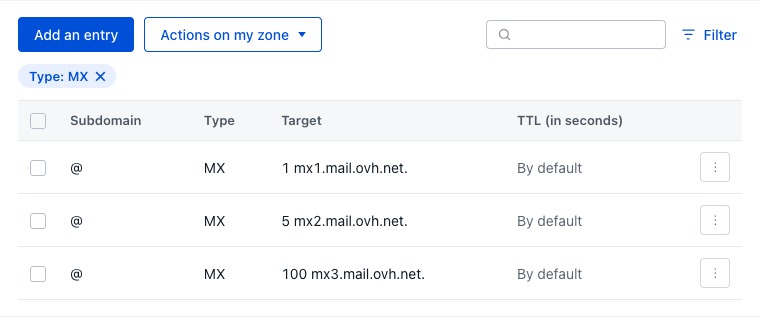
Switch nameservers before the new zone holds your records and the website or email can go down. The old zone holds website addresses, mail exchanger (MX) records, TXT records for email authentication and other verification entries. For the MX, nameserver and SPF checks, follow the web-hosting migration plan that protects email.
To migrate authoritative DNS safely:
- Capture the existing records: Export the full record set from the current authoritative DNS service, including website, mail and verification entries.
- Prepare the destination: Recreate the records and compare them, allowing for provider-specific settings and DNSSEC requirements.
- Change delegation: Change the nameservers only after the destination is ready.
- Observe the result: Compare answers from independent resolvers, then test website access and mail.
- Keep recovery access: Keep the account permissions you need and a documented way to correct or reverse the change.
Cloudflare’s authoritative DNS setup documentation covers preparing the zone and coordinating delegation.
Because of caching, resolvers pick up the change on their own schedules. Waiting for caches to expire will not recreate records missing from the new zone.
Keep the site secure, observable and recoverable
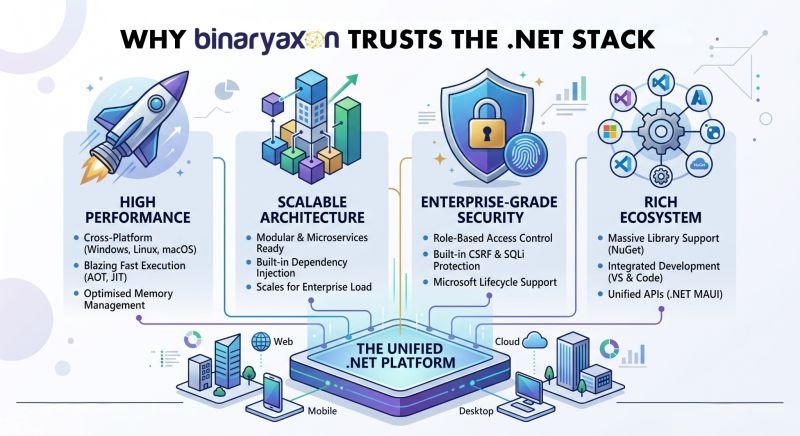
A reliable website needs more than a working hosting account. Security, monitoring and recovery cover separate jobs.
HTTPS uses TLS to protect the connection and to authenticate the endpoint through certificate validation. Application security also depends on access controls, software maintenance and how you handle sensitive information.
Monitoring tells you whether a service responds and whether specific functions work. A basic check that receives HTTP status 200 can pass while a customer cannot complete checkout, so choose checks based on what visitors need to accomplish. Logs and metrics help you investigate the fault, and alerts need a named recipient who can act.
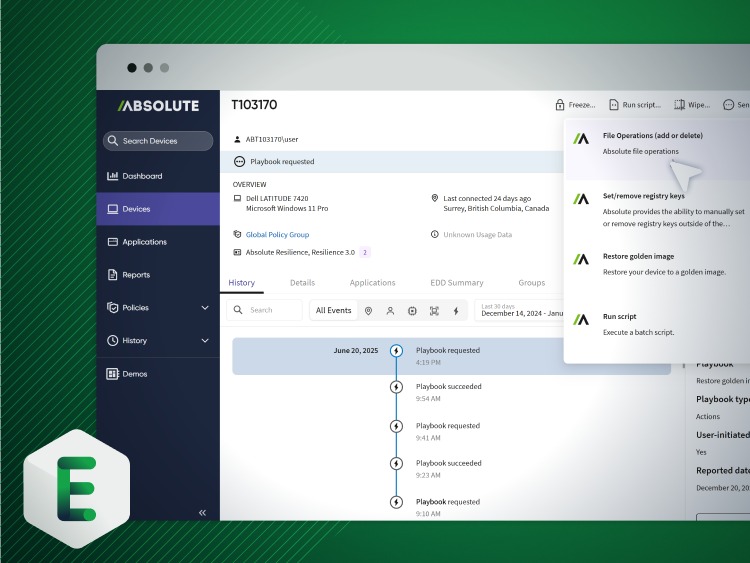
Backups let you recover from data loss or an outage. What they are worth depends on what they cover, where they are kept and whether the application can be restored to a working state.
Two terms set the requirement:
- Recovery Point Objective (RPO): The acceptable interval of potential data loss after a disruption.
- Recovery Time Objective (RTO): The target interval for restoring a service after an interruption.
A target listed in a hosting plan is not proof. Only an authorized restoration test shows that the data, configuration and application functions come back. Google Cloud’s recovery-from-data-loss testing guidance gives a technical basis for these tests.
For a managed CMS, restore the latest backup into an isolated environment, confirm the site loads and check that its important functions and data are present. Also settle who can start a recovery.
Core Web Vitals measure the visitor’s experience: Largest Contentful Paint (LCP), Interaction to Next Paint (INP) and Cumulative Layout Shift (CLS). They do not replace uptime monitoring, since a site can be up and still feel poor to use. For uptime alerts, incident response and restore tests, see the website reliability diagnosis and recovery playbook.
Budget for the stack you operate, not just the server price
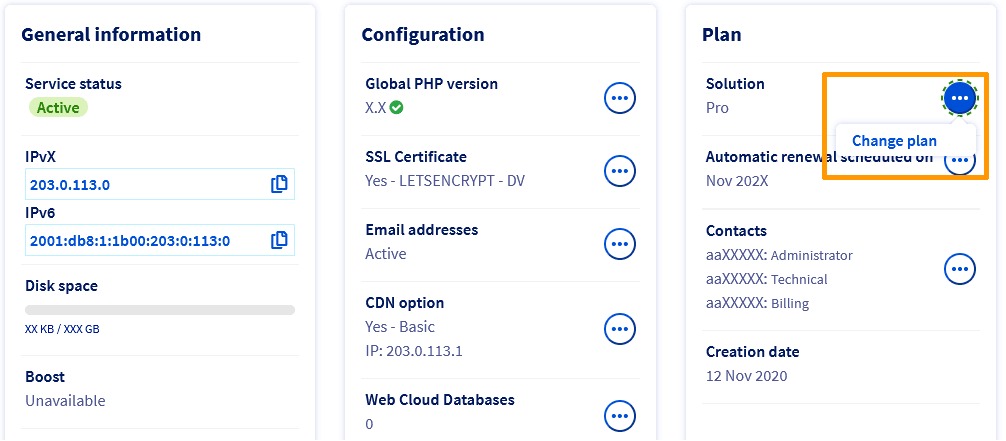
A hosting plan’s advertised price covers a defined service. Running the site also costs money for add-on components, usage and the work to maintain it.
Compare costs over one consistent period, such as a year, and split them into these categories:
- Registration and subscriptions: Domain registration and renewals, website hosting or platform fees, and separately charged email or certificate services.
- Compute and storage: Server or application resources, databases and stored files, including any usage beyond what the subscription includes.
- Network and delivery: Bandwidth, outbound data transfer, request processing and paid CDN or security services where applicable.
- Operations and recovery: Backups, retention, monitoring, support, maintenance time and restoration testing.
- Contract and exit obligations: Renewal conditions, export capabilities, cancellation terms and migration costs.
A managed website builder bundles hosting, routine platform maintenance and some security features into one subscription.

A deployed AWS NAT Gateway is billed on both the time it is available and the data it processes. Your charges depend on how you deploy and use it; see the AWS NAT Gateway pricing documentation.
For a one-year worksheet, list each deployed service, its fixed or usage-based charges, who operates it, and the renewal or exit terms in its contract.
When something breaks, check the failing layer first
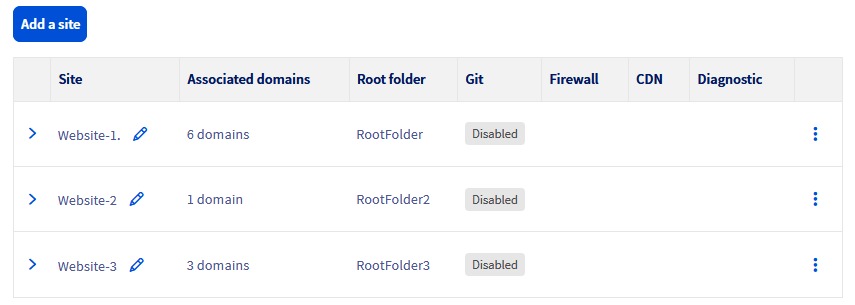
Match your first check to the symptom you see. Start with observations that change nothing, then bring in the administrator responsible for the affected service.
| Symptom | First check that changes nothing | Layer to investigate | Who to contact |
|---|---|---|---|
| Domain name does not resolve | Inspect authoritative nameservers and the DNS answer | Delegation, zone or caching | DNS administrator |
| Browser reports certificate problems | Examine the hostname, endpoint and certificate shown | TLS, edge or origin | Hosting/security operator |
| Page opens but a feature fails | Check the affected application function | Runtime, database or application configuration | Application operator |
| External email stops arriving | Inspect authoritative MX records and mail configuration | DNS or email service | DNS/email administrator |
| Uptime check passes but checkout fails | Observe the failing customer workflow | Application or transaction processing | Application/monitoring owner |
| Cloud charges are unexpected | Compare billed service and resource dimensions | Compute, network, storage or billing | Cloud/billing owner |
One sysadmin reported an email outage involving domain registration, authoritative DNS and a separate mail provider:
I work for an MSP. Some of our clients will come to us with pre-existing domains. Sometimes we take those over, other times we just manage the DNS. This particular client and domain is one of those types. We manage the DNS in our Cloudflare, but the domain itself lives in the clients GoDaddy account with name servers pointed to Cloudflare. Well a couple days ago the marketing director of this client was looking in the GoDaddy portal for something, and upon logging in saw a message stating something like “GoDaddy isn’t fully managing your example.com domain, click here to fix it.” Upon clicking there, it reverted the name servers back to GoDaddy. Notable GoDaddy DNS isn’t configured for Microsoft exchange email. So cut to about 24 hours later and they can’t get email anymore.
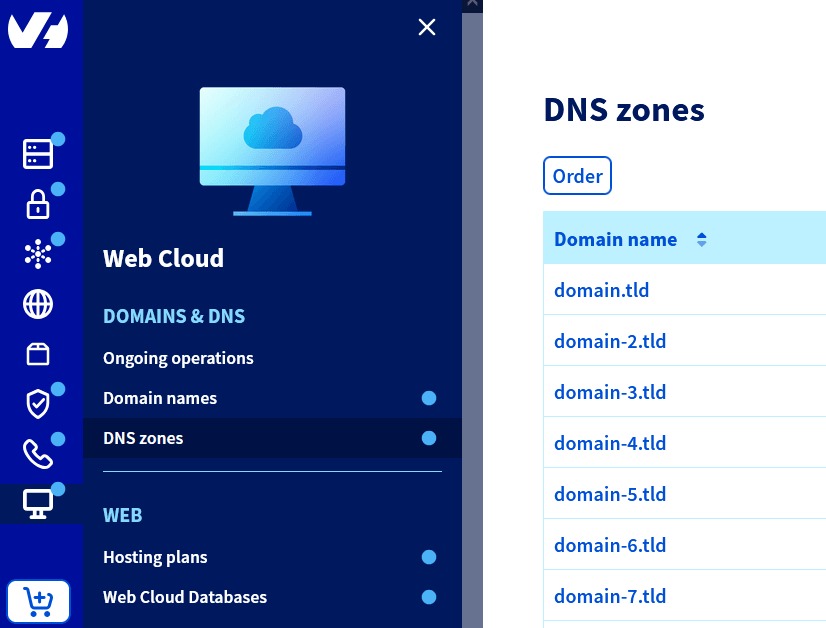
The registration stayed at one provider while the DNS was managed elsewhere. In a case like this, check the active delegation and the DNS records being served before you touch the web server or mailboxes.
Your next step: follow the right infrastructure guide
Pick the guide that matches the decision you still have to make.
- Web Hosting & Domains: For choosing a hosting service, comparing shared hosting with a VPS or understanding domain and email hosting options.
- Cloud Platforms & Architecture: For a custom workload that needs a cloud service model, extra computing control or a more involved deployment architecture.
- Cloud Costs & FinOps: For estimating usage-based bills, allocating cloud costs or investigating network charges.
- Data Center Infrastructure: For physical facility, power, cooling or colocation decisions.
- Web Operations & Reliability: For DNS problems, hosting migrations, monitoring, security operations and service restoration.
Before you change identity boundaries, recovery objectives or network routes, review the cloud architecture workload assessment for the implications.