
Keep your existing email provider and change only the website DNS records when the current nameservers and mail-related hostnames can stay in place. If the authoritative nameservers must change, build and check the complete DNS zone at the destination before you switch. Confirm who owns the mailboxes and test real message delivery before you close the old host.
Your website and company email can share a domain while running on different services. The homepage may load fine on the new server while contact forms, same-domain messages or existing mailboxes break.
Start with the accounts behind the domain, then pick the smallest migration route your site needs.
Before you migrate, find out who owns your domain, DNS, website, and email

Registrar access and mailbox administration can belong to separate accounts. Map the providers and administrators before you change anything live.
- Registrar: Who controls registration and the delegated nameservers.
- Authoritative DNS: The provider publishing the domain’s live zone, and who can edit it.
- Website hosting: Where the site runs now, and who controls the new hosting account.
- Mailboxes: The service that receives and stores business messages, plus its administrator and subscription.
- Website sender: The SMTP account, sending API, plugin or local server mailer behind contact forms and notifications.
- Billing dependencies: Which old product or account pays for mail, forwarding or another hidden service.
For each service, keep one entry in this format: service | provider/account | administrator | destination | billing dependency | confirmed or unknown. Leave an unknown administrator or subscription marked unresolved until you find the account that holds the mailbox entitlement.
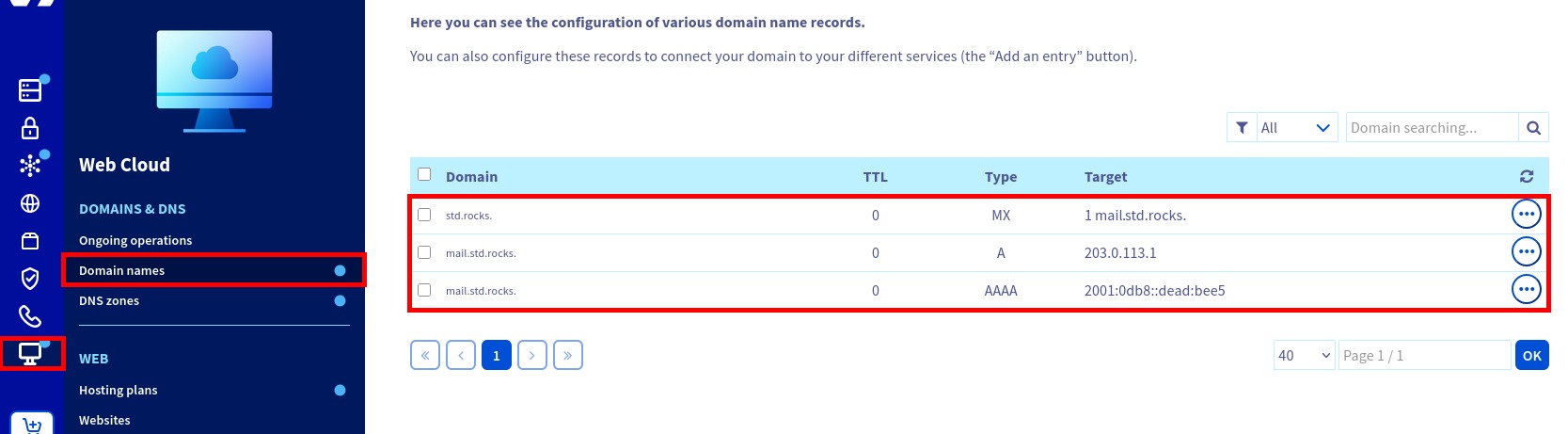
An OVH incident shows how this plays out. A developer had taken over domain and DNS control for a client while email kept running. The email administration was invisible to them, and an old hosting product blocked the new website. Before changing MX records, DKIM signatures or mailbox ownership, review the business email hosting and DNS authentication requirements.
Additionally: – The domain transferred is currently attached to a free 100MB OVH hosting plan. – I need to remove this hosting to attach the domain to a new hosting (new website). – Can I safely delete this hosting without impacting emails, assuming DNS/MX records remain unchanged? Or is it possible that the email service is somehow tied to this hosting Because until this hosting server is up and the domain I need is linked to it, I cannot add it on the multisite of the right hosting. And I get the “Website in construction” page (even tho the DNS are pointing to the right server) Of course, I have opened a ticket with the support, but this matter is urgent and worrying, so I am trying to get any information I can. ⚠️ Email continuity is absolutely critical for the client, so I cannot risk any interruption. Thanks a lot in advance
Choose the right route: change web records, change nameservers, or move email too
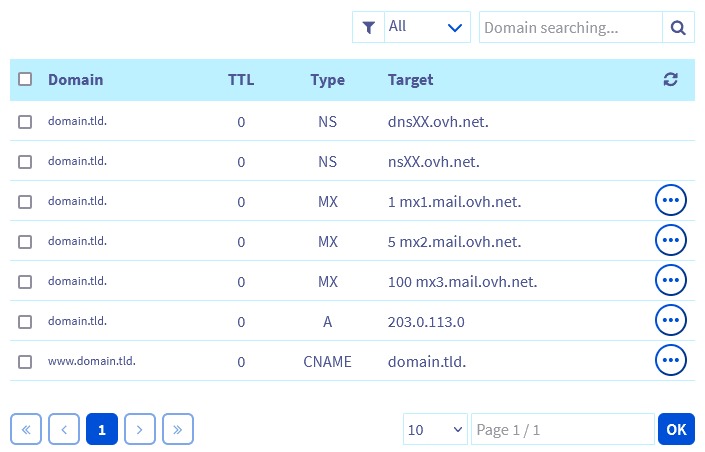
A website-only move can use the existing authoritative DNS service. Changing nameservers brings in a whole new zone, and moving stored mailboxes is another project on top.
| Route | What changes | What stays | Deciding condition |
|---|---|---|---|
| A: Web records only | The website A, AAAA or CNAME targets that need to change | Current nameservers and mailbox provider | No essential mail hostname depends on the changed target, and server-side mail routing is covered |
| B: Nameservers | Registrar delegation to a prepared authoritative DNS zone | Existing mailbox service | The new zone holds every required service record, and any DNSSEC settings are coordinated |
| C: Website plus mailboxes | Website and mailbox service, with matching routing changes | Only the services you explicitly keep | A separate plan covers mailbox data, synchronization, old/new delivery and rollback |
Route A is the smaller change when your current DNS provider stays authoritative. It gets harder when a mail hostname relies on a web address that is about to move.
Say mail.example.com is an alias of example.com. Moving the apex A record to a new web server also changes the address that mail hostname reaches. WP Engine documents this kind of email-related DNS dependency. Fix the relationship according to your email provider’s required configuration before the website-only cutover.
If that alias is an MX destination, it violates RFC 2181, which requires an MX destination to be a canonical hostname with address records. Other mail-related CNAMEs can serve provider-specific purposes, such as client discovery.
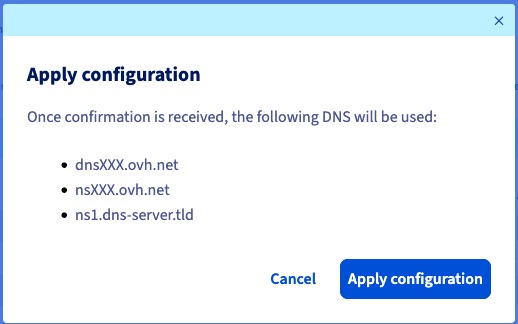
Route C needs its own mailbox-migration procedure, because stored messages move through a separate transfer process. A domain registration transfer has a separate administrative scope too and may leave nameservers and mailbox hosting unchanged.
Pick A, B or C and write down which services move. That decides which records go in your change plan.
Save the current DNS and email settings before anyone edits them
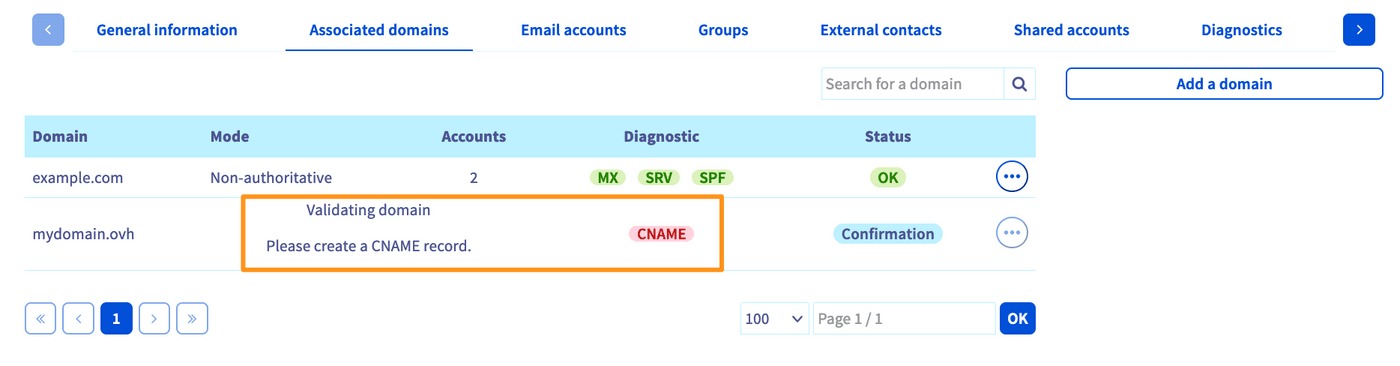
Capture the live authoritative zone and compare it against your planned DNS state.
Use your DNS administrator’s export or record inventory. For each record, list the name, type, exact value, TTL, priority where applicable, service owner, and action: keep, copy, modify or investigate.
Fill the two blank columns with the current and planned values for each record group. The last column is the condition that must hold. Leave unresolved values blank until the responsible service owner confirms them.
| Record | Current authoritative value | Planned value | Expected action | Dependency / pass condition |
|---|---|---|---|---|
| NS delegation | ________ | ________ | Keep for A; change for B | The authoritative nameservers you chose answer after cutover |
A / AAAA / CNAME for apex and www | ________ | ________ | Update website destination | Site resolves to the new web host |
| MX and priority | ________ | ________ | Keep if mail provider is unchanged | Provider’s MX targets and priorities stay; each target is a canonical hostname |
| Mail-host A / AAAA; other mail-related CNAME | ________ | ________ | Keep records that mail still depends on | MX target addresses resolve correctly; service aliases follow provider requirements |
| SPF TXT | ________ | ________ | Compare effective sender authorization | DNS-dependent a, a:hostname or mx mechanisms still authorize your senders |
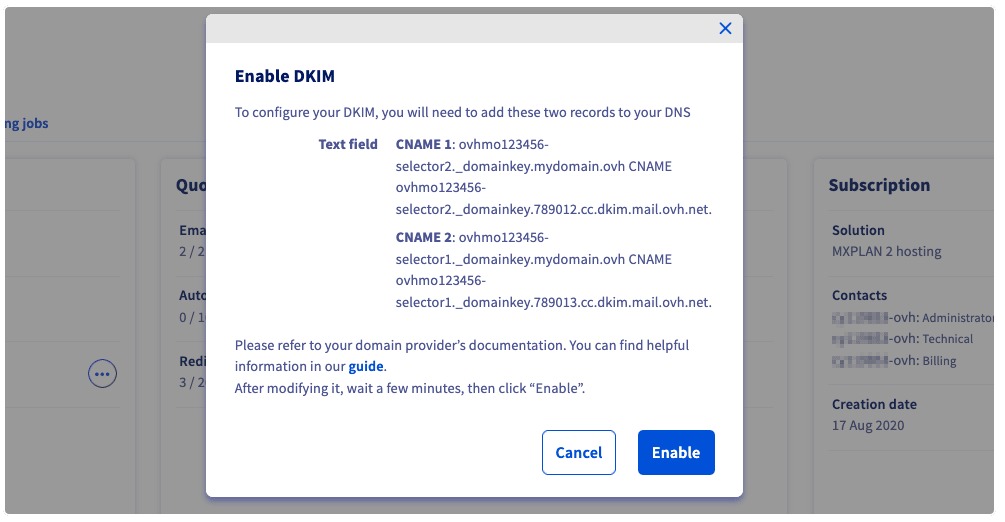
| DKIM selector TXT / CNAME | ________ | ________ | Keep active selectors | The signing provider’s required keys resolve |
DMARC TXT at _dmarc | ________ | ________ | Keep configured policy | Existing DMARC reporting and policy remain |
| Autodiscover and service records | ________ | ________ | Keep if the service stays | Clients find the mail service |
| DS / DNSSEC | ________ | ________ | Coordinate for signed Route B | Registrar DS and authoritative DNSSEC state match |
| Other TXT, SRV, or subdomains | ________ | ________ | Keep unless the owner approves a change | Other domain services keep the records they need |
Look closely at SPF when the policy contains a, a:hostname or mx. RFC 7208 defines these mechanisms using DNS-derived addresses, so changing the address they resolve to can change the authorized sending IPs without any edit to the SPF TXT value.
MX locates inbound mail exchangers. SPF, DKIM and DMARC cover sender authorization, signatures, authentication and policy. For Microsoft 365, take values from your organization’s own administration settings. The Microsoft 365 DNS documentation describes the roles of MX, Autodiscover and SPF, including its guidance to keep one coherent SPF policy record per domain name.
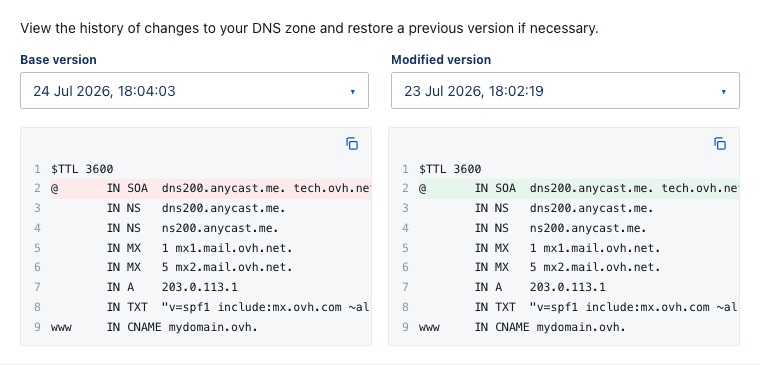
DKIM selectors come from a configured sending provider or from the selector named in a signed message.
A nonprofit’s web consultant changed DNS and pointed mail routing at the website server. The person troubleshooting it described what followed:
My son works for a non-profit who had a web consultant move their DNS without asking and, in the process, completely f**ked-up email by pointing all their MX at the webserver, which is not what NPO wants (or is paying for). Anyway, they know that I’m in IT (actually Infosec now) and asked if I could help. I believe I’ve got everything setup right. Email is going in and out, checked the headers and it appears that SPF, DKIM and DMARC are setup properly.
For Route B, build the replacement zone before you change delegation. Cloudflare’s full setup guide warns that automatic DNS scans can miss records, so reconcile every difference before you approve the zone.
Prepare the new website without disturbing the live email service

Build the replacement site on the new host and preview it through a staging URL or another method your provider supports before you edit public DNS. Check how the apex and www behave, confirm HTTPS works, and test the sender configured for contact forms or application notices. Keep the previous website available until the switch is done. If you plan to lower the TTL, do it early enough to cover previously cached TTL values.
Cut over the website without silently changing mail routing
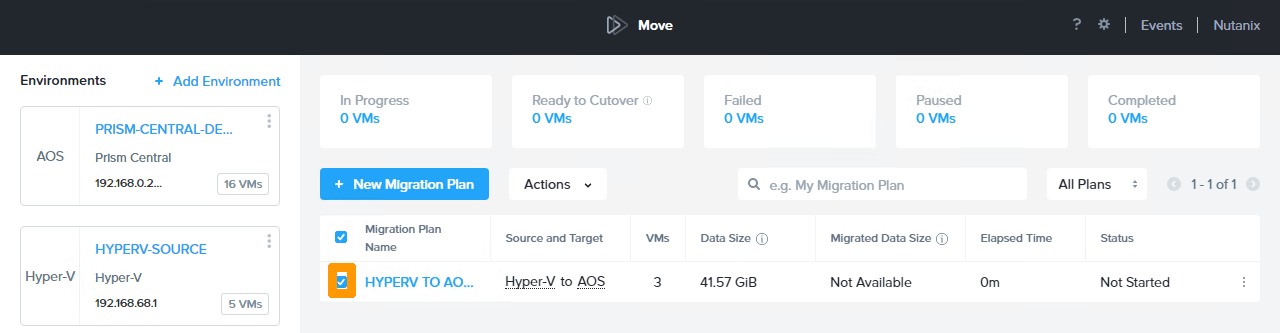
For Route A, edit the website records at your existing authoritative DNS service, using the new host’s exact destination values. These can include the apex A or AAAA record and www. Leave the independently hosted mail service and the dependencies from your inventory alone.
For Route B, configure the replacement authoritative zone first, with website destinations, existing mail records, authentication records and other live domain services. Change the registrar’s delegated nameservers once the required entries and validation prerequisites are in place. For decisions on domain registration, DNS hosting and website accounts, consult the hosting, domain, and DNS ownership guide.
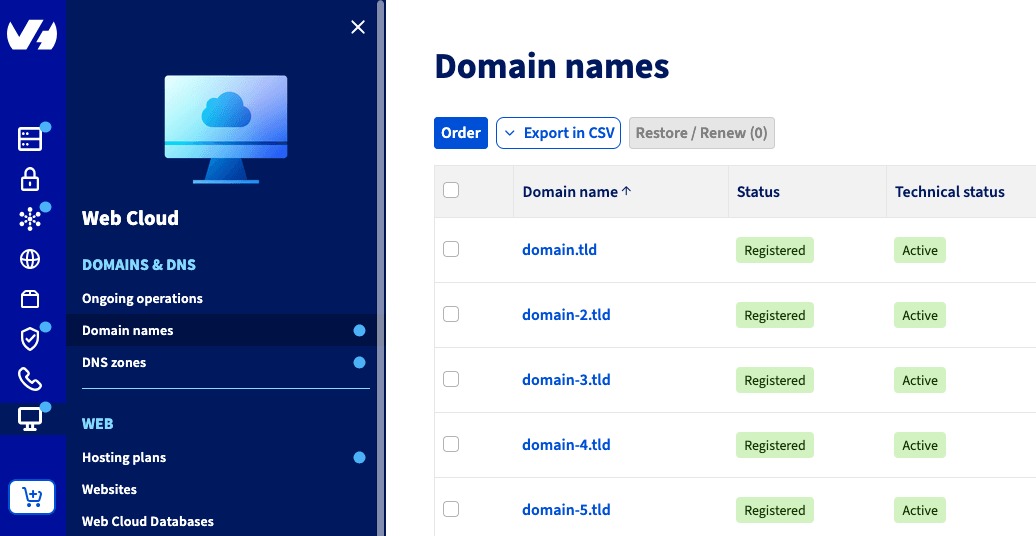
Whichever route you take, keep a change log with the old value, new value, responsible administrator and reversal procedure. Keep your existing MX destinations when the mail provider is unchanged.
Test incoming, outgoing, internal, and website-generated email
Run controlled delivery tests on every mail route your business uses. Use distinctive subjects and record the sender, recipient, time, result and any rejection code.
| Mail path | Test | Evidence to record |
|---|---|---|
| External to business | Send from an unrelated mailbox to an existing company address | Arrival in the live business inbox |
| Business to external | Send from an authorized company mailbox to an external inbox | Receipt at the external inbox, or the specific refusal |
| Same domain | Send between two company addresses, if applicable | Receipt through the mail service you expect |
| Website-generated message | Submit a real contact form or an application notice | Delivery through the site’s configured sender |
| Alias or forwarding | Send to an existing alias or forwarder | Delivery to the configured final destination |
| Mail client | Use your normal client or webmail service | Successful connection and the mail operation you need |
Mark each path pass, fail or not applicable. A public MX query shows the reported destination, but actual receipt is what passes an inbound test.
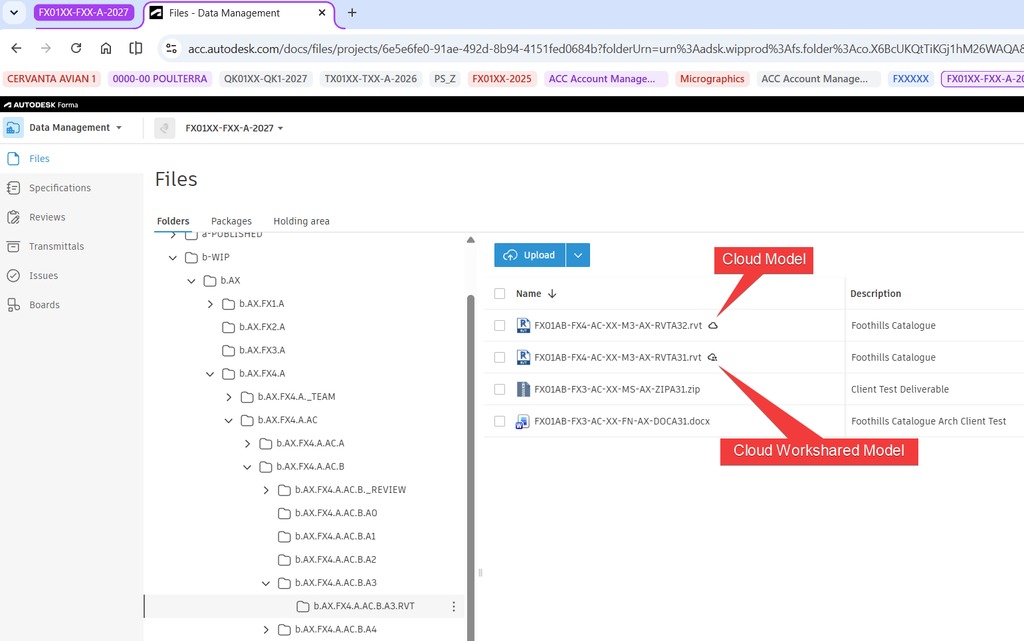
A client sign-in or Autodiscover failure can occur while webmail still receives messages. Contact forms can use authenticated SMTP, a sending API or local hosting-server delivery, so they need their own row.
Keep the message header or SMTP response for any failed test. It can identify the responding system and separate a transport rejection from an authentication or mailbox problem.
If the website works but email fails, diagnose the failing path first
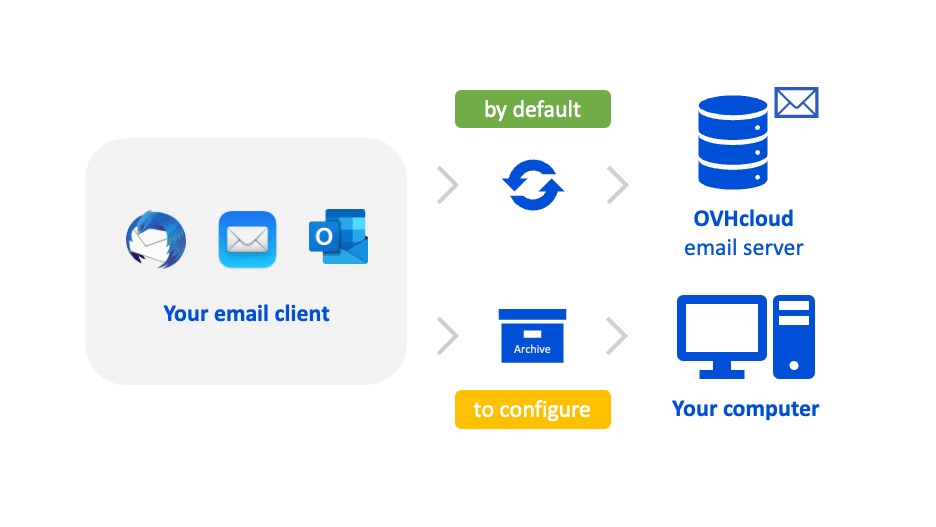
An external bounce, an undelivered contact-form notification and a failed Outlook connection call for different investigations. Start with the route that failed and the error response.
| Symptom | First check | What to do |
|---|---|---|
| External sender receives a bounce | Authoritative MX, MX target resolution, mailbox existence, SMTP response | Fix the mail destination or account problem the check finds |
| External mail arrives; website messages fail | Application sender and host-local routing for the domain | Correct the site’s submission or delivery configuration |
| Outbound mail is rejected or filtered | Sender identity, SPF/DKIM/DMARC results, SMTP refusal | Fix the sender or authentication failure |
| Webmail works; Outlook fails | Client authentication, settings, Autodiscover | Repair the client or discovery configuration |
| Mail appears in an old inbox | Old and new mail service, sender route | Look for split delivery before closing that mailbox |
An SMTP 550 response is a permanent rejection. It can mean an unknown recipient, unavailable access or a policy refusal. Read the full response text and note which server issued it before you decide what to investigate.
One subtle cause is a new web server treating your domain as a local email destination while the real mailbox service sits elsewhere. In cPanel, the Local Mail Exchanger, Backup Mail Exchanger and Remote Mail Exchanger options control this. Automatic detection reads the local DNS zone, and later zone changes do not refresh a routing setting already chosen. The cPanel Email Routing documentation covers the configuration. Other hosting platforms make the same routing decision under different controls.
A website owner moved a site from Cloudway(s) to SiteGround and kept the domain and email with GoDaddy. The reported failures involved internal messages and mail generated by the website:
After changing the website host from Cloudway(s) to SiteGround, our email is no longer working. The domain name and email accounts are still with GoDaddy, and we do not want to change either of those. Nothing was changed but we are not receiving emails internally as well as from the website to internal email. Does anyone have tips on how to get the email working properly again with this setup?
The post describes symptoms without saying which configuration caused them. Use the failed path and any SMTP response to find the smallest reversible repair, then rerun that path’s test.
Handle DNS caches, DNSSEC, and mail-record edge cases without guessing
Different answers can be correct observations of different DNS states. A recursive resolver may still hold a cached record while the authoritative zone already has the new value. For details on DNS TTL, recursive resolvers and cached records, use the DNS TTL and resolver caching explanation.
First check the delegated authority, then compare a recursive reply with a direct answer from an actual authoritative nameserver. These commands use illustrative domain and server names.
dig NS example.com +short
dig +trace example.com NS +noall +authority +nodnssec
dig MX example.com +short
dig TXT example.com +short
dig TXT _dmarc.example.com +short
dig @ns1.example-dns.net example.com MX +noall +answer
dig TXT selector._domainkey.example.com +short
dig DS example.com +short
The plain dig NS result shows what a resolver says. The trace follows delegation toward the parent zone. The explicit @ns1.example-dns.net query targets the named server, so first confirm it is an authoritative server for the domain.
For DKIM, replace selector with one from your provider or a signed message. Check DS information separately if you use DNSSEC.
A SERVFAIL after a nameserver change can justify reviewing the registrar’s DS record and the new authority’s DNSSEC configuration, though several other causes also produce that response. If you use Cloudflare’s web proxy, configure mail-related hostnames for ordinary mail protocols following its DNS-only guidance.
If a domain has no explicit MX record, does inbound email always fail?RFC 5321 describes a limited fallback to address records when no MX record is published. It works only if the destination accepts mail, and it does not replace the MX records your provider requires.
When you escalate a resolver disagreement, send the returned records, the queried server and the observed time together. Stop editing authoritative entries while you investigate caches, because each edit makes the evidence harder to read.
Keep a rollback route and retire the old hosting only after mail passes
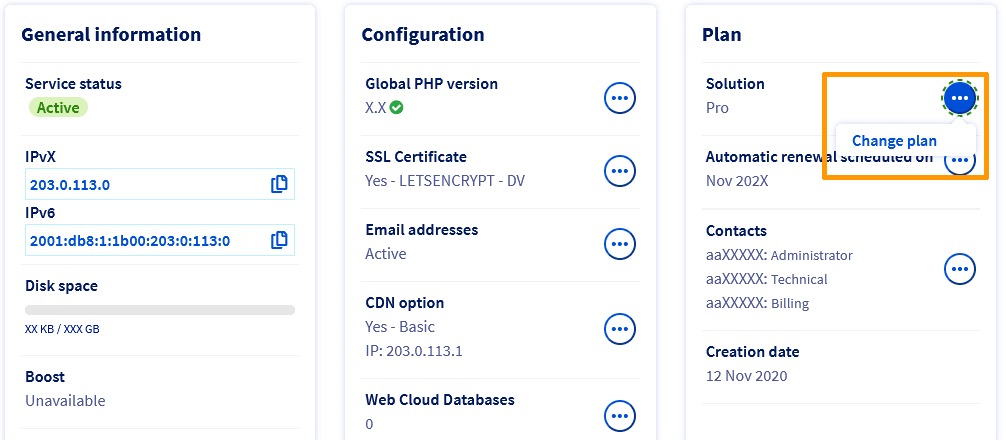
Keep the old hosting account until you understand its service dependencies and the new environment passes the website and mail checks. Cancelling it is a separate decision from changing DNS.
- Service ownership: You know the mailbox product, administrator, billing relationship, forwarding rules and application sender.
- DNS restoration: Original records or delegated nameservers are documented, and the responsible administrator can restore them.
- Mail acceptance: Inbound, outbound, same-domain, application and forwarding paths have passed, or each failure is documented.
- Old mailbox data: If the mailbox service itself moves, a separate plan covers message storage, synchronization and possible deliveries to the old server.
- Website data: Purchases, submissions and newer database writes are recorded before you restore an earlier website origin.
- Rollback owner: An authorized person keeps the needed account access and knows which infrastructure can be reversed.

Reverting a website DNS record restores the previous destination as caches refresh.
Mail errors have their own consequences. SMTP’s temporary response class lets sending systems retry, while a permanent rejection can bounce immediately. The SMTP protocol specification defines these response classes and the sender behavior that goes with them.
For delegated nameservers, DNSSEC validation and SERVFAIL responses, consult the DNS resolution troubleshooting runbook.