
Use a web application firewall (WAF) to filter malicious HTTP requests and application exploits. Use DDoS mitigation to keep the service reachable during network floods and, where supported, HTTP floods. A public web application exposed to both threats needs both layers. A WAF cannot help once the upstream connection is saturated, and network DDoS protection does not fix application vulnerabilities. Before anything else, check three things: traffic passes through the intended controls, the origin is closed to direct access, and legitimate visitors can still use the service.
What do WAF and DDoS protection stop?
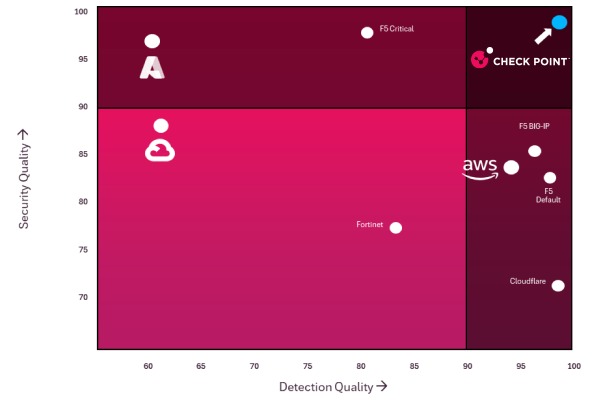
A WAF reads HTTP and HTTPS requests on their way to a website or API and matches them against rules for application attacks such as SQL injection and cross-site scripting (XSS). Depending on the rule, a match gets logged, challenged, or blocked. This matters most for deliberately crafted input sent to a login form, search endpoint, or other HTTP interface. A WAF filters recognizable exploit patterns, but secure code, access controls, and fixes for the underlying vulnerabilities are still required.
DDoS mitigation solves a different problem: keeping a service reachable when hostile traffic threatens to exhaust network capacity or computing resources. A SYN flood or UDP flood can hit network and transport resources before an application-level WAF ever sees an HTTP request, so mitigation has to run upstream or at the network layer.
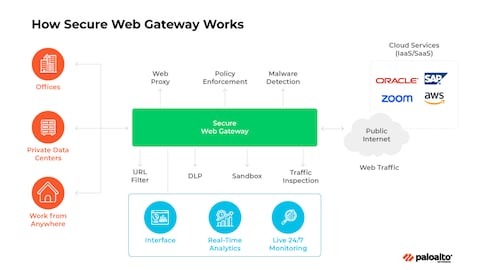
Layer 7 attacks blur the line. Some DDoS services detect malicious HTTP request floods, and some WAF deployments add rate limits, challenges, and behavioral controls that help against them.
AWS draws this distinction in its WAF and Shield decision guide, which separates application request filtering from DDoS-focused protection.
Which protection works against SQL injection, HTTP floods, and network floods?
Network flooding, malicious application input, and a surge of expensive HTTP requests can all take a website down, but each creates a different problem for the defender. Layer 3 is network traffic, Layer 4 is transport protocols, and Layer 7 is application protocols such as HTTP. An HTTP inspection rule sees traffic differently from a mitigation service at the network edge.
| Attack or symptom | Layer or location | WAF contribution | DDoS protection contribution | Remaining exposure | What to check |
|---|---|---|---|---|---|
| SQL injection or XSS-like request | L7, HTTP application | Inspects and filters matching requests | Not the primary exploit defense | Application flaws and unmatched malicious requests | Matching HTTP rule events and application errors |
| SYN or UDP flood | L3/L4 network and transport | Limited once upstream capacity is saturated | Upstream filtering or flood mitigation | Application attacks need separate controls | Upstream mitigation records and link availability |
| HTTP GET/POST flood | L7, HTTP application | Rate, challenge, and behavioral rules when configured | HTTP-flood mitigation when supported | Expensive requests that remain allowed | Affected endpoints, response codes, and origin workload |
| Requests reaching an origin directly | Outside the intended proxy route | Edge WAF does not inspect bypass traffic | Protects the exposed network path if deployed there | Origin access and network capacity | Allowed inbound routes and unexpected direct requests |
| Sudden surge against a static website | HTTP traffic and bandwidth | Filters suspicious request patterns | Reduces harmful flooding | Bandwidth use and unclear traffic intent | Request volume, transfer usage, and response codes |
| Legitimate visitor challenged or blocked | Application access | Rule evaluation and exception handling | Mitigation policy can also block access | False positives and unrelated connectivity faults | Recorded security action and the affected user session |
An HTTP flood can exhaust dynamic endpoints even when no single request contains an exploit pattern.
One webmaster described a mostly static personal blog that jumped from roughly 100 pageviews per hour to more than 20,000, with over 20 GB of transfer before intervention, by the author’s own figures.
When do you need a WAF, DDoS protection, or both?
A small public website may rely on its hosting provider for network flood mitigation and add an application WAF for malicious HTTP requests. A business application with login, checkout, and API endpoints offers more room for application-level abuse and needs closer control of its request policies.
If the hosting network already mitigates floods, the remaining gap is WAF filtering of application requests. If HTTP filtering is active but upstream flood protection is missing, prioritize mitigation on that exposed path. If neither covers the path, you need both.
| Site situation | Capability to prioritize | Where it may operate | Important trade-off |
|---|---|---|---|
| Small static website | Availability and bandwidth protection; HTTP filtering where relevant | Hosting network, CDN, edge | Host coverage and traffic limits |
| Dynamic website or server-rendered app | WAF policy plus effective HTTP-flood controls | CDN, reverse proxy, application edge | Legitimate-looking requests can stay expensive |
| Public API | HTTP request inspection, behavioral controls, and flood protection | API gateway, application edge, upstream network | Legitimate automated clients can resemble abusive traffic |
| Business application with login or checkout | Application exploit filtering and service availability | Combined edge, cloud, and upstream controls | Challenge friction and operational responsibility |
| Public site on shared hosting | Network-level mitigation and application request controls | Hosting provider and separately managed proxy | Limited owner control over upstream filtering |
One vendor can provide several of these functions, so you do not always need two separate subscriptions.
Map your public website and API endpoints, HTTPS termination, CDN or reverse proxy, application-facing rules, and upstream network mitigation. For each traffic path, mark application filtering and flood mitigation as covered, uncovered, or unknown. Check enforcement state as well as policy presence: Azure Front Door WAF Detection mode logs matching requests without blocking them, while Prevention mode applies the configured rule actions.
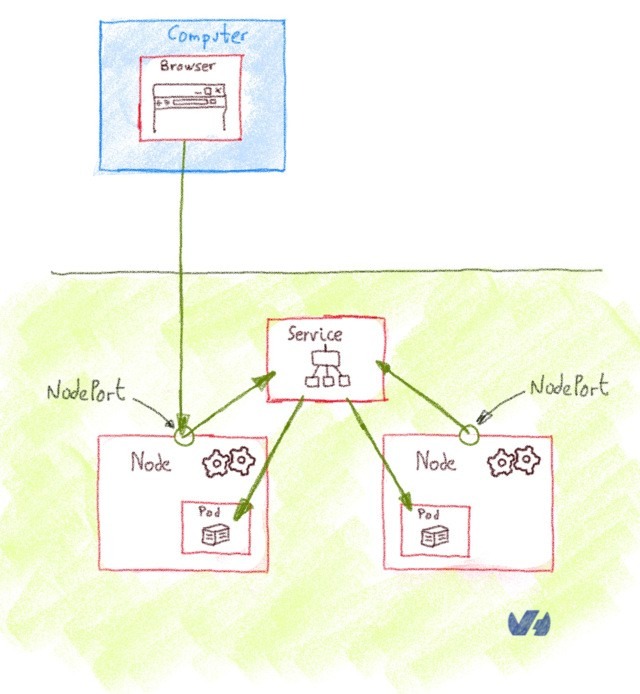
One operator running two forums described request surges spread across residential ISP networks:
I run two forums and have experienced DDoS attacks over the past week or so. The attacks occur about once per day and consist of seemingly random IPs from legitimate home ISP ASNs (Comcast, Verizon, etc.), so I haven’t been able to construct a WAF rule to block the bad actors, which are likely compromised home computers. What I see is upwards of 10,000 guest accounts hitting my sites, which brings my server to its knees. Activating “Under Attack” mode remedies the situation almost immediately.
The operator later described a script that activated emergency challenge mode when server load increased.
Why can an HTTP flood overload an origin behind a WAF or CDN?
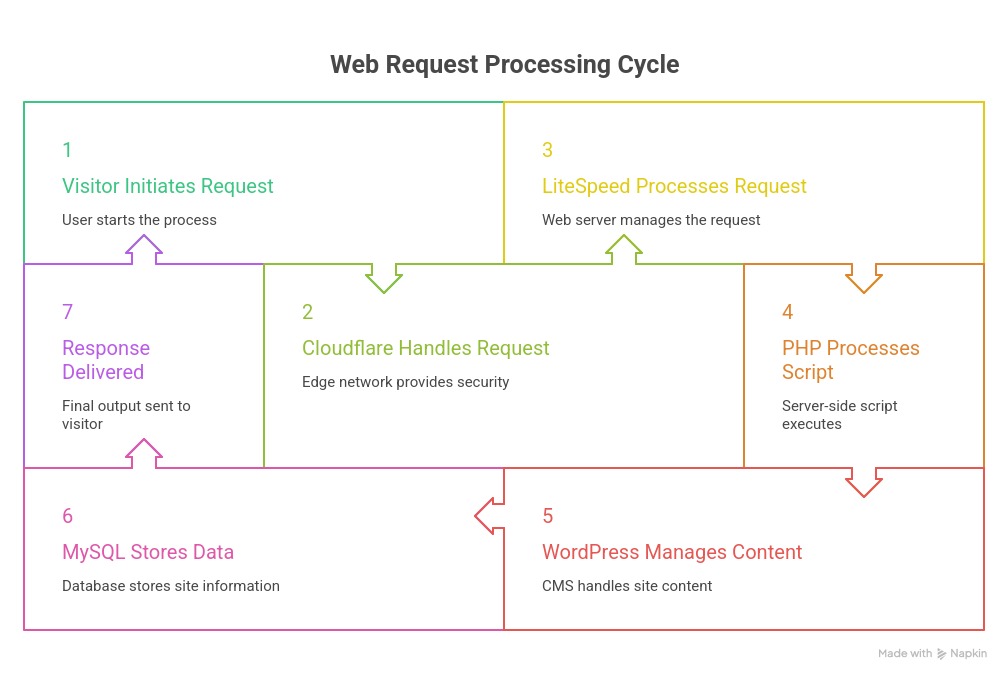
A reverse proxy can work as configured while the application behind it stays overloaded. Requests that survive edge filtering still force the origin to render pages, execute handlers, or generate error responses.
Take a server-rendered application. A request for a nonexistent URL looks trivial, but generating the error page takes application work. When enough of these reach the backend, worker capacity becomes the limit.
One operator described a Nuxt SSR application behind Traefik and Cloudflare:
Over the past few weeks, my website has been experiencing periodic but massive DDoS attacks. These attacks are clearly malicious and aggressive, and in theory, Cloudflare should be able to mitigate them. However, they are still severely affecting my infrastructure. Setup: Frontend: Nuxt SSR (4 Node.js workers) Reverse Proxy: Traefik Cloudflare: WAF, Bot Management, Rate Limits, and Workers are all enabled
The author went on to describe dynamically rendered errors consuming server resources. The same account reported random paths producing 404 responses and GET requests to POST-only endpoints producing 405 responses.

Why simple rate limits can miss a distributed request pattern
A rate rule counts traffic by its configured aggregation key. When requests come from many IP addresses, a rule keyed to individual IPs sees a modest rate per source even when the combined workload is heavy.
A server-rendered page, API endpoint, or dynamic error handler also costs more per request than a cacheable static asset. Whether the requests get flagged depends on the enabled controls and their configuration.
AWS documents these configuration dimensions in its rate-based rule settings.
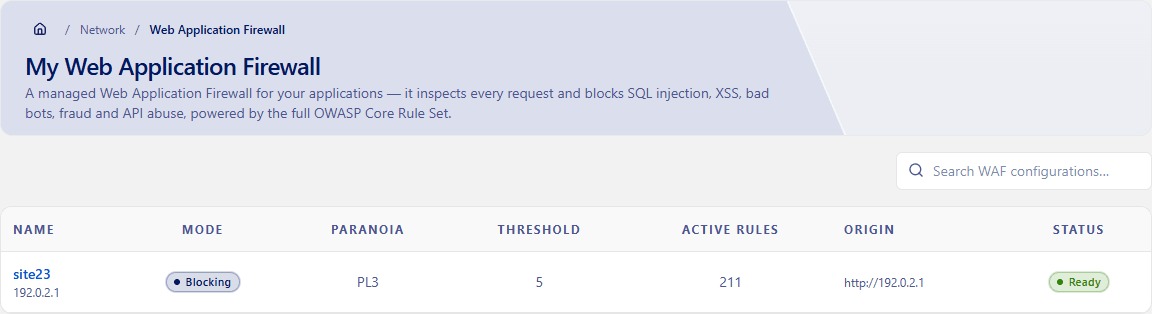
During an incident, compare edge security events with origin request and error telemetry for the same interval. Identify which endpoints are still being served, how often they appear, and whether CPU, worker utilization, or response latency changes alongside them.
Fixes include lighter application error handling, better-suited behavioral policies, or planned upstream capacity.
What happens if attackers can reach the origin directly?
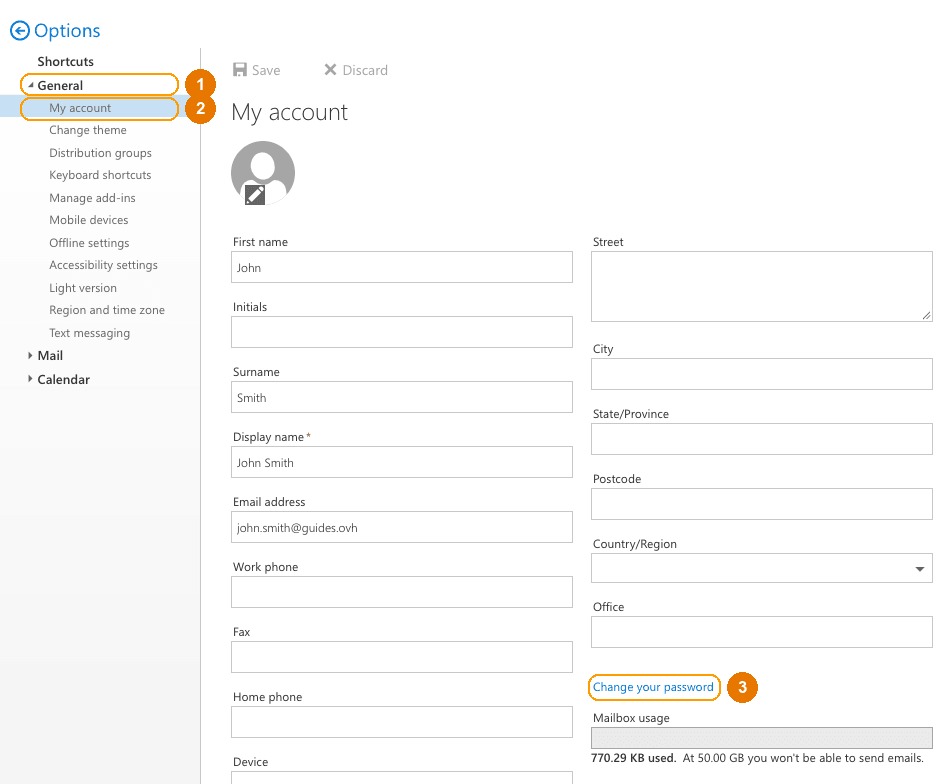
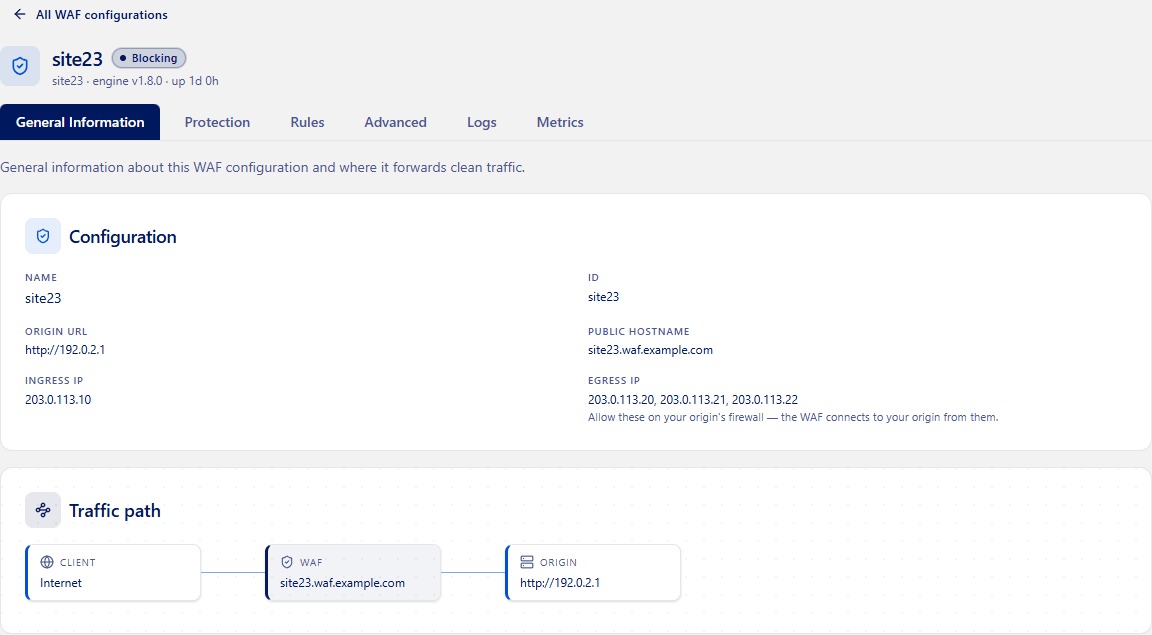
A public origin can stay exposed even when normal visitors use a CDN or reverse proxy. Requests sent directly to the hosting IP or through another reachable hostname can bypass security rules deployed only at the edge. The intended path is Visitor → protected edge → origin server. A directly reachable origin adds a second one, Direct network route → origin server, and only the first passes through the CDN’s WAF.
For example, a business site on shared hosting may have its public domain proxied through a CDN while the hosting server’s IP remains reachable. A cloud application may likewise need network firewall or security-group restrictions so the intended entry point is the only one. For decisions involving domain registration, DNS hosting, and website accounts, consult the hosting, domain, and DNS ownership guide.
Cloudflare’s origin-security guidance addresses this exposure directly: the application host needs access restrictions even when normal traffic reaches it through Cloudflare, because proxy protection applies only to traffic that passes through the proxy.

Cloudflare describes the principle in its Protect Your Origin Server documentation.
Use the site’s hosting or cloud configuration to identify permitted inbound IP ranges, ports, and trusted routes. Restricting the origin must preserve administrative connections, monitoring, and other legitimate service paths, so the correct rule depends on the hosting architecture.
Floods get filtered on the upstream network, which belongs to the hosting provider. You control the web application and some firewall settings. A local firewall stops unwanted requests from being processed by the server, but it cannot restore capacity already consumed on a saturated upstream link.
How do you avoid blocking legitimate users?
Protection that interrupts legitimate visitors creates its own availability problem. A managed challenge, broad IP block, aggressive rate threshold, or behavioral rule can stop customers from logging in, recovering an account, completing a checkout, or using an API.
The problem grows when many legitimate clients share an address or when an automated client behaves like suspicious traffic. A rule can cut unwanted requests and still need refinement.
A visitor in Vietnam described trouble reaching multiple sites using Cloudflare protection:
I got blocked in multiple websites that use Cloudflare anti-DDOS protection. The only way I could access them is either via WARP or someone’s wifi. I asked my ISP about this. They said they will investigate on it. One day later they responded back, saying all the websites I asked them to test (tibia.com, neowin.net) doesn’t even work on their side. Which means, the entire IP range, supposedly, of the ISP is blocked. They told me to keep using WARP for the time being.
The visitor suspected an ISP-wide block.
Inspect the affected request’s time, associated rule or event identifier, and recorded action where available. A challenge or block tied to a particular rule points you to the policy to investigate. A missing match in a sampled event view proves nothing, so check fuller request or security logs before ruling out an edge rule.
Test the affected user journey through an authorized, known-good session. When the evidence points to a false positive, refine that rule, then confirm legitimate access works without broadly disabling the protective configuration.
What matters when comparing providers, plans, and operational burden?
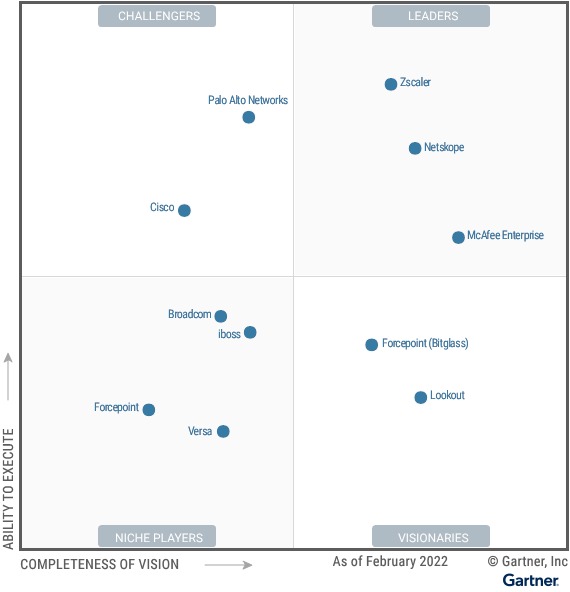
Compare providers on what they cover in your deployment: L3/L4 mitigation, HTTP-flood handling, WAF rule enforcement, logging, origin protection, and compatibility with your CDN, load balancer, TLS termination, and API architecture. Then settle who does the work: who tunes rules, investigates false positives, responds to network saturation, and escalates to the hosting or network provider. Build a short scorecard for these items alongside subscription costs, usage-based charges, support terms, and administrative effort.
How do you verify that the protections work together?
After a security change, compare edge security decisions, origin workload, and legitimate-user access against what you expected. An edge security event records a request flagged or acted on by a security feature, while origin telemetry shows the requests and work that reached the application. For Cloudflare, one HTTP request can trigger multiple Security Events, and displayed event data can be sampled, so treat event totals and request totals as different measures for the same interval.
Use the pre-change inventory and incident findings as the baseline:
- Confirm the intended path. Check that the new configuration still covers the routes in the deployment inventory, including any unexpected direct access.
- Assess rule behavior. Compare recorded allow, challenge, or block actions with the intended policy and the incident period, using timestamps and rule identifiers.
- Compare origin outcomes. Look for changes in errors, latency, request volume, and CPU or worker demand against the earlier observations.
- Confirm normal service. Repeat representative authorized login, checkout, or API journeys.

Suppose an incident produces a spike in recorded blocks while origin workload drops and legitimate sessions continue normally. That is a useful mitigation outcome. If traffic and customer access fall together, investigate the enforcement policy.