
After you change a record, resolvers keep serving the answer they already cached until its old TTL runs out. Lowering the TTL now doesn’t shorten that wait, so pick a TTL based on how fast the record may need to change and plan the cutover around the old TTL. If the authoritative answer or the delegated nameservers are wrong, compare the affected resolver with the true authority and fix the configuration.
What DNS TTL measures
DNS Time to Live (TTL) tells a recursive resolver how long it can reuse a DNS answer after retrieving it. The value is in seconds. Until it runs out, the resolver answers repeat requests from its cache instead of asking an authoritative nameserver again.
An authoritative nameserver serves the records for the zone it holds. A recursive resolver looks those records up for clients and caches the answers. Local devices and networks add their own caches.
| DNS TTL | Duration | What it means |
|---|---|---|
| 60 seconds | 1 minute | Refreshes after about a minute |
| 300 seconds | 5 minutes | Short lifetime for a cached answer |
| 3,600 seconds | 1 hour | A retrieved answer stays cached for an hour |
| 86,400 seconds | 24 hours | A retrieved answer stays cached for a full day |

The clock starts when a resolver gets the answer. An A record maps a hostname to an IPv4 address; AAAA, CNAME, and MX records carry other DNS information. A resolver that fetched an A record with a 3,600-second TTL about fifteen minutes ago has 2,700 seconds left. That is why a recursive dig response can show a smaller TTL than the one set in the DNS zone. For MX records, DKIM signatures, and mailbox ownership, check business email hosting and DNS authentication requirements.
Why changing TTL does not erase an old DNS answer
When you update a website’s A record, the authoritative nameserver returns the new address while another resolver keeps using its cached answer. That answer keeps the lifetime it was given when the resolver fetched it.
Here is a single-resolver example using documentation-only IP addresses:
- 09:00: A recursive resolver retrieves
example.comas192.0.2.10with a TTL of 3,600 seconds. - 09:15: The operator changes the authoritative A record to
192.0.2.20and sets TTL to 300 seconds. The resolver still has 2,700 seconds left on its old answer. - Around 10:00: The old answer expires. A fresh lookup retrieves
192.0.2.20, now governed by the newly returned TTL.
AWS Route 53 troubleshooting guidance explains why previously cached DNS settings can stay in use after a zone update.
An administrator reported that public propagation checkers showed uniform results while at least one customer still received the old server IP:

This is driving me insane. We migrated our company website’s to a new host over a week ago. I updated the A records and the CNAME at our registrar to point to the new server IP. About 2% of our client base is emailing us saying they are seeing a “Page not found” error. When I check whatsmydns.net or DNSChecker, every single location shows the new, correct IP address. It’s all green checks. Troubleshooting so far: * I’ve asked clients to clear their browser cache (Ctrl+F5). No luck. * I asked one client to run nslookup and they are indeed getting the old IP returned to them. * I lowered the TTL (Time To Live) to 300 seconds before the switch, specifically to avoid this. * The old host has been fully shut down, so they are just hitting a dead end. Is it possible their local ISP DNS is caching the record for over a week? That seems insane. How do I fix this now, and more importantly, how do I prevent this zombie DNS in the future?
The poster doesn’t say what the old TTL was or why the client kept getting the old address. The old host was already shut down, so those clients reached a server that no longer served the site.
How to lower TTL before a planned DNS cutover
Lower the TTL early enough for resolvers holding the old, longer lifetime to refresh before the address changes. If you drop a 3,600-second TTL to 300 seconds five minutes before a migration, resolvers that cached the old answer keep it for up to an hour.
- Record the starting state. Save the current A record value and TTL, including the previous TTL from the change history if you have it.
- Lower TTL in the effective authoritative zone. For example, change the record from 3,600 seconds to 300 seconds.
- Wait out the old TTL. In that example, start at least an hour before the address change. A previous 86,400-second TTL needs a much longer wait.
- Change the authoritative A answer. If you can, keep the old service ready to handle requests during the overlap, and make sure the new service is ready.
- Revisit the low TTL after the move. Keep it only if the record needs frequent refreshes.
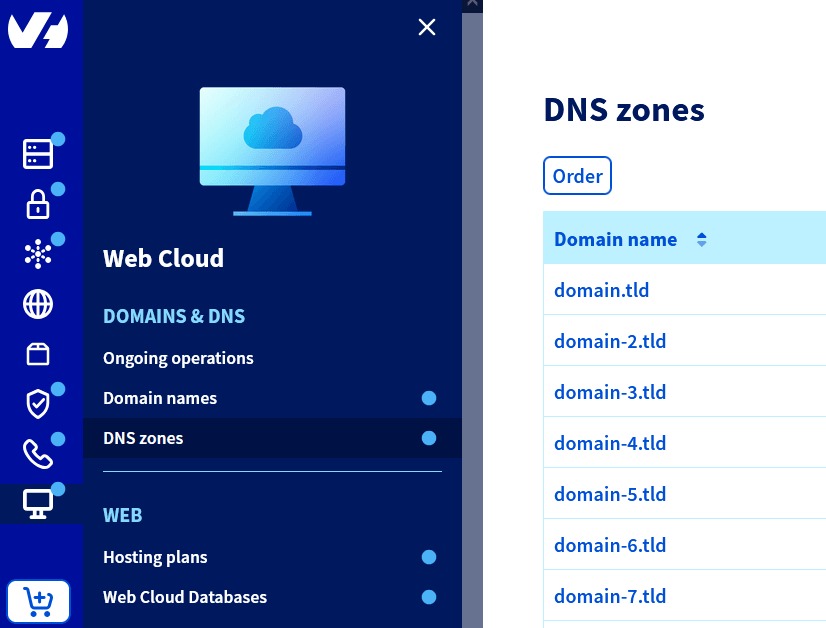
Cloudflare’s migration guidance also recommends reducing TTL before changing DNS records. If nameserver delegation will change too, the preparation time differs.
DNS planning covers one source of migration risk. Application data, HTTPS configuration, and rollback need their own preparation. For WordPress, see move WordPress while preserving a rollback path, which covers the hosting work beyond record caching.
Why Wi-Fi, cellular, and public DNS checkers may disagree
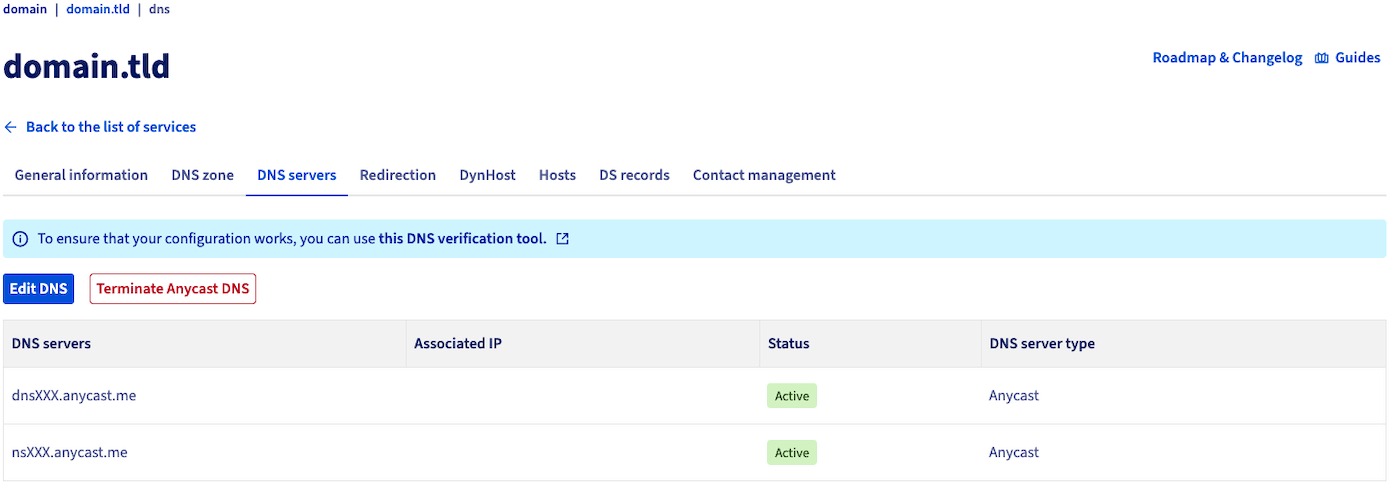
Different networks can query different recursive resolvers. Each resolver fetched the record at its own moment, so the same hostname can return different IP addresses and remaining TTLs on different clients.
One site owner described a laptop on Wi-Fi intermittently loading a registrar landing page while a phone on cellular reached the new website. Public DNS results looked correct to the owner. The case involved a nameserver change as well as a website move, and its technical cause stayed unresolved. Before you change MX records, authoritative nameservers, or SPF policies, read the web-hosting migration plan that protects email.
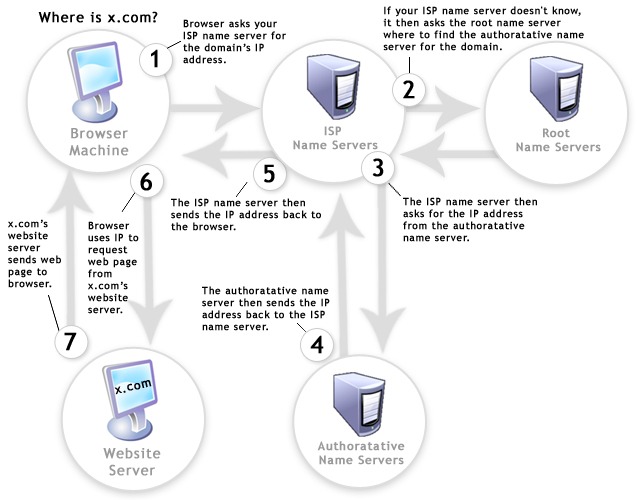
Home routers, internet providers, public DNS services, VPNs, and device settings all change the resolution path. A public propagation checker samples only the resolvers its service queries, so a uniformly green result describes those samples while the affected client may use a different resolver.
Browser content caching is separate from the DNS record lifetime, so reloading a browser or clearing its content cache does not purge an ISP’s recursive DNS cache.
Check authoritative and cached DNS answers with dig
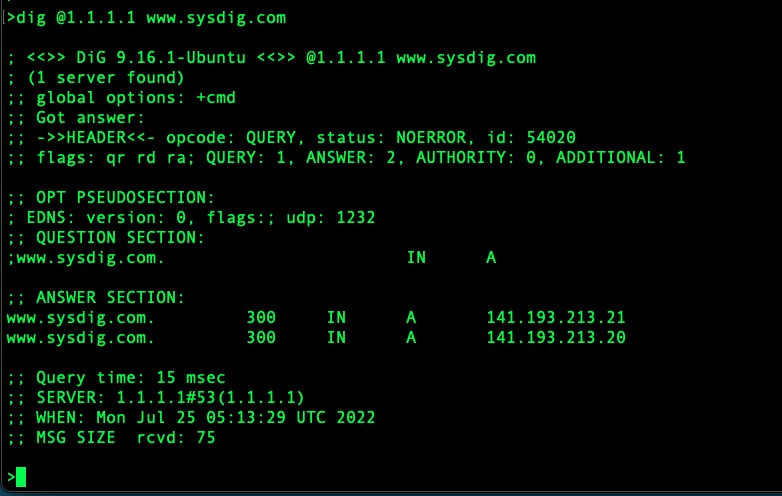
To find out why a result is stale, query the same hostname and record type from the affected environment, two public recursive resolvers, and a confirmed authoritative nameserver. Compare the address, remaining TTL, and response status for each.
Run dig first without @server, so it uses your machine’s default resolver. Check the server information in the response as well as the answer:
dig example.com A +comments +answerThen query Cloudflare’s and Google’s public recursive resolvers for comparison:
dig @1.1.1.1 example.com A +noall +answer
dig @8.8.8.8 example.com A +noall +answer
In the 3,600-second example, an answer after 15 minutes looks like this:
example.com. 2700 IN A 192.0.2.10Here 2700 is the remaining TTL in seconds, IN is the DNS class, A is the record type, and 192.0.2.10 is the IPv4 address.
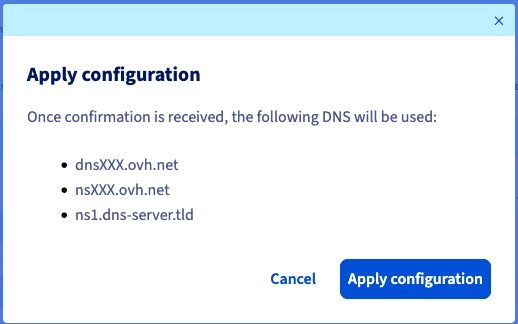
Find the nameservers a recursive resolver advertises, then trace the delegation path through the DNS hierarchy:
dig @1.1.1.1 example.com NS +short
dig +trace example.com NS
The first query can reflect recursive DNS data. The trace follows iterative referrals and shows which nameservers are delegated. Once you’ve confirmed an authoritative server, query its A record directly:
dig @ns1.example.net example.com A +norecurse +comments +answerexample.com and ns1.example.net are placeholders. Replace the server name with one confirmed to serve the actual zone, and check the authoritative-answer flag when it appears.
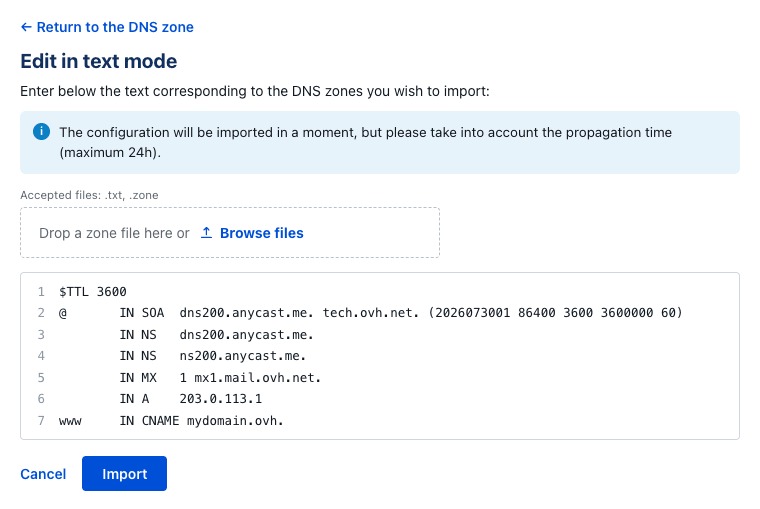
For a hostname that may not exist, read the response header and SOA context instead of trusting an empty answer section:
dig @1.1.1.1 nonexistent.example.com A +noall +comments +authority
dig @1.1.1.1 example.com SOA +noall +answer
| What the queries show | Probable cause | Next action |
|---|---|---|
| Authoritative A is new; affected recursive answer is old | Cached answer or resolver-specific behavior | Check the remaining TTL and the affected resolver’s path |
| Authoritative A still points to the old IP | The authoritative record is wrong | Correct the record in the effective zone |
| Delegation trace identifies unintended NS | Parent delegation mismatch | Check the registrar nameserver settings |
New hostname returns NXDOMAIN | Absent name or cached negative answer | Compare authoritative existence and SOA-related negative caching |
| DNS answers agree on the intended address, but the website fails | Hosting or application issue | Investigate the service receiving requests |
AWS Route 53’s Test DNS Answer feature checks responses for a selected hosted-zone configuration without making the live external resolver queries shown here.
When the A-record TTL does not explain it: NXDOMAIN and delegation
An existing A record, a cached response saying a name does not exist, and a nameserver delegation change are three separate DNS objects. Treating them as one A-record TTL problem leads to the wrong fix.
Suppose new.example.com did not exist when a recursive resolver queried it, and you added its A record later. The resolver may still hold an earlier NXDOMAIN answer. A new A-record TTL cannot shorten that negative entry after the fact.
RFC 2308 specifies negative caching using SOA-related values, including the smaller of the SOA record’s TTL and the SOA MINIMUM field for qualifying responses. NXDOMAIN means the queried name does not exist; NODATA means a name exists without the requested record type. Resolution failures such as SERVFAIL have separate caching requirements, covered by RFC 9520.
Delegation decides which authoritative servers answer for the domain. If the parent still points to an older set of nameservers while an operator edits a different hosted zone, that zone’s A record is not the effective answer, and no TTL changes that.
A record update and a registrar nameserver change follow different caching and configuration rules. Check the active delegation and the authoritative answer to learn whether you wait for caches or repair the configuration.
What TTL should you set for a stable record or a fast change?

Short TTLs make changes take effect sooner but add DNS query traffic and reduce caching efficiency. Longer TTLs suit stable records because resolvers refresh less often.
AWS Route 53 best practices describes configuration choices for fast failover and for more stable record types. Its numbers are situational guidance, not protocol-wide defaults.
| Record situation | TTL approach | Effect |
|---|---|---|
| Rarely changed record | Longer caching; AWS examples include 3,600 to 86,400 seconds for some NS and MX uses | Fewer refresh queries; old answers can last longer after an edit |
| Planned IP change | Temporarily lower to 300 seconds after the old TTL has aged out | Newly fetched answers refresh sooner during the cutover |
| Rapid failover design | Short TTL; AWS examples include 60 or 120 seconds | More frequent lookup traffic; works only as part of a complete failover system |
An administrator questioned repeated requests for a five-minute TTL on records that rarely change:
I’m a sysadmin, and it seems that every time I get a third-party request to add a DNS record it comes with the insistence that the TTL MUST be 300 or some other incredibly low number. I get that a lower TTL allows for faster updates when necessary, but these are records that get entered once and never updated. Is there something I’m missing?
Cloudflare documents a 300-second automatic TTL for proxied DNS records. DNSimple documents a 3,600-second default for its DNS service.
What DNS TTL cannot fix and the next step

RFC 8767 allows configured recursive resolvers to serve expired answers in some conditions, such as a failed refresh from authoritative DNS, so an expired cache entry is not a hard deadline across resolvers. A wrong authoritative answer or wrong delegated nameservers is a configuration problem that no TTL setting solves.
For that case, see diagnose DNS resolution after a nameserver change, which covers delegated nameservers, DNSSEC validation, and SERVFAIL responses.