
Cloud computing delivers computing power, storage, and software as services you reach over a network. The deployment model (public, private, hybrid) sets how the environment is organized. The service model (IaaS, PaaS, SaaS) sets which parts of the stack you run yourself. Costs, security duties, and recovery planning still sit with you and vary by service. With predictable demand or efficient existing infrastructure, compare the full operating cost before you move.
What Is Cloud Computing, in Plain English?
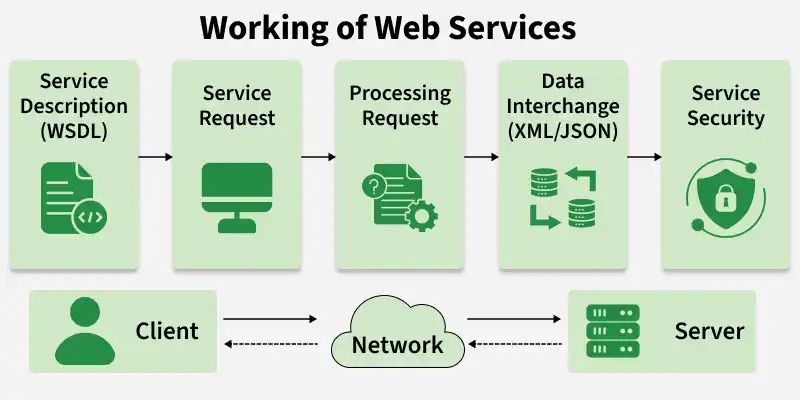
Cloud computing delivers configurable computing resources as services over a network. A commercial provider can run the infrastructure, or an organization can run its own private cloud. Customers request capacity without buying a separate physical server for each new service.
The machines are physical. They sit in data centers, use electricity, exchange data across networks, and need maintenance. Software exposes their capabilities through interfaces where customers request and manage resources.
Take a small business launching a website. If it owns the infrastructure, it has to buy equipment, arrange connectivity, and run the systems behind its application. With a public-cloud service, it gets computing capacity or an application platform that someone else operates. The application still needs configuration, monitoring, and a person who knows what to do when it fails.
The business could also buy finished software, such as Microsoft 365, and skip operating the application infrastructure. A developer building custom software might pick a virtual machine or a managed application platform instead. Both are cloud services, but the customer’s work is very different.
The National Institute of Standards and Technology (NIST) described the foundational model in Special Publication 800-145, published in September 2011. It identifies five essential characteristics, three service models, and four deployment models.
How Does Cloud Computing Work?
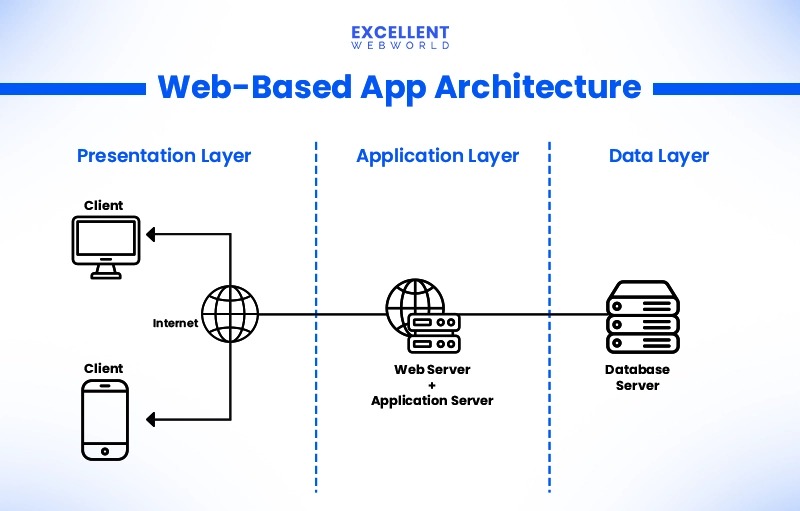
Cloud computing turns physical computing resources into services you request and configure through a network. Behind the interface, management systems allocate infrastructure capacity and track which resources belong to which workload.
Say the small business picked a managed platform for its website. A developer uploads the code, sets the configuration, and gets an endpoint where visitors reach the site. The platform’s hosts, storage, and networking supply the capacity to serve requests.
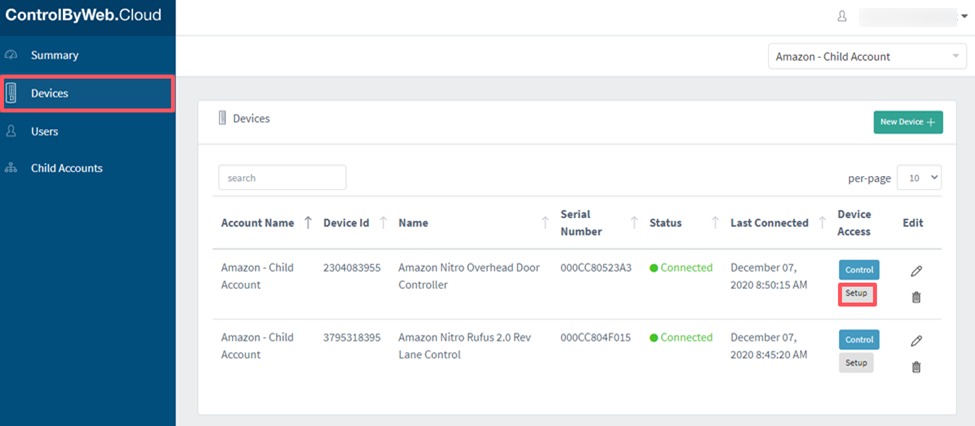
The business also configures the service through a management console or application programming interface (API). That administrative path does a different job from a visitor’s request for a web page.
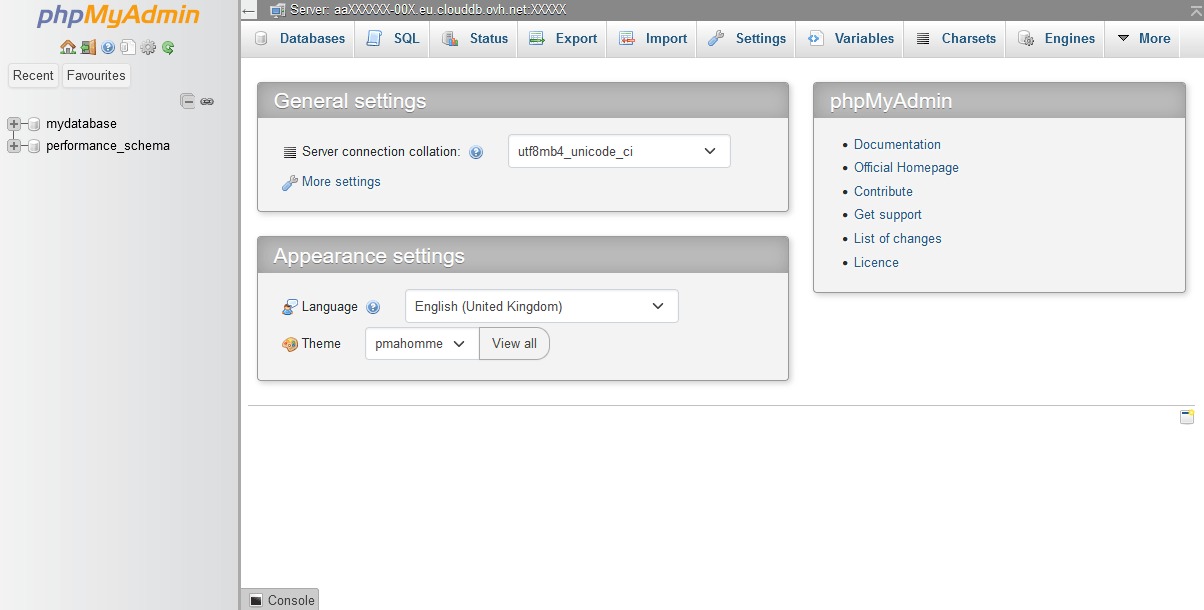
- Service interface: A console or API lets a customer request resources or change supported settings.
- Control plane: The provider’s or private-cloud operator’s management systems coordinate provisioning and configuration.
- Resource infrastructure: Physical servers, storage, and network equipment supply capacity. Virtualization and other abstractions help allocate those resources.
- Data plane: The application and its supporting systems process traffic, read or write data, and return results.
- Usage records: The service measures consumption under its metering model.
A visitor requesting the homepage interacts with the deployed application. The site owner uses the control plane to change how that application is deployed or operated. Keeping the two apart helps you locate a failure: the application can be misconfigured while the underlying infrastructure stays healthy.
If traffic surges, a platform with scaling can add capacity when the application and its configuration allow it. A fixed-capacity service, or an application that depends on one constrained component, can still be overloaded.
What Are the Five Essential Characteristics of Cloud Computing?
NIST’s five essential characteristics describe how a cloud service supplies resources and accounts for their use. They help you judge an offering whose marketing name tells you little about its capabilities.
| NIST characteristic | Meaning for the customer | Evaluation question |
|---|---|---|
| On-demand self-service | You can provision supported capabilities yourself | Which operations can the customer initiate? |
| Broad network access | Services are reachable over networks through standard mechanisms | Which clients and access methods are supported? |
| Resource pooling | Infrastructure capacity is allocated among consumers as needed | How are resources allocated and isolated? |
| Rapid elasticity | Supported capacity can be added or released quickly | What scaling options and quotas apply? |
| Measured service | Usage is monitored, controlled, and reported | Which units and metrics are recorded? |
A business on a cloud platform might create a service in a console, use its allocated compute, add supported resources in a busy period, and later check its consumption.
Use the five characteristics as a checklist when you compare offerings. A product labeled cloud hosting should be judged by its documented capabilities, since the name alone does not prove the full model. For shared hosting, cloud scaling, and uptime guarantees, see the cloud hosting versus shared hosting choice guide.
What Are the Cloud Deployment Models?
Deployment models describe who uses a cloud environment and how its infrastructure is organized. NIST defines four: public, private, community, and hybrid cloud.
Public cloud
A provider makes cloud infrastructure available for open use by the general public. Customers get services without owning the physical data-center equipment, and the provider manages the infrastructure on its side of the service.
Private cloud
A private cloud is provisioned for the exclusive use of one organization. That organization, an outside party, or both can own, manage, and operate it, and it can sit on or off the organization’s premises. Exclusive use defines the category.
Community cloud
A community cloud serves a specific group of organizations with shared concerns, such as particular policy or mission requirements. It remains part of NIST’s foundational taxonomy even when a vendor’s simplified introductory diagram leaves it out.
Hybrid cloud and multicloud
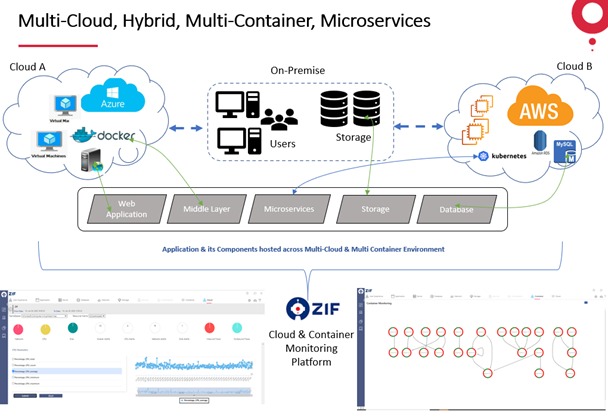
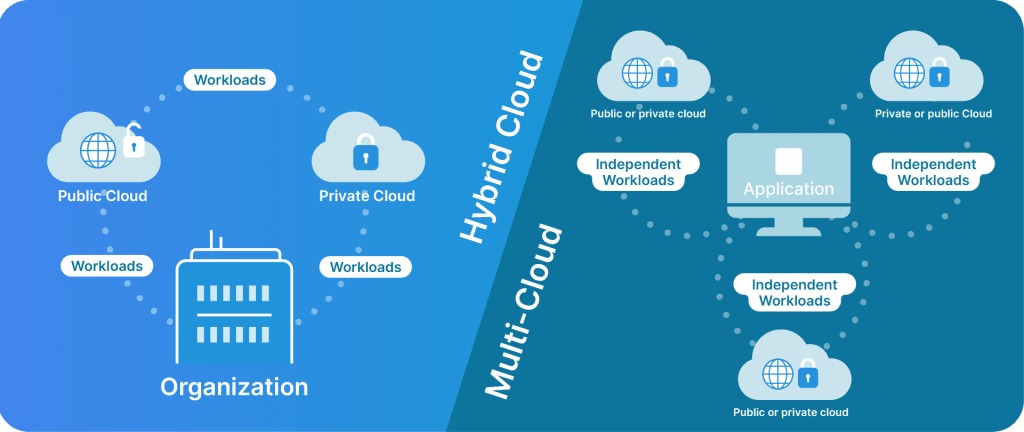
Under NIST’s definition, a hybrid cloud combines two or more distinct cloud infrastructures that stay separate entities but are connected by technology that enables data and application portability. A private cloud and a public cloud, for instance, can be linked so applications and their data move between them under the right design.
Some providers use hybrid cloud more broadly for environments that combine traditional on-premises IT with public-cloud services. That arrangement is hybrid IT, even when the local component does not meet NIST’s definition of a private cloud.
Multicloud means using services from more than one cloud provider. An organization can use two public-cloud providers without operating a private cloud, and a hybrid deployment can also be multicloud.
What Are IaaS, PaaS, and SaaS?
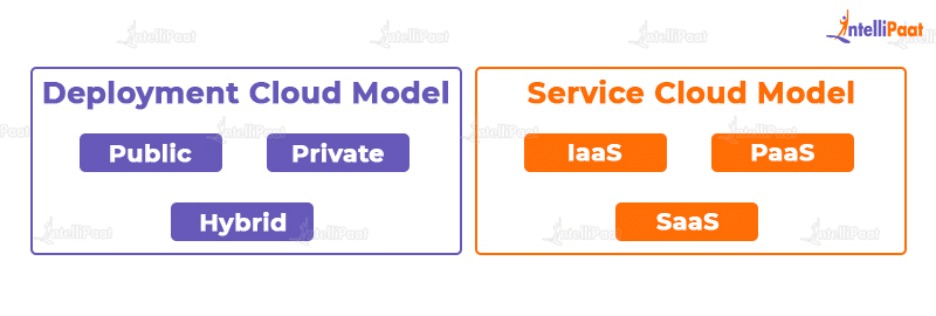
Infrastructure as a Service (IaaS), Platform as a Service (PaaS), and Software as a Service (SaaS) describe what a customer receives and how much of the software stack the customer still manages. They are NIST’s three foundational service models. For the constraints of IaaS infrastructure, PaaS runtimes, and SaaS applications, see the IaaS, PaaS, and SaaS responsibility matrix.
| Model | What the service provides | Typical customer work | Documented example |
|---|---|---|---|
| IaaS | Computing infrastructure such as virtual machines, storage, and networking | Guest operating system, applications, and workload configuration | Amazon EC2; Azure Virtual Machines |
| PaaS | Managed application or database platform capabilities | Application code or data, identity, and supported service settings | Azure App Service; Azure SQL Database |
| SaaS | A finished application delivered as a service | User access, customer data, and relevant application settings | Microsoft 365 |
The Microsoft shared-responsibility guidance documents how provider and customer duties change across Microsoft services. Exact allocations depend on the product’s contract and configuration.
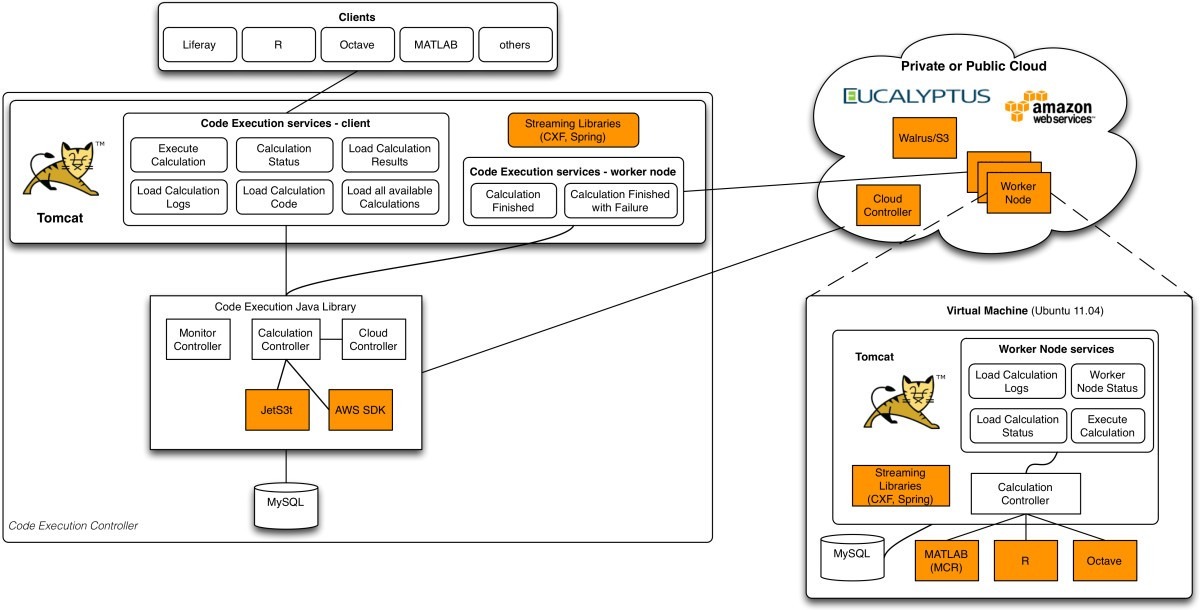
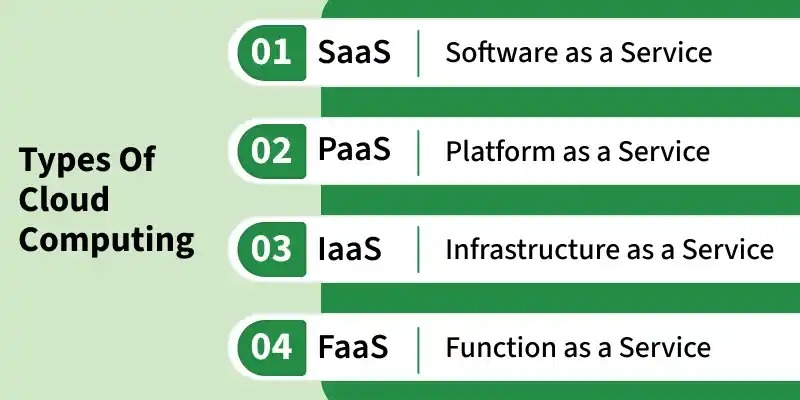
Cloud providers also use terms such as serverless, Function as a Service (FaaS), and managed containers. Serverless hides certain infrastructure-management tasks from customers, though workloads still run on physical computing resources. These newer labels extend a vendor’s product vocabulary, and NIST’s original three-model classification remains a useful baseline.
Is Cloud Computing Different From a VPS or Ordinary Web Hosting?
Cloud infrastructure services can provide virtual servers, including products sold as virtual private servers (VPSs). One host might sell a fixed monthly VPS, while another offers self-service virtual machines with usage measurement and supported capacity changes. Shared web hosting puts more of the server operation with the host, though its controls and limits vary by product. When you buy a cloud VPS, check whether its provisioning and operating capabilities meet your workload’s needs.
Who Handles Cloud Security, Backups, and Availability?
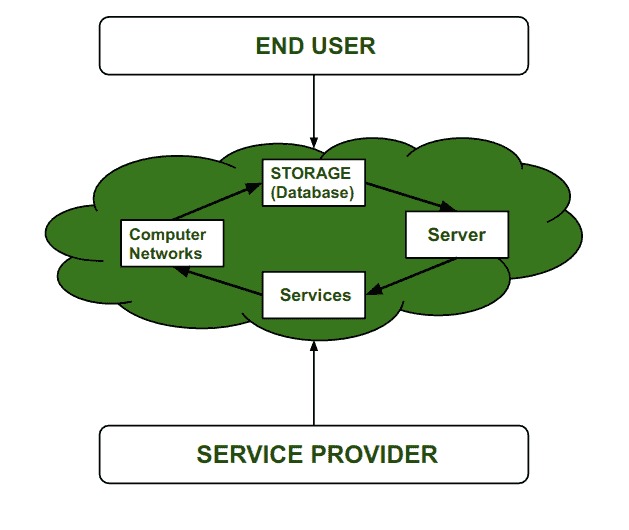
Cloud security is a shared responsibility. The provider or private-cloud operator handles the infrastructure assigned to its service, and customers remain responsible for the data, identities, software, and configurations they control.
For Amazon EC2, AWS explains that it operates the physical facilities and host infrastructure. The customer administers the guest operating system, deployed applications, and relevant security configurations. A managed platform moves more operating tasks to the provider, and SaaS shifts the balance again.
- Security and access: Identify who controls user identities, permissions, application configuration, and software updates. A customer-created permissions error can expose information even when the underlying hosts run correctly.
- Backups and restoration: Establish which data is protected, who configures backups, and how restoration works. Durable storage, backups, and recovery of a working application are three separate capabilities.
- Availability and recovery: Map critical dependencies and the redundancy needed to survive a component failure. The right design follows the service continuity the application requires.
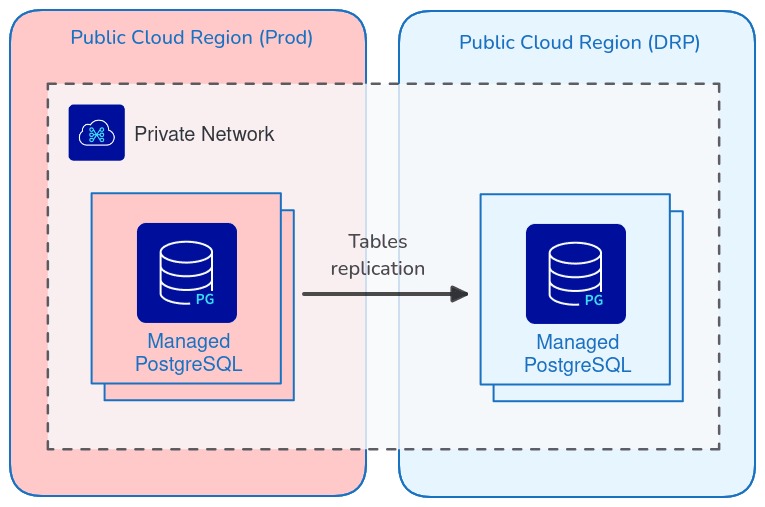
Take a company running software on an EC2 instance. AWS maintains the underlying physical infrastructure, and the company owns its guest OS and applications. A company on a managed application platform has fewer operating-system duties but still needs access controls and a data-recovery plan. For AWS services, Azure regions, and Google Cloud networking, see the workload-based AWS, Azure, and Google Cloud comparison.
An application can have a single failure point even when its provider offers resilient infrastructure. The Google Cloud reliability guidance describes the redundancy and topology decisions needed to build highly available systems. Application-level failover requires architecture and configuration that support it.
What Does Measured Service Mean for Cloud Costs?
Measured service means cloud systems monitor and report resource consumption. Metering records what you used. The invoice also reflects the selected product’s billing terms, commercial terms, provisioned capacity, and billing units.
A workload might incur charges for running compute capacity, stored data, data transfer, requests, support, or committed resources. Some products also charge fixed subscription or provisioned-capacity amounts. A seasonal website that attracts more visitors may use more processing or network transfer when those dimensions are billable. To price your own workload, work through the cloud cost estimation worksheet.
What a budget warning does
A warning only tells you a monitored amount has reached a threshold. Enforcing a cap takes a separate control that restricts consumption, and its availability and effect depend on the product.
A contributor to r/sysadmin described a billing dispute after warnings had already arrived:
We thought we had basic limits in place. We even got warnings. But apparently, the cloud service still allowed our consumption to keep running well beyond our committed usage. Nothing was really escalated clearly until the year-end true-up, and now we’re looking at a huge overage bill. My boss is furious, and it is become my responsibility . Is this just how cloud providers operate? What controls or processes do your teams put in place to avoid this kind of “quiet creep”? Looking for advice, lessons learned — or just someone to say we’re not alone.
Nobody independently audited the invoice or the provider arrangements in that report. What matters is whether your budget feature only sends notifications or also enforces a resource or spending limit.
Inspect the provider’s billing units and the conditions for reserved or provisioned resources. Decide who receives threshold alerts and what happens when the threshold is crossed. Base your estimate on the services the application uses, including network costs when relevant, and on the selected service’s documented pricing.
What Are the Benefits and Limitations of Cloud Computing?
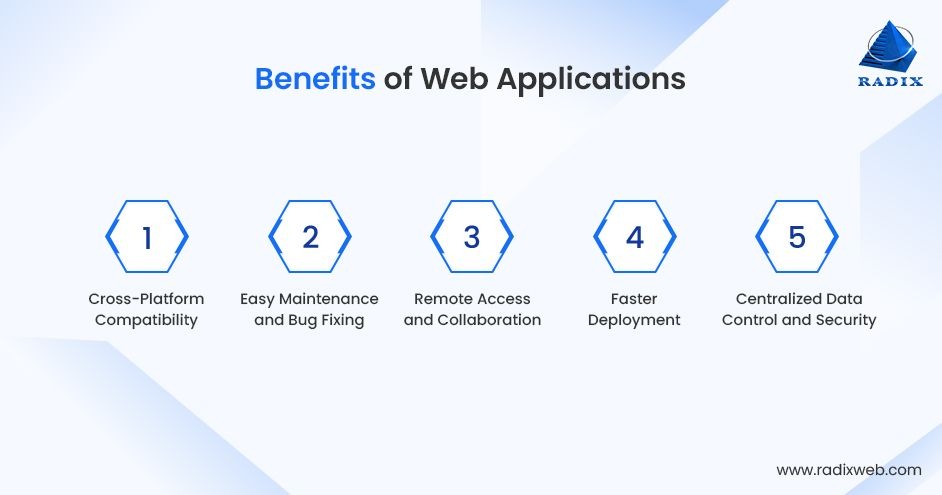
Cloud services speed up provisioning, reduce selected infrastructure tasks, and supply supported capacity when demand changes. The value of each depends on what your application requires and which responsibilities you keep.
| Potential benefit | Situation where it helps | Condition or limitation |
|---|---|---|
| Fast provisioning | A team needs resources without acquiring new hardware | Application setup and integration still take work |
| Elastic capacity | Demand varies and the application can use added resources | Quotas, architecture, and scaling configuration apply |
| Managed operations | A provider assumes specified infrastructure or platform duties | Access control, application settings, and monitoring may remain with the customer |
| Flexible spending | Resources can be acquired without buying all underlying hardware | Running capacity, network transfer, support, and migration still cost money |
| Resilience options | A system is designed with redundant components | A single dependency or untested recovery procedure can interrupt service |
A seasonal website shows the appeal of elasticity. Its operator can pick a service that adds capacity during busy periods, provided the application works with that scaling behavior. The charges from a surge stay part of the decision.
A development team may prefer a managed platform to spend less time on guest OS maintenance. Its work shifts toward application deployment, monitoring, identities, and responding to failures.
Cloud services also create dependencies on provider interfaces, network connectivity, integration choices, and sometimes data-transfer charges. The comparison that counts is what the provider takes over, what control you give up, and what costs remain.
When Does Cloud Computing Make Sense, and When Might It Not?
A new business may have no servers to reuse. A developer may need capacity for a temporary project or proof of concept. A distributed organization may find that a managed application reduces infrastructure work.
An established organization running a steady workload on well-managed equipment starts from different conditions. Moving its applications can bring migration work, continuing service charges, connectivity costs, and new operational dependencies. Keeping the existing equipment has costs too: maintenance, refresh, power, facilities, and staff.
One r/sysadmin contributor compared a mostly on-premises environment with a proposed full-cloud move and questioned the projected savings:
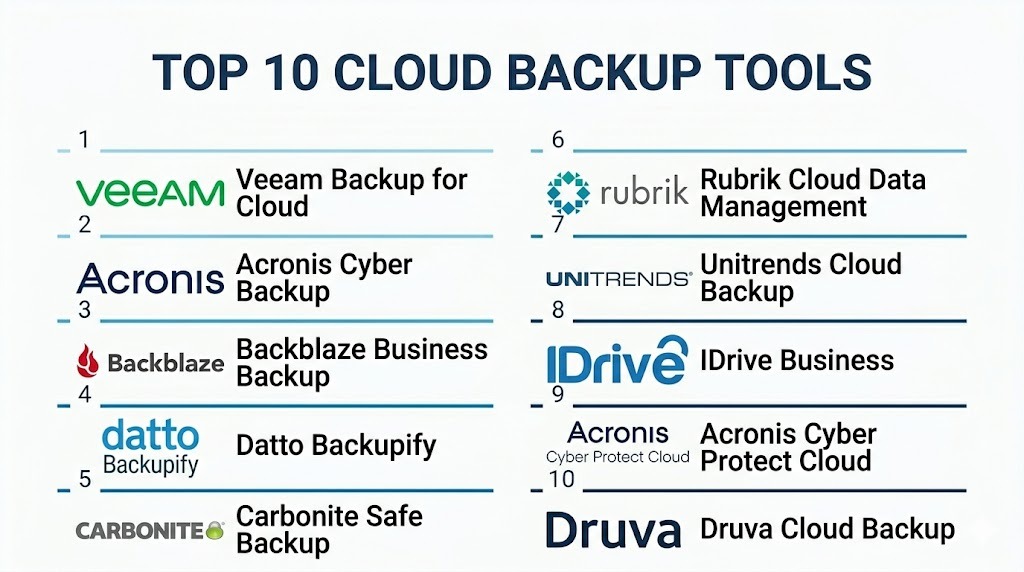
We run a mostly on prem environment with some services in the cloud ( like O365 and backblaze backups ) – I guess you could call it a hybrid environment 🤓 Having done multiple quotes and ROI simulations , I cannot justify moving the rest of our environment to the cloud ( several racks of servers , 98% virtualized ) ON COST ALONE. This is the important bit ,IMHO. I can easily see cases, where being 100% cloud makes sense : small startups, fully distributed teams , one-off projects , proof of concepts projects , etc . However, I think the cost portion is very overhyped . Our company doesn’t fit any of those paradigms mentioned above, that would justify the cost and complexity of cloud . But I keep getting at least 1-2 pitches per quarter to move to the cloud , and their main argument is cost savings.
The contributor’s cost simulations were personal estimates, with no published spreadsheet. The account still describes a specific existing infrastructure and acknowledges cloud advantages for startups, distributed teams, and short projects.
A mixed environment can be a deliberate long-term choice. A company can keep running a local application while getting collaboration software, off-site backup, or selected compute services from cloud providers.
For a total cost of ownership (TCO) comparison, use the same workload and evaluation period for each alternative. Include purchase or refresh costs, cloud subscriptions or metered services, transfer, maintenance, migration, recovery, and required staffing.
How Can You Tell Whether a Cloud Service Fits Your Workload?
Start with a one-sentence description of the workload: what it runs, whether demand is steady or variable, and how much infrastructure your team needs to control.
Back to the small business website. Its developer deploys custom application code and doesn’t need to administer a guest operating system, so a managed application platform, typically PaaS, is the first category to examine. If the application later needs system-level control, IaaS becomes the better comparison. If the business only needs an existing software product, look at SaaS.
Next, check whether the deployment arrangement fits your existing systems and who owns application data, access, backups, and recovery. Billing terms and expected demand finish the assessment. Compare providers and prices only after these requirements are set.
Cloud computing makes sense when on-demand capacity or managed services fit your workload. With predictable demand or efficient infrastructure already in place, compare the full operating cost and responsibilities before moving.