
Choose SaaS when you need an existing application, PaaS when you want to deploy custom code on a supported managed runtime, and IaaS when the workload requires control of virtual infrastructure and the guest operating system. The real question is what your team has to operate and what the specific service supports.
IaaS vs PaaS vs SaaS at a glance
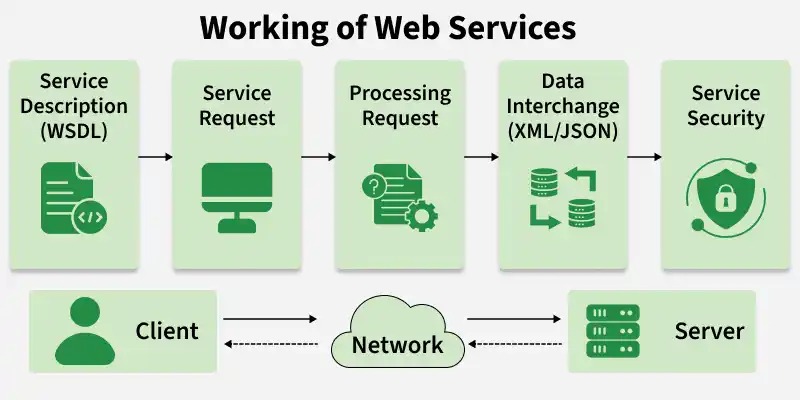
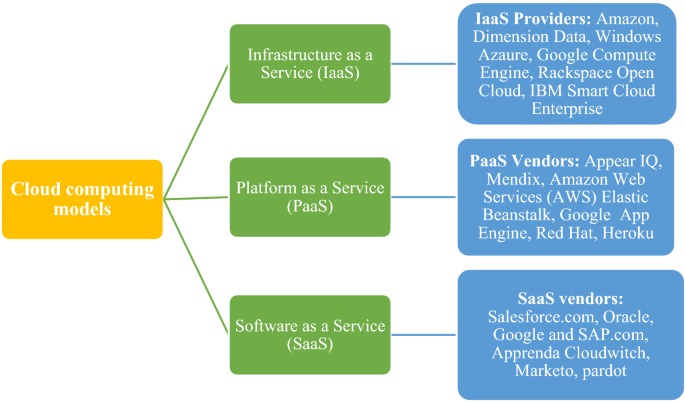
Infrastructure as a Service (IaaS), Platform as a Service (PaaS) and Software as a Service (SaaS) describe what a cloud provider supplies. IaaS supplies computing infrastructure, PaaS supplies an environment for running your own applications, and SaaS supplies a finished application. If AWS services, Azure regions or Google Cloud networking could change your decision, check the workload-based AWS, Azure, and Google Cloud comparison.
| Question | IaaS | PaaS | SaaS |
|---|---|---|---|
| What do you receive? | Virtual machines, storage and networking | Managed deployment and application runtime | Working application |
| What do you operate? | Guest OS, installed software and workload configuration | Application code, data use and service configuration | Users, data access, settings and integrations |
| Who typically uses it? | Infrastructure engineers and developers | Application developers and product teams | Business users and application administrators |
| What makes it attractive? | OS and infrastructure control | Custom deployments with less platform administration | An existing business capability |
| What can disqualify it? | No capacity to manage the required software stack | Unsupported runtime or mandatory system access | Missing required workflow, integration or customization |
The NIST cloud computing definition established three service models alongside four separate deployment models in September 2011.
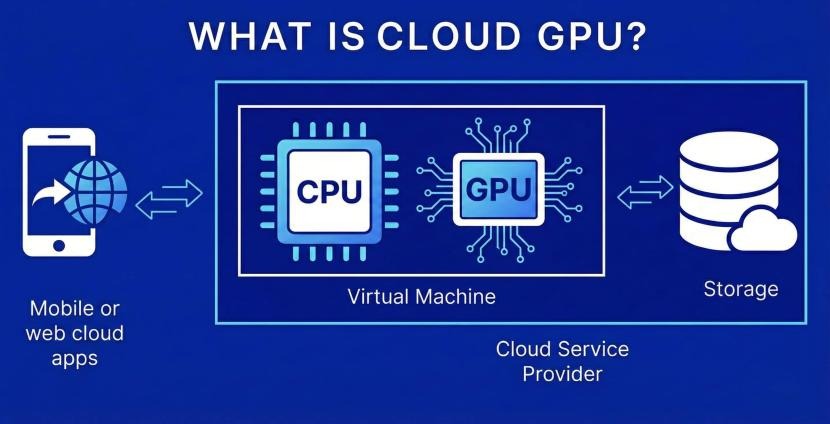
One company can run Google Workspace for collaboration, a managed platform for its customer portal and a virtual machine for a legacy component that needs particular OS settings. Each workload gets its own service model.
Who manages what? The shared-responsibility boundary
The further toward SaaS you go, the more the provider handles. Your data, identities and application decisions stay with you, and the boundary decides who patches, secures, configures, monitors and restores each part of a service.
For Amazon EC2, AWS’s shared-responsibility documentation assigns guest-OS updates, customer-installed application security and security-group settings to you. A managed application runtime shifts OS and runtime maintenance to the provider, while your code and configuration remain yours.
| Layer or task | IaaS | PaaS | SaaS |
|---|---|---|---|
| Facilities, physical hardware and virtualization | Provider | Provider | Provider |
| Guest-OS patching | Typically customer | Typically provider | Provider |
| Managed runtime | Customer if installed | Typically provider | Provider |
| Core application | Customer for its application | Shared: provider-managed platform components; customer code and configuration | Provider operates the SaaS application |
| Customer code, extensions and integrations | Customer | Customer | Customer for its own supported customizations |
| Identities, accounts and permissions | Customer administration | Customer administration | Customer administration |
| Customer data classification and retention choices | Customer | Customer | Customer |
| Backups, restore and continuity | Customer planning; provider features vary | Shared or service-specific | Shared or service-specific |
| Client devices | Customer | Customer | Shared management in Microsoft’s model; customer protects endpoints |
| Monitoring and incident response | Customer workload duties plus provider infrastructure | Shared | Shared |
The SaaS device entry follows Microsoft’s responsibility matrix, which also keeps customer data, identities, accounts and configuration under customer accountability. Product terms and configuration options settle the duties for any particular service.
Assign a named owner
Turn the matrix into a short responsibility record. For guest-OS patching, application security, access administration, backups and incident escalation, write down whether the provider, you or both perform the task, name the internal owner and note the relevant section of the service documents. If nobody can start a restore, you have no recovery plan.
Real examples of IaaS, PaaS and SaaS
AWS, Microsoft and Google Cloud each sell several service models, so classify the product and not the vendor.
One reader of r/cloudcomputing described the confusion:
I’ve read many definitions but I still don’t have a solid grasp on the differences. Software as a Service is easy because I can visualize Gmail, Dropbox, etc. Can anyone provide me with clear definitions of IaaS and PaaS and examples of each? When I was searching there were websites that listed Azure and AWS down for both .. which is not helpful lol Thank you!
| Offering | Model illustration | What the customer receives |
|---|---|---|
| Amazon EC2 | IaaS | Virtual computing infrastructure with customer guest-OS duties |
| Google Compute Engine | IaaS | Virtual-machine infrastructure |
| Google App Engine | PaaS | Managed environment for application deployment |
| Google Cloud Run | PaaS-style | Managed execution for deployed application workloads |
| Google Workspace | SaaS | Ready-to-use business applications |
Google lists these product-level examples in its cloud service-model comparison. Azure Virtual Machines, Azure App Service and Microsoft 365 map to the three models in the same way.
For an unfamiliar product, look at the level of OS access, supported code deployment, runtime constraints, data-export capability and the responsibilities you keep.
Which service model fits your workload?
Start with what the application must do and the one constraint it cannot work without. Then check whether your team has the skills to run the option that fits.
| Workload goal | Starting model | Deciding constraint | Reject the candidate if |
|---|---|---|---|
| Use an existing business application | SaaS | Required workflow, integration and permissions | The application cannot perform a mandatory business function |
| Deploy an application your team develops | PaaS | Supported runtime, deployment environment and dependencies | Mandatory system access or technical dependency is unavailable |
| Operate a specialized or legacy application | IaaS | Guest-OS control and capacity to administer it | The required operations cannot be safely maintained |
Recovery requirements can change the choice
A university IT manager described weighing an ERP move to Azure because the institution operated in a hurricane-prone area. It was a proposed evaluation, and the open question was whether the deployment had a restoration process and recovery objectives that met the university’s continuity needs.
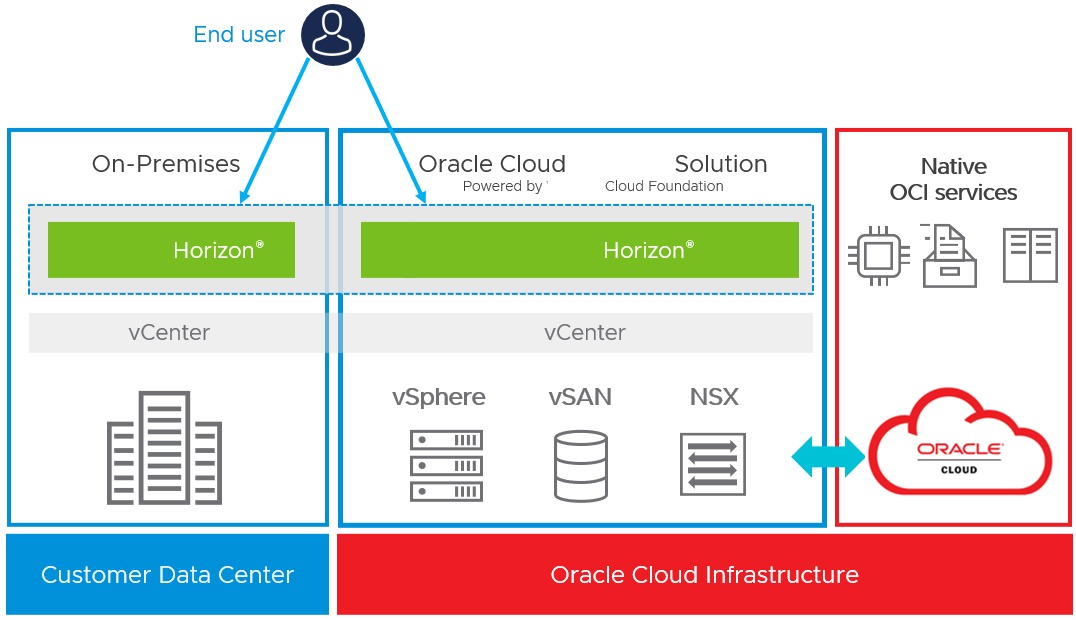
Public, private and hybrid cloud describe how infrastructure is organized, which is a separate question from whether a workload uses IaaS, PaaS or SaaS. The checks for identity boundaries, recovery objectives, and network routes are explained in the cloud architecture workload assessment.
Control, operating effort and total cost
Count engineering time next to the invoice. IaaS requires more OS and application administration, PaaS moves selected platform tasks to the provider, and SaaS shifts the work to user administration, configuration and integrations.
List the costs for each service you consider:
- Service charges: compute, runtime consumption or application subscriptions, under the offering’s billing terms.
- Dependencies: storage, data transfer, managed databases, networking and other supporting services.
- Operations: deployment, monitoring, guest-OS maintenance where it applies, incident response and support.
- Continuity and exit: backups, restores, exports, migration work and integration changes.
- People: the internal time and skills needed to run what remains yours.
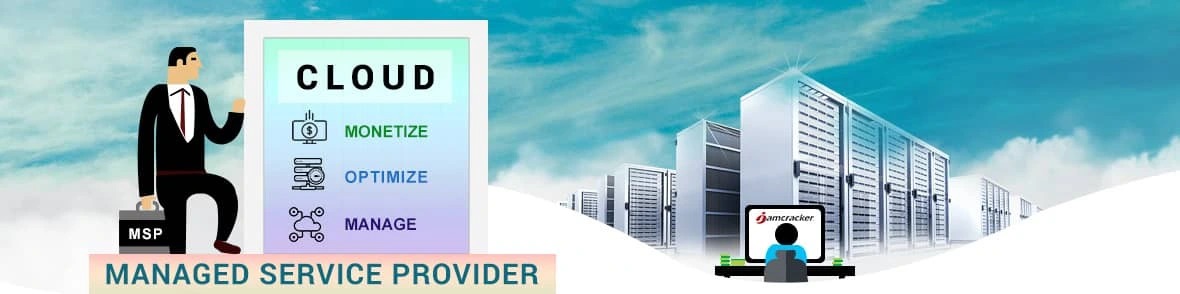
Google Cloud Run is one example. Its documentation describes request-based and instance-based billing configurations, and the setting you choose changes how the service is charged.
If your budget is fixed or your team is small, the cheapest-looking infrastructure option can still be the wrong one.
Data continuity, migration and the exit path
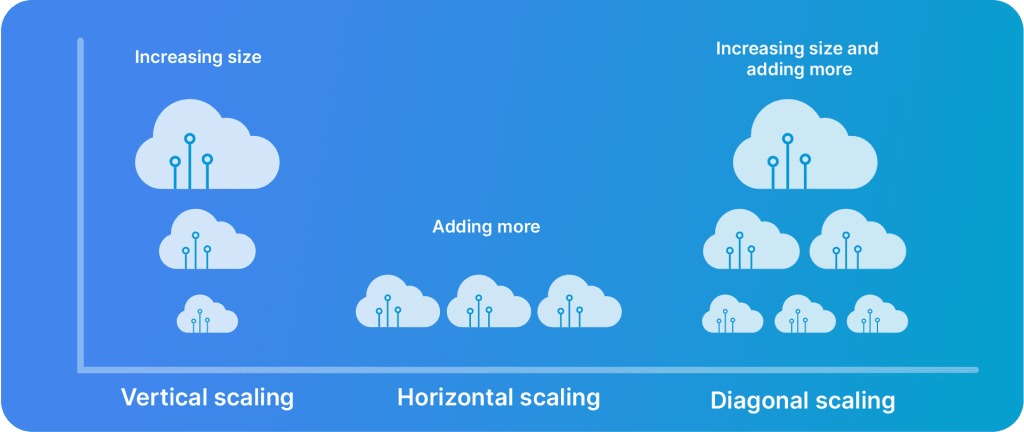
Moving between managed services still requires decisions about data movement, application availability, recovery and who can step in if the move goes wrong. A managed database provider runs part of the platform, but you, as the application owner, still specify the continuity requirements.
A Heroku Postgres user laid out a production database decision in concrete terms:
With the industry seemingly pulling back from Heroku, I’m getting some pressure to move our production database off of Heroku Postgres. I don’t have a specific replacement in mind, so I’m hoping anyone here who has migrated from Heroku Postgres can share their experience. We’re currently running a premium-2 database, so I’m looking for something with a similar level of performance and high-availability support is required. I’ve considered just going with AWS RDS, but I don’t have any experience using it so I’d prefer something with a simpler interface if possible. I’d love to find an option with a relatively simple zero-downtime migration path, but scheduling a 2-4 hour maintenance window would be possible given that our application barely sees any use during the night.
The author wanted comparable performance and high availability, had considered AWS RDS and could accept a two-to-four-hour nighttime maintenance window.
Write the continuity and exit specification
- Interruption budget: how long the application can be down and under which conditions.
- Data integrity: how you will export, import and handle in-flight changes.
- Backup, restore and availability: the recovery method, how you will test a restore and any required high-availability features.
- Dependencies: database extensions, authentication, integrations and application changes the move affects.
- Accountability: who may start recovery and approve a return to the prior service.
Zero-downtime movement requires an application-specific path that you have tested.
Test the application before production cutover

An application that deploys fine can still behave differently on another managed platform. Response times, background processing, error rates and visibility into operations change the result even when both services support the same language.
A Rails developer moving from Heroku to Railway ran into queuing the team had not expected:
Roughly two weeks of doing every sniff and poke, and we can’t seem to understand why Railway’s network is imposing 150ms-200ms request queuing for every request. I’ve gotten no help from Railway support despite being on their Pro plan. In the past few days I’ve spun up the same stack in Render and DO, but haven’t tried out Fly yet. Render and DO give us the 40ms response times we’re used to seeing. Anyways, be warned. If you’re looking for a new forever home, avoid Railway. Or at least do some thorough stress testing before migrating. Regardless, it’s mind boggling that no one can simply just re-do what made Heroku special. The amount of time I wasted on this has been infuriating.
The developer reported approximately 40 ms at the 95th percentile on the earlier Heroku deployment and 150 to 200 ms of request queuing on Railway. In an update to the same post, the author reported moving the stack successfully to Render with jemalloc and YJIT enabled.
Set a pass or fail condition before migration
- Record the baseline: representative requests, response-time percentiles, error behavior and critical background jobs.
- Deploy the whole stack: application, database connections, workers and supporting dependencies.
- Run representative traffic: compare latency, queuing and errors under a load that resembles real use.
- Check operating signals: find out what your team can monitor and how support and incident escalation work.
- Define acceptance: decide what must be met before you switch production traffic.
- Plan rollback: write the steps for returning to the earlier deployment if those conditions fail.
Where containers and serverless services fit
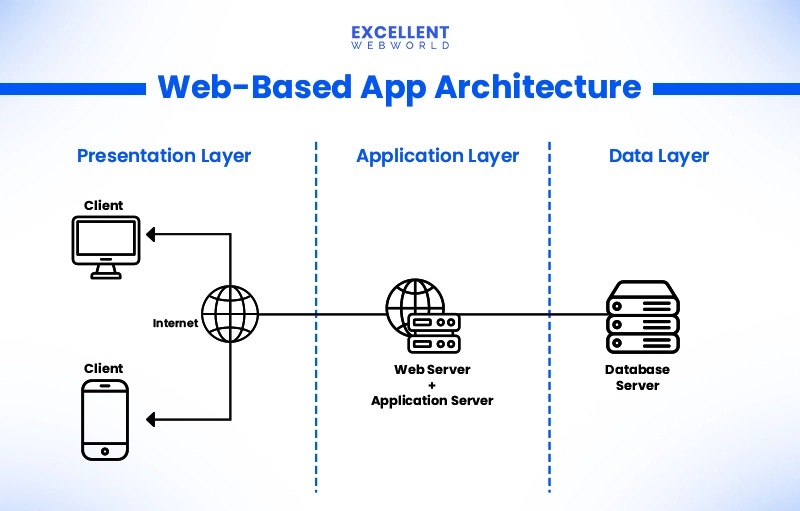
NIST’s three models are the starting taxonomy. Commercial categories such as Containers as a Service (CaaS) and serverless functions describe more specific ways to run code. Cloud Run, for example, provides an ephemeral instance filesystem, so durable application files need persistent storage. Before you commit, check the exact service’s terms against your runtime, security, recovery and exit requirements.