
Use AWS cost allocation tags to attribute supported resource charges to a project, workload, or owner. Activate the billing tag key and check its values against actual cost data before you rely on the result. Shared charges, unsupported charges, and charges from before a resource was tagged need account boundaries or documented allocation rules. Start with one meaningful key, confirm it on a charged line item, and investigate the remaining unattributed spend.
What AWS cost allocation tags show in your bill
An AWS resource tag such as Project=Alpha labels a supported resource. A cost allocation tag makes that key available as a dimension in billing reports. Four states are worth telling apart: the tag is attached to a resource, its key appears in the billing manager, the key is activated, and a charge carries a value in the cost report. User-defined and AWS-generated tags have different namespaces. AWS Service Catalog AppRegistry’s awsApplication tag is a documented exception that activates automatically under supported conditions. These dimensions support showback, which reports assigned costs. Chargeback, the recovery of those costs, is a separate organizational process.
Choose tag keys that represent workloads and accountability
A useful tag answers a question someone in your organization needs to resolve. AWS already identifies the service behind a charge, so a tag that repeats RDS or ECS tells you little about which business application used the resources.
Consider a payments application using an Application Load Balancer, ECS tasks, an RDS database cluster, and SQS queues. Each component produces its own AWS service charges. A consistent Service=payment-processor tag gives you one workload dimension across every resource that supports tagging and carries charges.
| Tag key | Illustrative value | Question it helps answer |
|---|---|---|
Environment | prod | How much attributable spending belongs to production? |
Service | payment-processor | What does this application workload cost across AWS services? |
Team | platform | Which operational team is accountable for the tagged resources? |
Project | Alpha | How much spending is attributable to this project? |
CostCenter | Operations | Which internal finance category should receive the attributed cost? |
A small application team might need Service and Environment. An organization with separate engineering and finance reporting may also need Team or CostCenter.
One engineering team describes changing its tags to reflect internal services:
The key insight for us was Service. We used to tag by AWS product type which told us basically nothing we didn’t allready know from Cost Explorer. Once we started tagging by our own service names, everything changed. A single Service:payment-processor tag now spans the ALB, the ECS tasks, the RDS cluster, the SQS queues.
Create a compact tag dictionary before deployment. For each chosen key, record five things:
- Key name: The exact capitalization, such as
CostCenter. - Allowed values: A maintained pattern or vocabulary, such as
prod,staging, anddevforEnvironment. - Reporting purpose: The business question the field supports.
- Accountable owner: The person or team responsible for correcting inaccurate values.
- Cleanup rule: What happens when a project closes, a service changes names, or a team takes over ownership.
Capitalization matters. CostCenter, costCenter, and Costcenter are three distinct keys. A project that uses all three splits its reporting, even when readers see them as the same thing.
Keep secrets, customer identifiers, access tokens, and other sensitive information out of tag values. Tags are operational metadata, and AWS warns against storing sensitive information in them.
Apply and activate user-defined tags in the right AWS account
Applying a resource tag and activating its billing key are separate AWS operations. In AWS Organizations, the management account controls the cost allocation tag manager. A standalone account outside Organizations manages its own keys. Permission to tag resources in a member account does not give you billing-management authority. Setting up anomaly monitors, spend alerts, or Cost Explorer too? See how to investigate AWS cost anomalies and alerts.
Apply the tag to a supported resource
Use the resource’s AWS console, service API, or Tag Editor to attach a key/value pair. For example, an EC2 instance supporting Project Alpha gets:
Project=Alpha
Not every service supports tagging, so this step works only on resources that accept the tag.
Activate the key for billing
In the authorized billing account:
- Open Billing and Cost Management. Navigate to Cost allocation tags.
- Locate the user-defined key. Look for
Projectamong the available keys. - Select the key and activate it. Use Activate to enable that billing dimension.
- Record the change. Keep the exact key name, who activated it, the account scope, and the activation date in the operations record.
The UpdateCostAllocationTagsStatus API lets you manage activation programmatically. Activation applies to the tag key. Values such as Alpha and Beta do not each need their own switch.
A newly applied user-defined key can take up to 24 hours to appear for activation. Activation can take up to another 24 hours. Reports refresh on their own schedule.
Console steps and activation behavior are in the AWS cost allocation tag activation documentation.
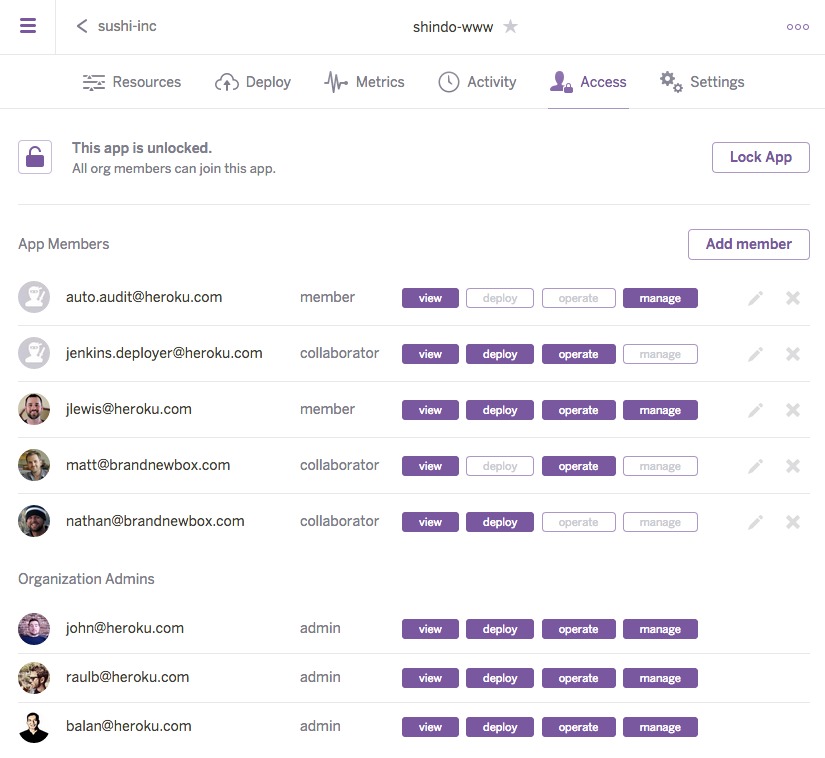
In billing data, a user-defined key can appear with a user: prefix. The resource keeps its Project key, and the billing report shows that dimension with the prefix.
When a member account moves into a new AWS Organization, previously active cost allocation tag keys can become inactive under the new billing relationship. Activate them again under the new management account.
AWS Billing documentation lists 500 active cost allocation tag keys per payer account and 20 keys per activation or deactivation request; the active-key quota can be adjusted through Service Quotas.
Verify tags in Cost Explorer and CUR 2.0
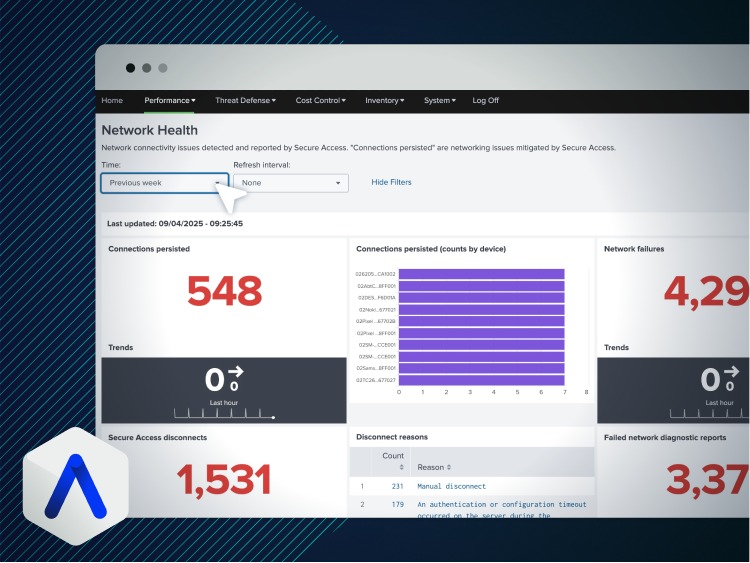
An Active status confirms only that the billing key is enabled. The real test is whether a charge in your reporting period carries the expected value.
Cost Explorer gives a summary for a first check. CUR 2.0 gives line-item evidence when a charge needs a closer look.
Check the billing dimension in Cost Explorer
Open Cost Explorer for your billing scope and pick a period when the tagged resource existed and carried the tag. Group or filter by the tag key and value, such as Project=Alpha, and match the account to the workload you are checking. A value on a charge shows the dimension works for that part of the bill.
For example, an EC2 workload tagged Project=Alpha with usage in the selected period groups under that project value once the key is active and processed. A charge with no resource-level tag value stays outside that grouping. That is why a project subtotal can come in below the organization’s total AWS bill.
Inspect a line item in CUR 2.0
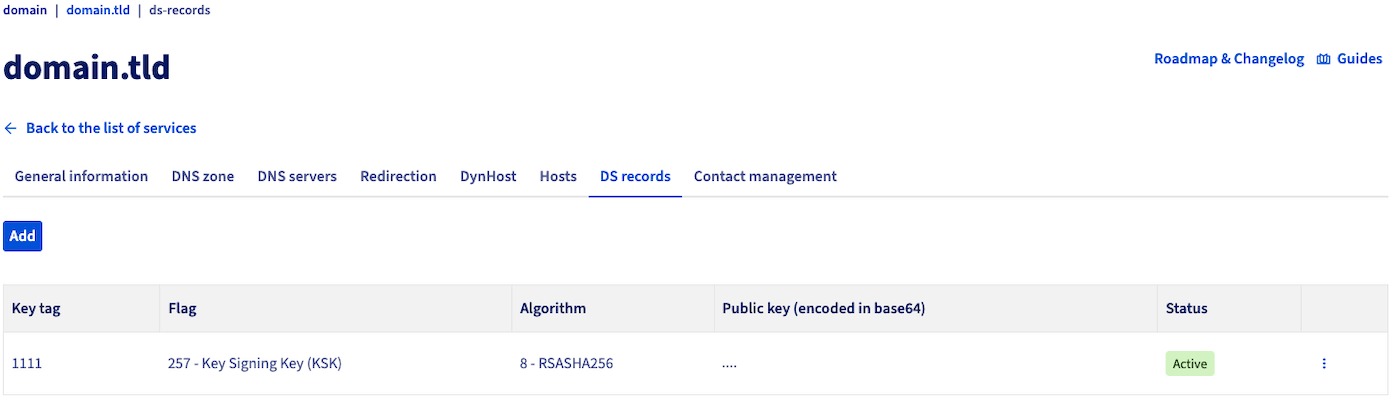
For deeper verification, AWS Cost and Usage Report 2.0 exposes resource_tags, a map<string,string> of the activated tag key/value pairs on billed line items. The format and meaning of this field are in the AWS CUR 2.0 resource tags reference.
AWS Data Exports can also include a broader Tags map, so the right field depends on your export configuration. Use resource_tags for the activated billing-key check described here.
To make the check reproducible, keep the reporting period, account, AWS service, exact tag key, selected value, and one cost line. That lets you compare later changes against the same scope.
Troubleshoot a tag that is missing from cost reports
Start by finding where the expected key or value drops out of the chain. A key missing from the activation manager is a different problem from a key marked Active whose value is empty in an AWS Budget filter.
| Symptom | First diagnostic check | What the result changes |
|---|---|---|
| Key never appears for activation | Confirm the exact key exists on a supported tagged resource and when you applied it | A newly applied key can take up to 24 hours to appear |
| Key appears as Inactive | Check which billing account has authority and the activation status | Activate it from the authorized account |
| Active key missing from Cost Explorer filters | Match billing scope, reporting period, key spelling, and processed data | Check whether the period or dimension has values at all |
| Key visible, value blank | Check whether that specific charge has a tag value | The gap is specific to that charge |
| AWS Budget or provider-integrated filter blank | Compare how the downstream filter writes the key with the activated billing key | Filter format and activation need different fixes |
| Key missing after organization movement | Confirm the current management-account relationship | The new payer must restore activation |
For an Active key with no values in a report, check the period. If you tagged the resource after that period, it shows no value. The backfill section covers what you can recover.
Key spelling matters too. A downstream integration may require a particular representation of an activated billing dimension, so check its filter syntax against that system’s documentation and keep the original resource key consistent.
If states, account scope, spelling, and period all agree and the result is still wrong, keep those observations for AWS documentation or support. Repeatedly deleting and recreating tags without finding the failing state makes historical attribution harder to read.
Audit untagged resources and unattributed AWS spending
A reliable tagging audit covers two populations: AWS resources that need meaningful labels and billed charges that need a defensible allocation. Their counts, scopes, and identifiers differ. You can have correctly tagged resources while some charges sit outside resource-tag allocation. You can also have resources missing the owner tag that do not appear in the billing period you are investigating.
Find resources with missing tags
The Resource Groups Tagging API GetResources operation returns tagged or previously tagged resources within its supported scope. It does not return resources that have never been tagged. The AWS GetResources API reference states this limit. A script that relies only on this operation cannot give you an inventory of never-tagged assets.
In AWS Resource Explorer, tag:none finds resources without user-created tags. Resources carrying only AWS-generated tags can still appear in those results.
For a missing ownership key, a negative filter such as -tag.key:CostCenter finds resources lacking that key within the selected Resource Explorer view. Resource Explorer searches are case-insensitive, so this query does not separate capitalization variants. Use an exact-tag inventory or a tag-policy check for that.
Resource Explorer coverage depends on the view, account, Region, and indexed resource types. A search returns at most 1,000 resources, and IAM resource tags are not indexed. For larger or service-specific inventories, run extra coverage checks before treating the audit as complete.
Reconcile charges against the intended allocation
Fix a billing period and a total-cost denominator, then sort charges into those carrying usable values and those needing another explanation.
| Exception class | What the evidence shows | Appropriate treatment |
|---|---|---|
| Tagged and billed | The cost line carries the expected active tag value | Include in the attributed subtotal |
| Resource tagged, billed value absent | Resource metadata and the selected billing line do not align | Check service support and reporting period |
| Missing resource tag | A supported resource lacks the intended metadata | Assign tagging remediation to the accountable owner |
| Shared infrastructure | One resource or account supports multiple consumers | Apply a documented shared-allocation method |
| Unsupported or nonresource charge | Charge lacks the intended resource-tag dimension | Account for it separately within the billing denominator |
| Historical gap | The tag did not exist on the resource during the selected period | Record the historical limitation and the recovery boundary |
A worksheet can record the account, Region, service, resource ID or ARN, intended tag, observed value, matched bill period, charge amount, exception type, accountable owner, and remediation ticket. For an exception with no matching resource, leave the resource ID blank and record its billing classification.
The unallocated remainder is the part of the defined billing total with no attribution under your chosen method. Its dollar value comes from the cost report. A resource inventory cannot supply it.
Separate resource creation history from current ownership
An IAM role created by a platform engineer may support an application maintained by another team. CloudTrail create/update events, infrastructure-as-code state, Git history, and deployment records help reconstruct who created a resource.
One practitioner describes the distinction:
For current owner: look at who can change it, who gets paged if it breaks, what app/workload depends on it, and whether there is a cost-center/account boundary. An IAM role created by one platform engineer may actually belong to an app team.
Creation evidence for older assets may be incomplete or missing. Decide ownership by the current workload and organizational responsibility, and assign unresolved cases to an investigation ticket. Operational records and service owners are a safer way to find dependencies than interrupting a production application.
Backfill cost allocation tags without inventing historical tags
AWS supports retrospective cost allocation tag activation for eligible historical periods. The tag must already have existed on the resource during the period you want to recover.
AWS documents the following example:
- January through May 2023: The resource does not yet have the
Projecttag. - June 2023: The
Projecttag is applied to the resource. - November 2023: The user-defined cost allocation tag key is activated for billing.
- December 2023: A backfill request is made with January 2023 as the requested starting month.
The historical result can contain tag values for June through December 2023. January through May stay without values because the resource did not carry the tag then.

AWS permits requests covering up to 12 months. A management-account user in AWS Organizations starts the process under Cost allocation tags and Backfill tags, selects the starting month, and confirms the request.
A backfill in progress blocks another request. AWS also limits new submissions to one request per 24 hours.
Processing and visibility in a cost report are separate events. AWS documents a once-per-24-hours refresh cycle for Cost Explorer, Data Exports, and Cost and Usage Reports, so an accepted request can precede the updated view. If CUR 2.0, Cost Explorer, or AWS invoices changes your decision, see how to reconcile AWS Cost and Usage Reports.
Request conditions and historical behavior are in the AWS cost allocation backfill documentation.
Backfill applies the key’s current activation status to the selected historical period, so an inactive key can lose previously visible historical billing values. Decide the activation status you want before you submit.
When resource tags are not enough: accounts and shared-cost rules
Resource tagging works best when a charge maps to a tagged resource and its owner or workload. Shared platforms raise a different question: several applications may use the same account, network, monitoring system, database, or container infrastructure. Three approaches cover most cases.
| Allocation approach | Useful when | Principal trade-off |
|---|---|---|
| Resource cost allocation tags | Supported resources have identifiable workloads or owners | Shared and unsupported charges may remain outside direct allocation |
| Account boundaries or account-level tags | An account has clear organizational responsibility | Account ownership may be too coarse for multi-team services; reorganization can carry operational cost |
| AWS Cost Categories and documented split rules | Several consumers share a charge and a defensible allocation basis exists | Rule-based distribution requires agreed assumptions and maintenance |
An AWS account owned by a single team simplifies accountability. Account-level tags in AWS Organizations give a separate billing dimension from tags on individual resources, at a coarser level of granularity.
A shared VPC or observability platform may sit in a platform team’s account while serving applications managed elsewhere. You can identify the account owner, but you still need a method to split the cost among the beneficiaries.
One practitioner describes how that problem can be approached:
But I’ve also done ‘shared platforms’ like container platforms or shared large databases where you need to ensure there’s a proper intake associating container apps or DB tables with cost centers or applications. You can then pull operational data like # of x-sized container hours per month as a % of total x-sized container hours to build allocation ratios.
For shared container infrastructure, relative container-hours can feed an allocation formula. Without that measurement, proportional attribution based on directly assigned spend is simpler. Document the method in terms the cost owners and finance team agree on.
Management-account users in AWS Organizations administer Cost Categories. Cost Categories can group spending by accounts, active cost allocation tags, services, Regions, and charge types. Rules can also distribute eligible costs using proportional, fixed, or even split methods.
AWS’s example groups Projects Alpha and Beta into Engineering and Project Gamma into Marketing, with an optional IT grouping for remaining charges. A shared IT allocation could distribute 70% to Engineering and 30% to Marketing if that ratio is an agreed internal assumption. The ratio is accounting treatment. If you need actual physical consumption, establish it separately.
AWS shows the calculated split allocations on the Cost Categories details page, with before-and-after values and a downloadable CSV. Split-charge calculations do not flow into Cost Explorer or Cost and Usage Reports, so inspect the distribution in Cost Categories. The grouped category labels and ordinary resource-tagged charges remain separate reporting concepts. For cost dashboards, allocation reports, and engineering alerts, see the cloud cost management software buying checklist.
Keep cost allocation tags accurate as AWS resources change
A tag dictionary stays useful only while resource creators and owners maintain its values. You need a named steward for the taxonomy, an owner for exceptions, and a rule for retired projects, renamed services, and transferred workloads.
AWS Organizations tag policies can enforce supported capitalization and permitted values. Under Basic compliance rules, that validation does not reject creating a resource with the required key missing entirely. Required-tag-key capabilities in supported infrastructure-as-code scenarios and SCP-based restrictions for particular operations have their own enforcement scopes.
A deployment that writes costCenter where the standard says CostCenter is a capitalization and value problem. A resource created with no cost-center key is a missing-key problem. Pick controls for the specific resource and operation.
Test enforcement in a limited scope before applying rules that can block production resource creation. An organization-wide deny rule copied without checking its supported actions can interrupt legitimate deployments.
Assign a monthly or rollout-triggered exception review to the tagging owner. It should cover the relevant accounts and services, stale owner values, missing keys, and unresolved billing-allocation exceptions. Put changes in team responsibility or AWS Organizations membership through the same change process.
The checks for cloud billing, cost allocation, and engineering owners are explained in the FinOps cloud-cost operating cycle.